How do I download a video from Telegram?
Telegram is one of the very few platforms where the app you already have can do the job properly — so the useful question is not how to download, but when reaching for anything else is worth the trouble.
- Guide
- How-to
- Read
- 13 min
- Language
- English
Steps checked against the Savvy Android app on
Devikon Research Team
Which Telegram links can be read from outside, and which cannot
One distinction decides everything else on this page: whether a Telegram link points at something published to the web, or into a private conversation.
A public channel publishes to the web. Every post in one has an address shaped like t.me/channelname/123, and that address opens in an ordinary browser with no Telegram account at all. It is a real public page. A downloader can read it the same way you can, because there is nothing privileged about the access — anyone with the link already has it.
A private chat has no such address. A one-to-one conversation, a private group, a channel you were invited into — none of it exists on the open web. Telegram does mint links that look superficially similar, of the form t.me/c/ followed by two numbers, but those are internal pointers. They resolve only inside the app, only for accounts that are already members. Open one in a signed-out browser and you get nothing at all. Hand it to a downloader and you get exactly the same nothing, for exactly the same reason.
There is a third shape people mistake for content: the invite link, t.me/+ followed by a random string, or the older joinchat form. That is a link to a door, not to a video. There is no single piece of media behind it to fetch, so no app can do anything useful with it.
Savvy recognises the Telegram domains — t.me and telegram.me as the main pair, with telegram.org, telegram.dog and web.telegram.org alongside. Worth being clear that recognising and resolving are separate steps. The app can tell a t.me address is Telegram long before it knows whether anything public sits behind that particular one.
- t.me/channelname/123 — a post in a public channel, readable from the link alone
- t.me/s/channelname — the browser preview of a public channel, the same content in web form
- t.me/c/… — a pointer into a private chat; works inside the app, for members, and nowhere else
- t.me/+… or /joinchat/… — an invitation, not a piece of content
- web.telegram.org addresses — tied to your own signed-in web session, not shareable at all
No downloader gets you into a chat you are not in. If a link does not open for you signed out in a browser, an app reading that same page meets the same refusal. Anything advertising otherwise is describing something that does not work.
So when is a downloader actually worth reaching for?
Given all of the above, the honest list is short. Three situations, and outside them the native button wins.
The link reached you outside Telegram. Someone drops a t.me address into a WhatsApp group, a forum thread or an email. Following it properly means Telegram opening, possibly a channel to join, then hunting for the right post. Handing the link straight to Savvy skips the lot — one share, and the file is downloading.
You want the file where your other saves live. Telegram's own save writes into Telegram's storage arrangement, which is fine until you are collecting from several platforms at once. Savvy writes to a single Downloads / Savvy tree sorted by platform and lists everything under one Library with search and filters. One place beats five.
Telegram is not installed or signed in on this device. A public channel post does not require either. The page is public; a downloader reads it as a page.
What none of this is for is reaching content you cannot already see. That is worth restating plainly because it is the thing people most often hope a downloader is secretly for, and it is the thing it is definitively not.
What quality you get, and what it costs
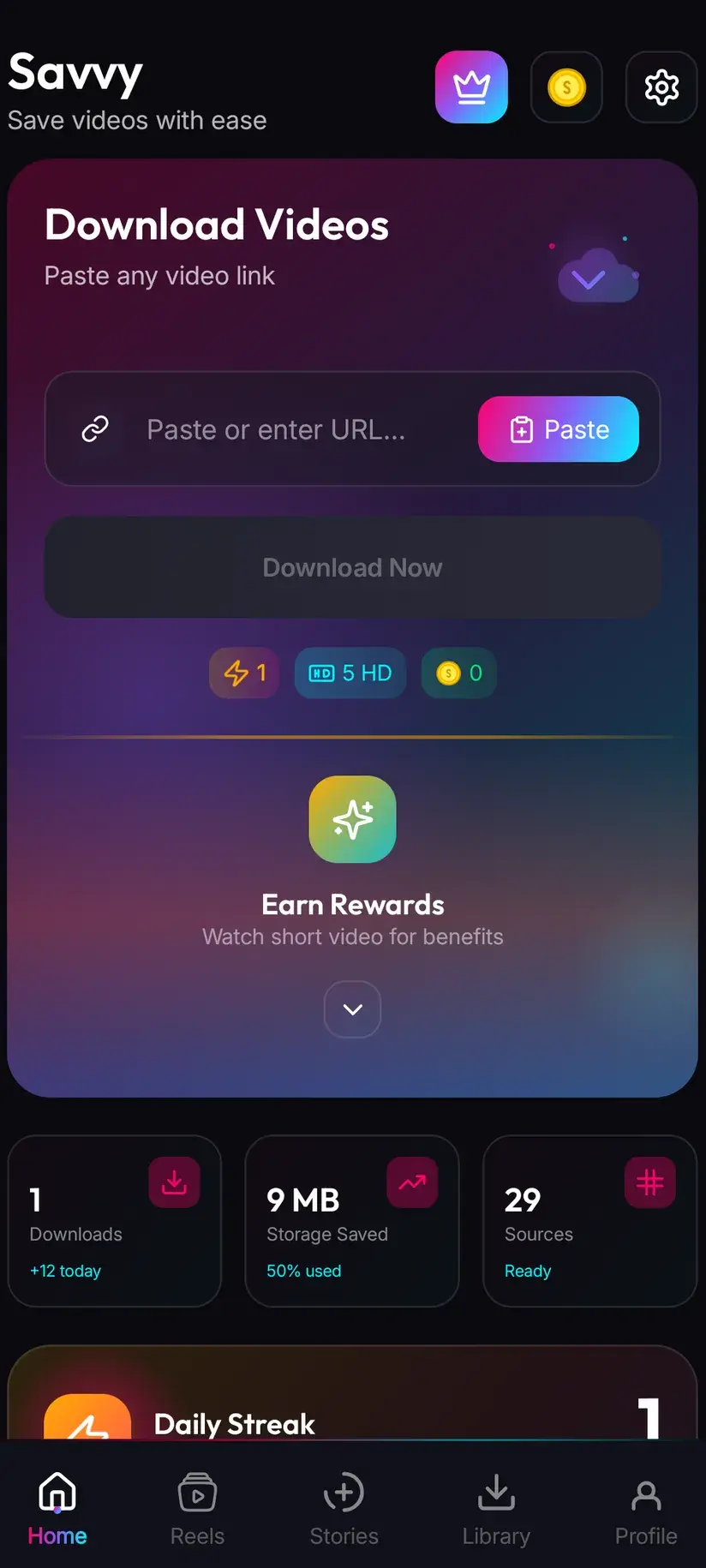
After a link resolves, Savvy lists the qualities that particular video is genuinely available in and lets you choose. Standard definition, up to 480p, is free — it draws on a daily allowance rather than any balance, so ordinary everyday saving costs nothing at all.
Above that the cost is in coins, Savvy's in-app currency. The tiers are worth reading once rather than memorising, because for most Telegram video the free tier is where you will stay anyway.
The reason is how Telegram handles uploads. Video sent normally gets compressed on the way in — that is what makes the app quick on poor connections — so plenty of channel video is already modest before anyone downloads it. A quality picker can only offer what exists. If the top option listed is 720p, that is the ceiling for that post and no app raises it.
The exception is video posted as a file rather than as a video. Telegram leaves those untouched, which is exactly the case where its own save button is unambiguously the better tool: you get the original bytes, at whatever size the sender uploaded, for nothing.
- SD video, up to 480p — free, from your daily allowance
- HD and Full HD video — 10 coins, or one HD credit if you have one
- 2K video — 15 coins
- 4K video — 20 coins
- Images and audio — 5 coins
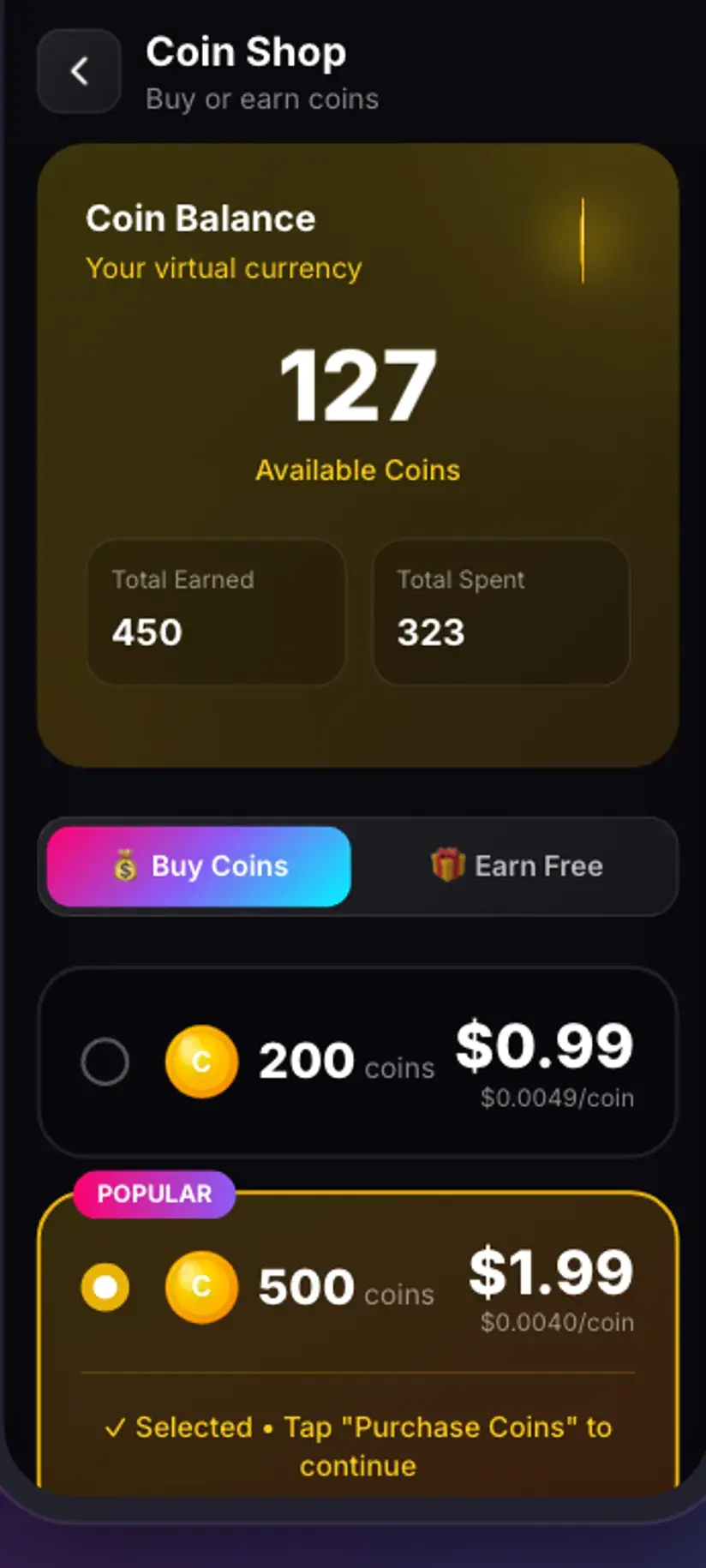
Coins are earned as well as bought — a short rewarded ad or a daily check-in both add to the balance, and the Coin Shop lists those routes next to the packs. Premium is the other way out: it removes ads and lifts the download limits. The free tier is ad-supported through Unity Ads, which collects your device's advertising ID, as set out in the Savvy privacy policy.
Where the file lands, and what you are entitled to keep
Finished downloads go to your device's Downloads folder, into a Savvy directory sorted by platform — so a Telegram video lands in Downloads / Savvy / Telegram. From that point it is an ordinary file: it shows in your gallery, plays in any video app, and shares onward like anything else.
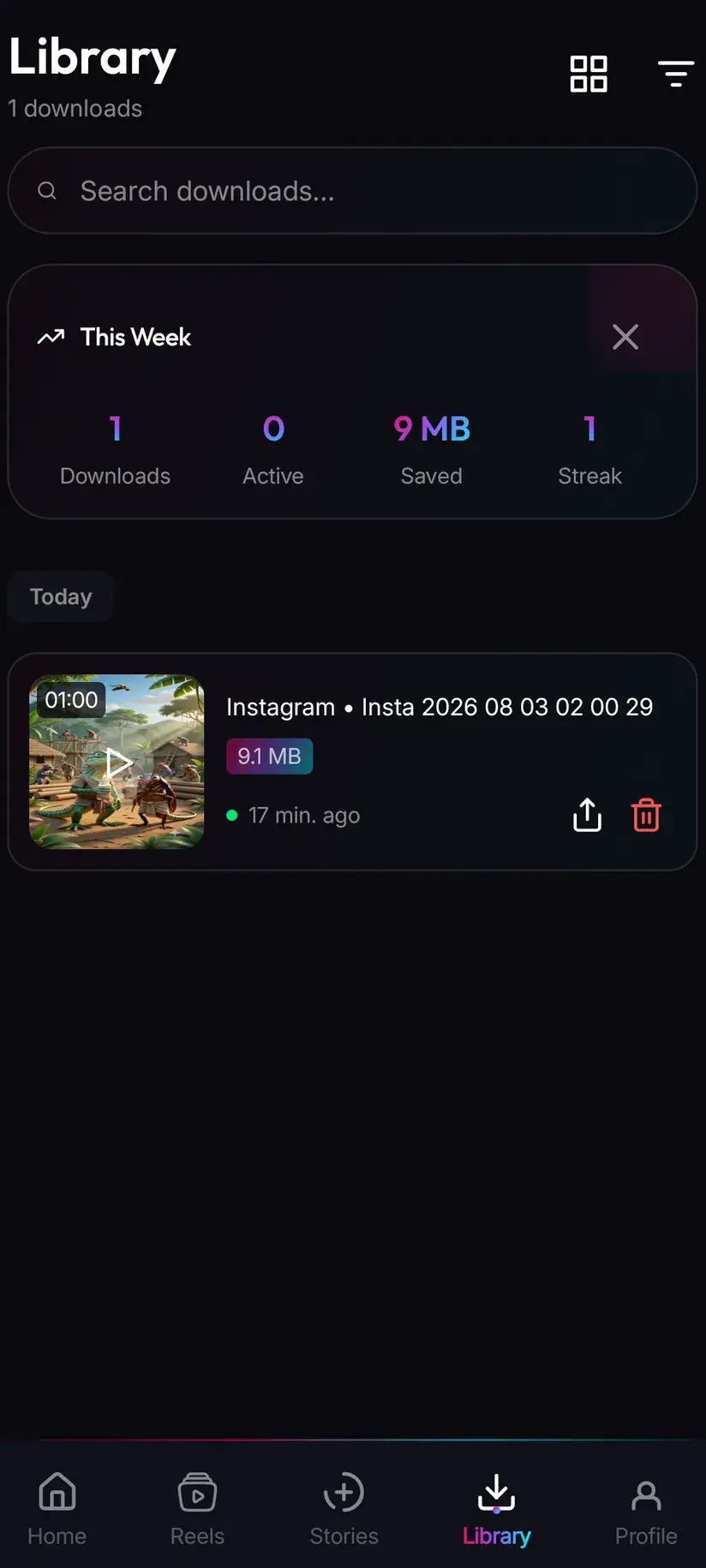
Inside the app, Library is the quicker way back to it, with search and filters so finding one clip from a fortnight ago does not mean scrolling a gallery full of screenshots. Storage is its companion — it shows what each saved file is costing you in space and lets you clear several at once.
The rights question is sharper on Telegram than on most platforms, and it is worth saying rather than skirting. A great deal of what circulates in large channels was uploaded by someone who did not make it: films, music, television, whole magazines. That a channel is public does not make its contents licensed, and downloading from it does not launder anything. The question to ask is not whether the file is reachable but whether you have any business keeping it.
Saving your own uploads, material you have permission to use, or a public clip you want to rewatch offline is ordinary and uncontroversial. Redistributing someone else's work, or profiting from it, is a copyright matter and has nothing to do with which app fetched the file.
Being able to download something is not the same as having rights to it. Is downloading videos legal? sets out where the line usually falls, and it is worth reading once before this becomes a habit.
Procedure
How to download a video from a public Telegram channel
If the video is in a chat you can already open, use Telegram's own Save to Gallery instead — it is quicker and gives you the original file. These steps are for a public t.me post link that reached you from outside the app.
Check the post is public
Open the t.me link in a browser without signing in. If the post loads, it is a public channel post and a downloader can read it. If you get nothing, it points into a private chat and no app will resolve it.
Install Savvy and allow storage access
Install Savvy from Google Play and open it. Grant the storage permission when asked — that is what lets a finished download be written somewhere your gallery can see rather than staying trapped inside the app.
Send the link to Savvy
In Telegram, use the arrow on the post and look for Share to… or the app list inside the forward panel, then pick Savvy. The link is handed over and the download starts on its own. If Savvy is not offered, long-press the message and choose Copy Link instead.
If you copied instead, tap Paste and then Download
Open Savvy and tap the Paste button beside the link field. That fills the field with what you copied and checks the shape is one the app recognises — it does not start anything. Tap Download afterwards to begin.
Choose a quality
Savvy lists the qualities that video is genuinely available in. SD up to 480p is free from your daily allowance; HD and above spend coins. Pick the highest option actually listed rather than assuming a better one exists behind it.
Let it finish, then check Library
Progress shows in the app. When it completes the file is in Downloads/Savvy/Telegram on your device and listed under Library inside Savvy, where search and filters make it easy to find later.
Frequently asked questions
- Can I download a Telegram video without an app?
- Yes, and usually you should. Telegram has its own save control: open the video full screen, use the overflow menu and choose Save to Gallery. That gives you the file the sender uploaded, with no quality tier to pick and nothing to spend. A separate downloader is worth reaching for in three cases — the t.me link reached you from outside Telegram, you want the file filed alongside saves from other platforms, or Telegram is not installed on the device you are using.
- Can I download a video from a private Telegram chat?
- Not from a link. Private chats, private groups and invite-only channels are not published to the web, so there is no public address for anything to read. Telegram does mint t.me/c/ links for them, but those are internal pointers that resolve only inside the app for accounts already in the chat. In a chat you are a member of, use Telegram's own Save to Gallery — that route works and is the right one.
- Which Telegram links work in a downloader?
- Posts in public channels, shaped like t.me/channelname/123, plus the browser preview form t.me/s/channelname. Those open in a signed-out browser, which is the test worth running before anything else. Links of the form t.me/c/ point into private chats and will not resolve. Links beginning t.me/+ or containing joinchat are invitations rather than content, so there is no video behind them to fetch. Addresses on web.telegram.org are tied to your own signed-in session and are not shareable.
- Is downloading Telegram videos free?
- Standard definition up to 480p is free — it comes from a daily allowance rather than any balance. Above 480p you spend coins: 10 for HD or Full HD, or one HD credit, 15 for 2K, 20 for 4K, and 5 for an image or an audio file. Coins are earned free by watching a short rewarded ad or checking in daily, or bought in packs. Premium removes the ads and lifts the limits instead. Telegram's own save button, where it is available, costs nothing at all.
- Why is a Telegram video low quality after downloading?
- Almost always because it was compressed on upload. Telegram re-encodes video sent the normal way, which is what makes it quick on a weak connection, so plenty of channel video is modest before any downloader touches it. A quality picker can only offer what exists, and downloading cannot add detail that was never uploaded. Video posted as a file rather than as a video is the exception — Telegram leaves those alone, and its own Save gives you the original.
- Why can I not save from some Telegram channels?
- Because the owner has turned content protection on. It is a per-channel setting that removes forwarding and saving for everyone, and it applies to the channel's own members too. That is a deliberate choice by the person publishing, and it is best treated as an answer rather than an obstacle. Guides that promise a way past it are promising something other than what this one does.
- Where do downloaded Telegram videos save on my phone?
- In your device's Downloads folder, under a Savvy directory sorted by platform, so Telegram video lands in Downloads/Savvy/Telegram. It behaves as an ordinary file from there: it appears in your gallery and plays anywhere. Inside Savvy, Library lists everything you have saved with search and filters, and Storage shows what each file takes up so you can clear several at once. Files saved through Telegram's own button go wherever your Data and Storage settings send them, which is often a Telegram folder rather than the gallery.
- Do I need a Telegram account to download from a public channel?
- No. A public channel post is an ordinary web page, so a downloader reads it with no Telegram account and no sign-in of any kind. You also do not need a Savvy account — the core app works without signing up for anything. An account only becomes relevant for content that was never public in the first place, and in that case the answer is Telegram's own save control rather than a link.