POPOS
Restaurant POS & Billing
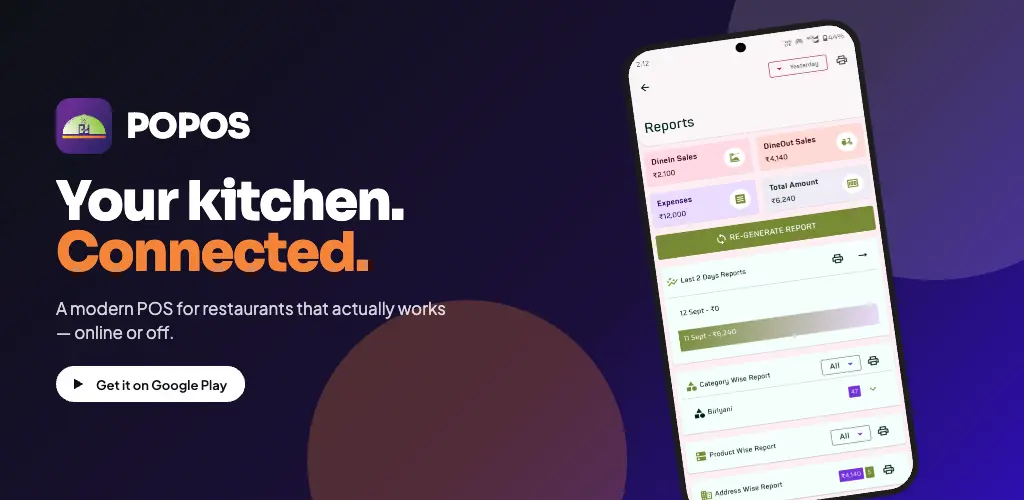
Comprehensive Android POS for restaurants of all sizes — order management, KOT printing, menu control, employee payroll, expenses, delivery partners, and rich analytics. Offline-first; your data stays on your device.
On Play Store
Platform
First

Core Modules
Everything you need to run a modern restaurant
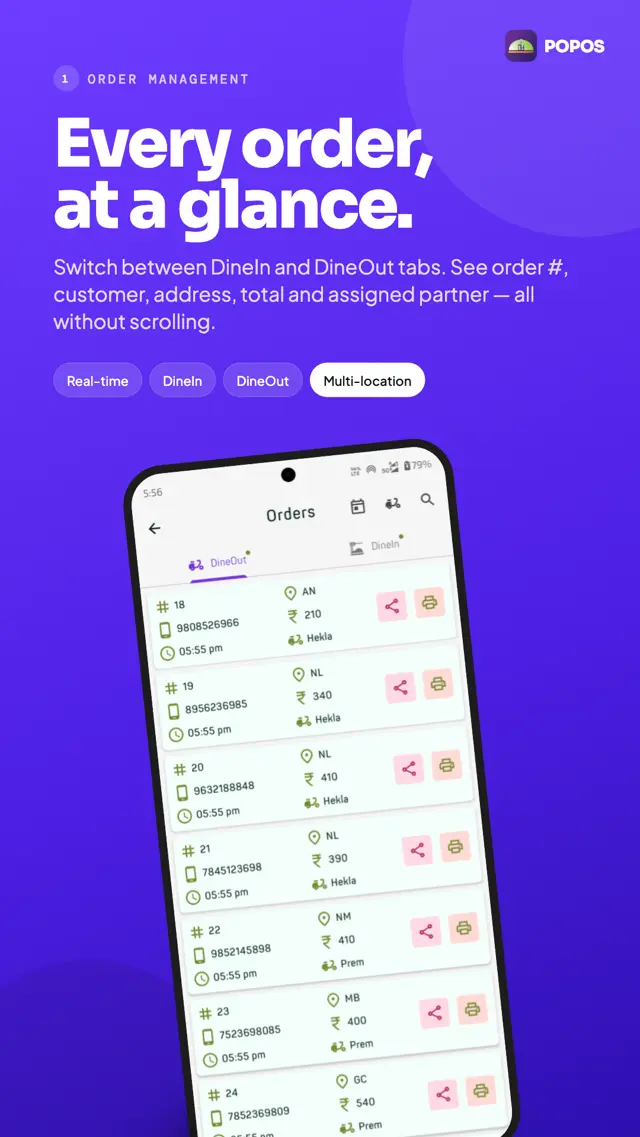
Orders & KOT
Take orders, send KOTs to the kitchen
Menu
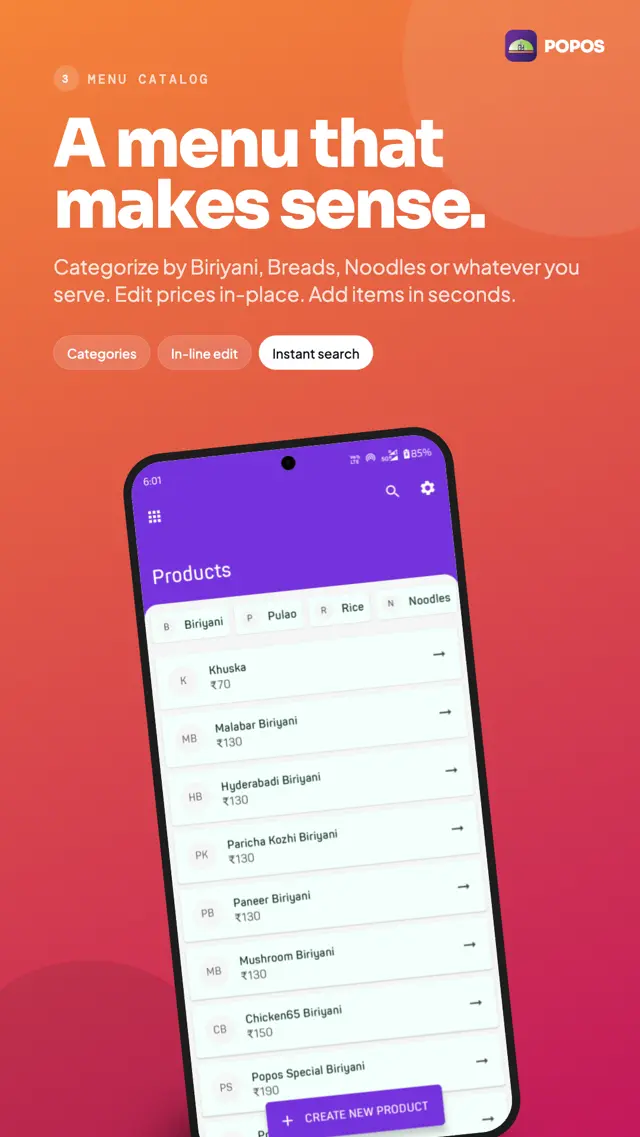
Categories, products, prices, recipes
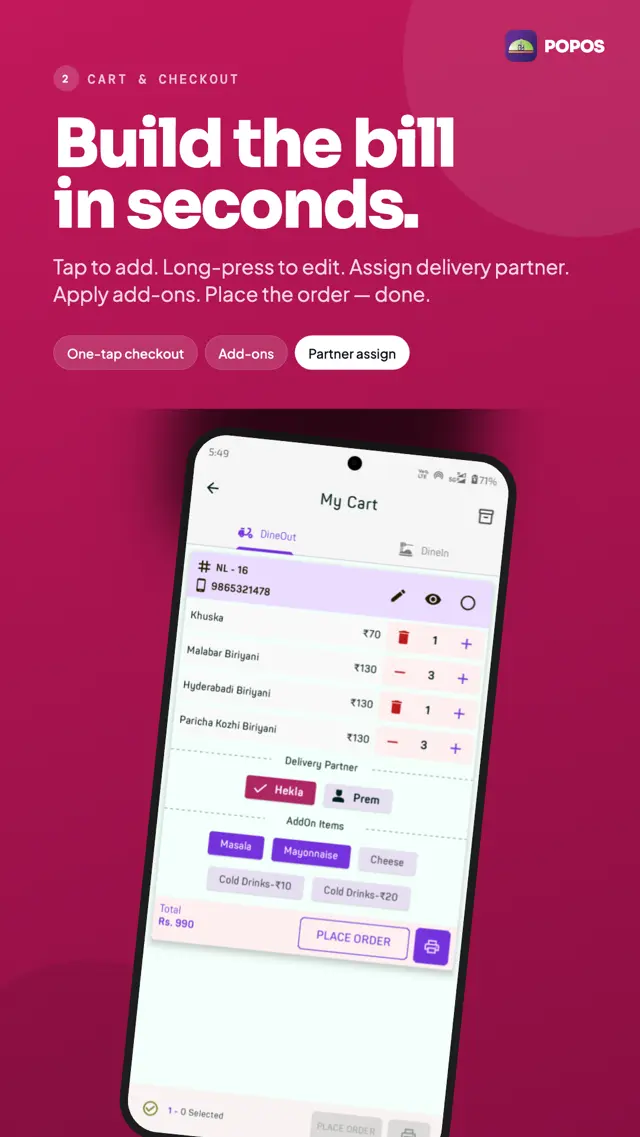
Billing
Cash, card, UPI — all on one screen
Printing
Receipts, KOTs, customisable templates
Employees
Attendance, payroll, performance
Expenses
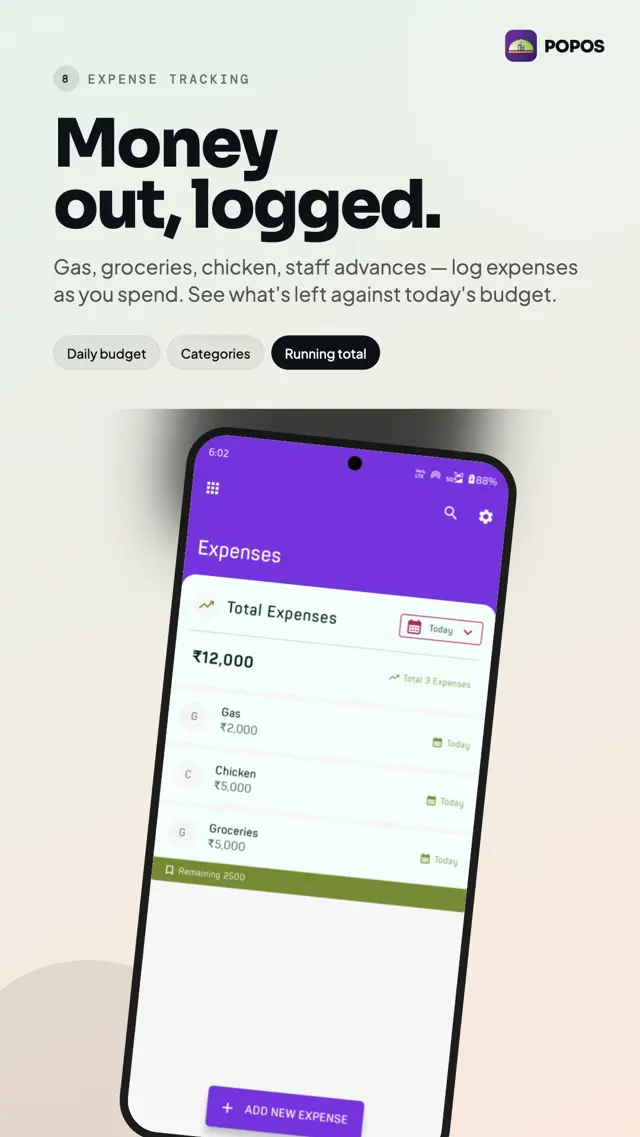
Track costs and categorise spending
Delivery
Partner integration & order routing
Reports
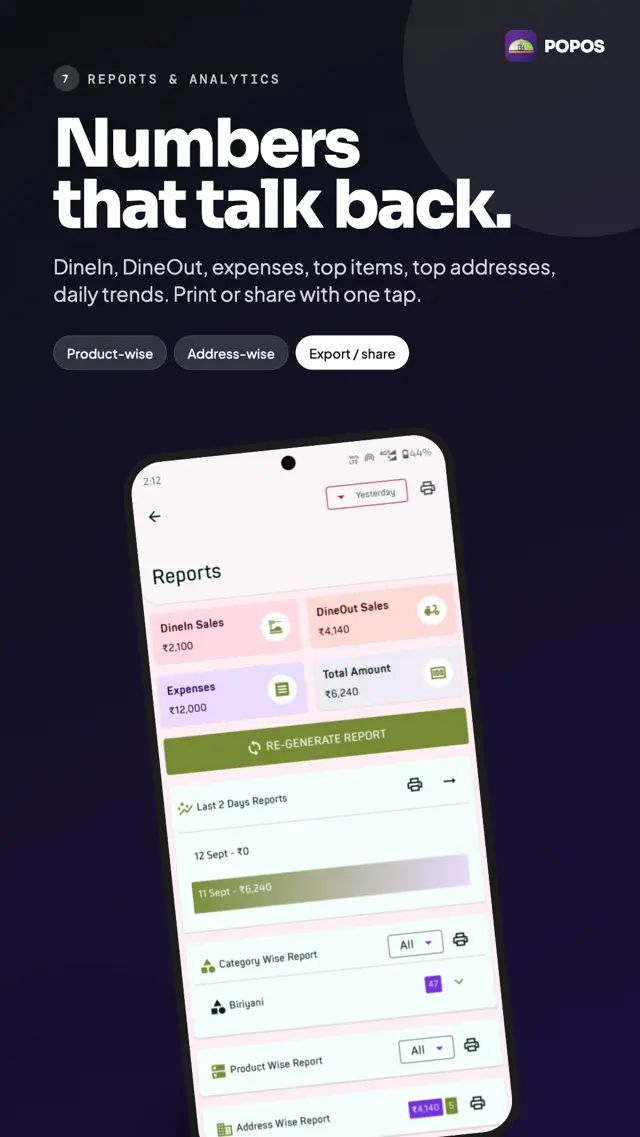
Sales, KPIs, daily settlement
Key Features
Built for restaurants, by people who get the floor
Offline First
All data stored locally. Works without internet — keep ringing up sales when the WiFi drops.
Smart Printing
Customisable receipts and KOTs. Bluetooth, USB, or network printer support.
Kitchen Order Tickets
Send orders straight to the kitchen with category-based routing and real-time status.
Staff & Payroll
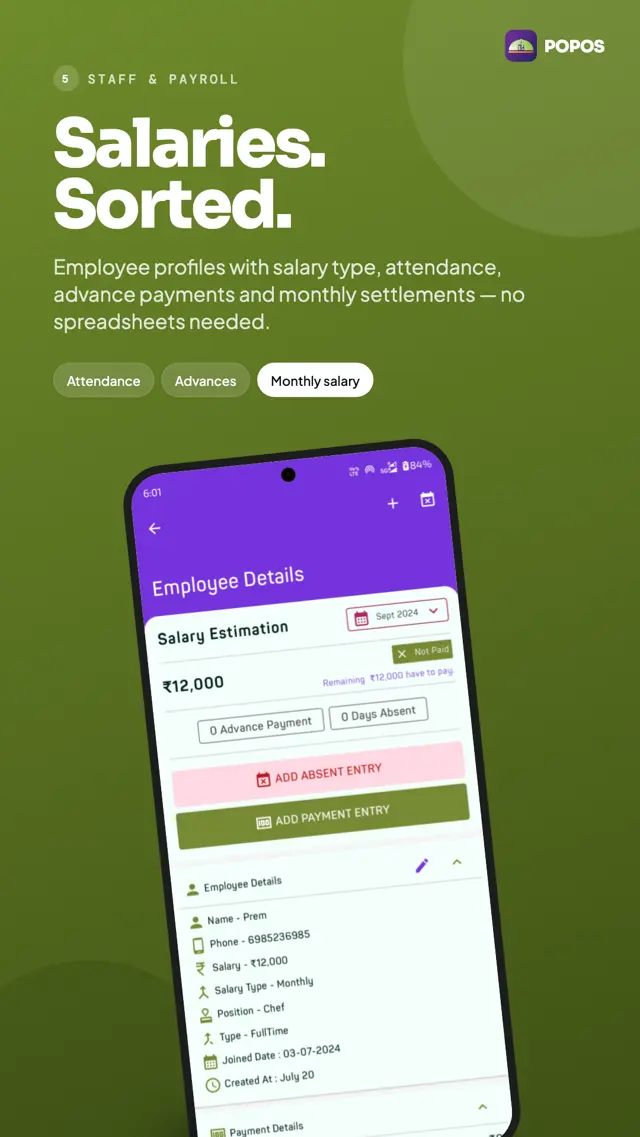
Attendance tracking, role permissions, performance metrics, and built-in payroll.
Delivery Partners
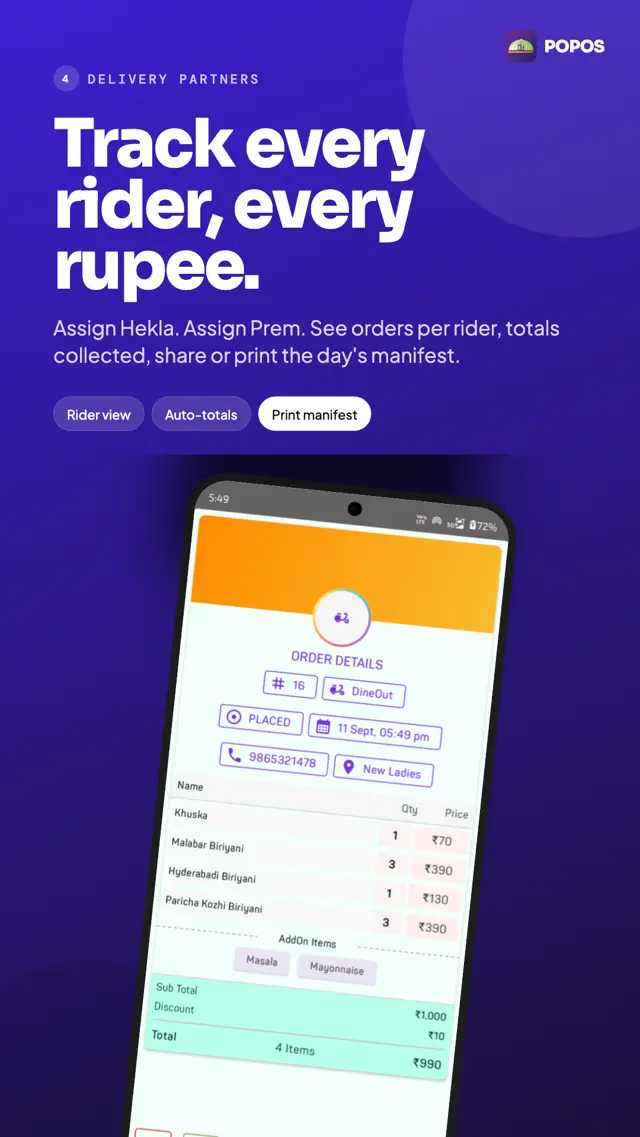
Track third-party delivery orders and commissions with built-in partner integration.
Daily Markets
Vendor management, commission calculation, and marketplace functionality for daily sourcing.
Advanced Reports
Interactive charts, customisable dashboards, and the metrics that actually matter.
Import & Export
Bulk import menus and inventory; export everything for accounting or backup.
Inventory Tracking
Live stock counts, low-stock alerts, and supplier-linked replenishment.
Screenshots
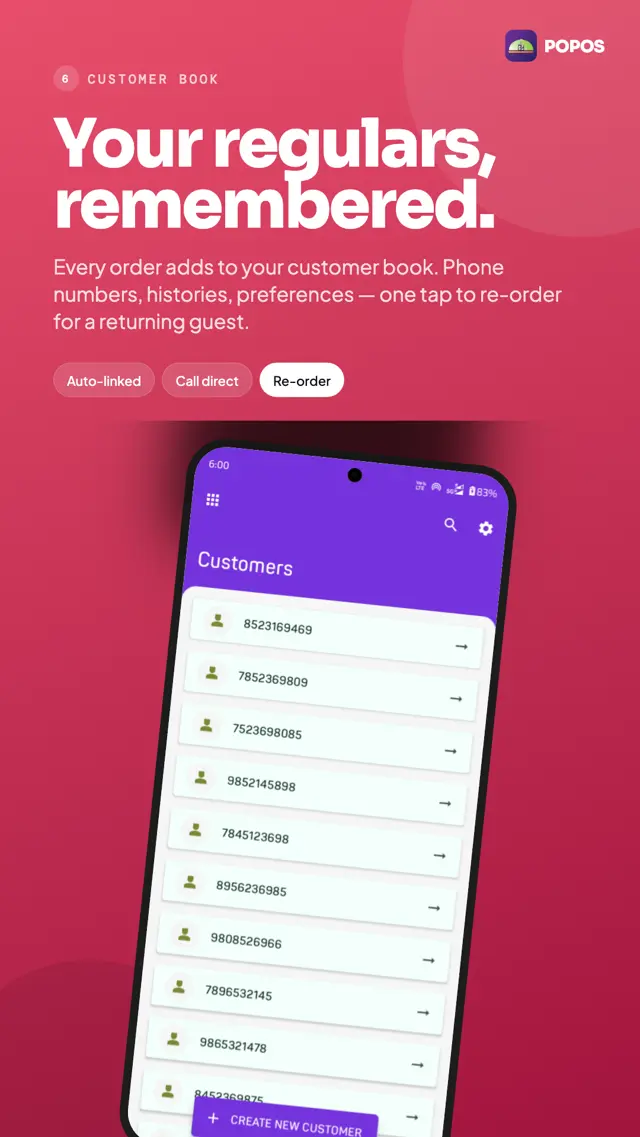
Every core POPOS screen — scroll to explore
← swipe / scroll →
Built For Your Restaurant
From a single counter to a multi-outlet operation
Quick-Service Restaurants
Fast order entry, KOT printing, and counter-side billing for high-throughput shops.
- Fast checkout
- KOT routing
- Cash/card/UPI
Cafés & Bistros
Menu flexibility, modifiers, customer favourites, and table-side workflows.
- Custom modifiers
- Loyalty notes
- Tab handling
Cloud Kitchens
Multi-channel orders, delivery partner integration, and per-platform reporting.
- Delivery partners
- Per-channel reports
- Recipe costing
Restaurants With Staff
Attendance, role permissions, performance metrics, and built-in payroll calculation.
- Attendance
- Role permissions
- Payroll
Delivery-Heavy Operations
Partner commission tracking, route notes, and delivery-specific receipts.
- Commission tracking
- Driver notes
- Delivery KPIs
Owners Who Want Numbers
Daily settlement, sales by hour/category/employee, and exportable reports.
- Daily settlement
- Hourly heatmaps
- CSV export
Frequently Asked Questions
Everything you need to know about POPOS
What can I run with POPOS?
POPOS is a complete restaurant POS — orders, KOT printing, menu and inventory, billing (cash/card/UPI), employee management with payroll, expenses, delivery partner integration, daily-market sourcing, and rich analytics. It's designed for quick-service restaurants, cafés, cloud kitchens, and any operator who wants their numbers in one place.
Does POPOS work without internet?
Yes. POPOS is offline-first. Orders, billing, KOT printing, and reports all work fully offline using a local Room database. The only optional online traffic is anonymous Firebase/Sentry telemetry to help us improve the app, and FCM push for app announcements — both can be disabled in Android system settings.
Is my customer and employee data private?
Absolutely. ALL business data — customers, employees, orders, payments, inventory — is stored locally on your device. Nothing is uploaded to our servers. As the restaurant operator, you are the data controller for that information; back it up using Settings → Backup.
Does POPOS process payments?
No. POPOS records the payment method and amount you choose (cash, card, UPI, etc.) for your books and reports. It does not connect to a payment gateway, swipe cards, or move money. You handle the actual transaction with your existing payment infrastructure; POPOS keeps the record.
Can POPOS print KOTs and receipts?
Yes. POPOS supports Bluetooth, USB, and network printers, with customisable receipt and KOT templates. KOTs can be routed by category (e.g. food to the kitchen, drinks to the bar) so the right station gets the right ticket.
How do I back up my data?
Open POPOS, go to Settings → Backup, and choose Export Data. You can pick which modules to back up (orders, payments, employees, inventory, etc.) and save the export to device storage, cloud drive, or share via email. Restaurant data often has legal retention requirements — keep your exports.
Is POPOS free?
POPOS is free to download and use. Premium features and pricing tiers may be introduced over time; current users will be notified well in advance of any change.
Where do I report bugs or request features?
Use the Share Feedback button on this page (it's tuned for POPOS — you can flag bugs, request features, or rate specific areas like Orders, Printing, Payments, Menu, Staff, or Reports). You can also email devikontech@gmail.com.
Share Your Feedback
Help us make POPOS better