How does a video downloader actually work?
Nothing clever is happening: a link is resolved to the address of a media file, and that file is fetched — which is also why the whole thing is so easy for a platform to break by accident.
- Guide
- Explainer
- Read
- 13 min
- Language
- English
Steps checked against the Savvy Android app on
Devikon Research Team
The video is not in the app, and never was
Start with the misconception that makes everything else confusing. A downloader is not a library of videos, and you are not downloading anything from it. There is no copy of that reel sitting on Savvy's servers waiting for you to ask.
The video lives where it has always lived: on the content delivery network of the platform that hosts it. When you watch it in the original app, your phone is streaming it from there. When you download it, your phone fetches the same file from the same place. The difference is that the file is written to storage instead of being played and discarded.
So the honest description of what a downloader does is finding an address and fetching what is at it. Two jobs, in that order, and the first is the difficult one — because platforms do not publish that address, they embed it inside a page or an internal response designed to be read by their own player.
That is worth holding on to, because it explains the behaviour that otherwise seems arbitrary. Why a link fails and then works next week. Why the same app handles one platform effortlessly and struggles with another. Why nothing can reach a private account. All of it follows from the fact that the app is a reader, not a source.
- The platform's CDN — where the file actually is, before and after you download it
- The extraction step — reading a page or an internal endpoint to find the media address
- The fetch — an ordinary HTTP download of that address, no different from saving any other file
- Your device — where the finished file lands, and where it stays
What happens between pasting a link and getting a file
The sequence is short. Setting it out in order removes most of the mystery.
One: the link is recognised. The app looks at what you handed it and works out which platform it belongs to and whether it points at a single piece of media. This is more than checking the domain — it is checking the shape. An Instagram reel permalink and an Instagram profile URL share a domain and are not remotely the same thing, which is why a link copied from a profile page, a hashtag or a search result gets turned away. There is no single video behind it to fetch.
Two: the page or endpoint is requested. The extractor asks for that URL much as a browser would, with the headers a browser sends, and receives whatever the platform returns — a page of markup, a blob of embedded JSON, or a response from an internal endpoint the player itself uses.
Three: the media address is located inside that response. This is the actual work, and it is entirely dependent on knowing where in the structure the platform currently puts it.
Four: the file is fetched and written. From here it is a plain download. Bytes come down, get written to storage, and you have an MP4.
One detail explains a common confusion. Media addresses are usually time-limited and signed — they carry a token and an expiry, and they stop working after a while. That is why a direct media URL pulled out of a network trace is dead an hour later, and why extraction has to happen fresh each time rather than being cached.
The two ways of handing a link over are not the same. Sharing to Savvy from the source app's share sheet passes the link across and starts the download automatically — nothing else to tap. The Paste button is different: it reads the clipboard once, checks the link is one the app recognises, and fills the field. That is all it does. Savvy does not watch your clipboard in the background and does not begin a download when you switch to it — you tap Download yourself.
Why it breaks, and why that is nobody's bug exactly
Extraction is built against a moving target. There is no published contract, no versioned API, no deprecation notice — just a page that a platform reshapes whenever it suits its own engineers.
When a platform ships a redesign, renames a field in its embedded JSON, moves an endpoint, changes how a response is wrapped, or starts requiring a header it did not require last month, every extractor reading that structure stops finding what it was looking for. Nobody set out to break anything. The platform was not thinking about downloaders at all, which is precisely the problem: the thing extraction depends on was never promised in the first place.
Several other mechanisms produce the same visible symptom, and they are worth telling apart because they behave differently:
Platforms also run experiments, serving different page structures to different users at the same time. That is why a link can fail for you and work for somebody else on the same platform in the same hour, with neither of you doing anything wrong. And rate limiting means an address that resolved five minutes ago can be temporarily refused now simply because a lot of requests have come from the same direction.
- A structural change — the platform reshaped its page or its internal response. Breaks everything at once, gets fixed on the extraction side
- An experiment — different users are served different structures, so a link fails for one person and works for another
- Rate limiting — too many requests too quickly, and the platform refuses temporarily. Retrying immediately makes it worse
- An expired media address — the signed URL timed out between resolution and fetch, usually on a poor connection
- Nothing there to fetch — deleted, never public, or a link to a page rather than to a video. This one does not resolve itself with time
Why more than one extraction method matters
Because any single method is one platform redesign away from returning nothing, the sensible design is not to have only one. Savvy does not rely on a single technique per platform: a link is tried against the extraction methods available for that platform in priority order, and if the first comes back empty the next is tried automatically. You see one spinner rather than a sequence of failures, and nothing is asked of you in between.
How deep that chain runs varies a great deal by platform, and the honest range is wide: between one and eight methods depending on which platform the link belongs to. Instagram, for example, has five. A platform with an awkward or frequently changing structure warrants more; a stable one needs fewer. The depth reflects how much trouble a given platform has historically caused, not a marketing number.
The tail end is worth being straight about. Beyond the platforms with dedicated handling, there is a generic path that covers a very long list of other sites, and that path runs through a single general-purpose extraction service with no fallback behind it. If it cannot read a page, there is no second attempt to make. That is the honest architecture: deep chains where the volume is, one attempt out on the long tail.
This is also why hammering the Download button rarely helps. A failure means the whole chain for that platform already came back empty — you are not retrying one attempt, you are retrying all of them. Waiting is genuinely more effective than repeating, because what changes in the meantime is the platform and the extraction methods, not your persistence.
Fallback depth also explains why the same app can feel rock-solid on one platform and temperamental on another. It is not effort applied unevenly — it is that some platforms restructure their pages far more often than others, and the depth of the chain is a response to that history rather than a promise about the future.
What a downloader does not do
The claims that surround this category are mostly about capabilities nobody has. Being clear about the boundaries is more useful than being vague about them.
It does not break encryption. Fetching a file whose address you have worked out is not decryption. Properly DRM-protected content — the paid streaming services — is encrypted end to end and negotiated through a licence server, which is an entirely different system that extraction does not touch and this cluster does not cover.
It cannot see what you cannot see. An extractor requests the same page your browser requests, and a private account, a members-only post or a paywalled video returns the same refusal to both. There is no privileged access, no back door, and no app that has one. Anything advertising otherwise is describing a thing that does not work.
It does not improve the file. What comes down is what the platform serves. Compression damage, burned-in watermarks and a missing high-resolution rendition are all properties of the source, decided before any downloader is involved. 1080p vs 4K covers why the picker sometimes has no high tier to offer.
There is one nuance worth stating precisely rather than lumping in with the above, because it is easy to misread as a bypass. Instagram stories, highlights and other account-gated content need an in-app Instagram sign-in — Savvy holds a signed-in session of your own, capturing the cookies and user agent your account would normally send, because that content is not addressable by a public permalink. That is you, signed in as yourself, seeing what your own account can already see. It gets you nothing extra. Public reel links never go near that flow and need no account at all.
What stays on your phone, and what does not
Since the app is a fetcher rather than a host, it is fair to ask what it keeps.
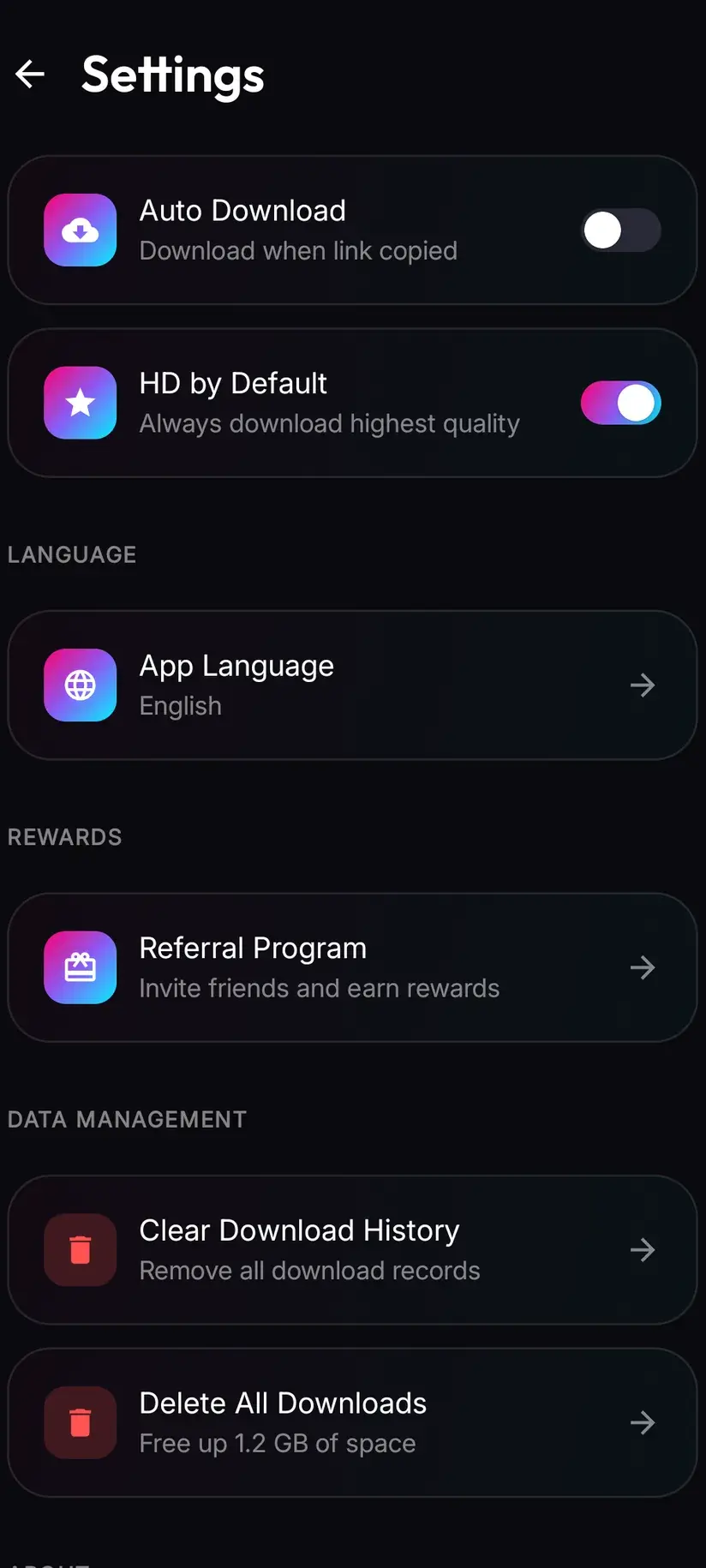
The files stay on your device. A finished download is written to your storage — in the Downloads folder, under a Savvy directory sorted per platform — and is not uploaded anywhere. It is an ordinary MP4 from that point on: it appears in your gallery, plays in any video app, and can be deleted like any other file. Inside the app, Library is an index of what is already on the device with search and filters over it, and Storage shows what each download is costing you in space with bulk deletion for when it adds up.
What is held server-side is the account-shaped part: your coin balance and your subscription state. Those have to survive a reinstall and a new phone, so they live on a server rather than in local storage. Your downloads do not.
And the part a lot of apps in this category are quiet about: the free tier is ad-supported, through Unity Ads, which collects your device's advertising identifier in the ordinary way mobile advertising does. That is a real data collection and it would be dishonest to describe the app as tracking-free. What it is used for, and how to limit it, is set out in the Savvy privacy policy. A Premium subscription removes the ads.
Procedure
What to do when a link will not download
Working through these in order fixes the large majority of failures, and tells you quickly when the problem is the source rather than the app.
Look at what you actually copied
A link has to point at one piece of media. A profile page, a hashtag page, a search result or a shortened link from a message can all look right and contain no single video. Go back to the post itself and copy from there.
Check it opens signed out
Paste the link into a browser where you are not logged in. If it does not open for you there, it will not resolve for a downloader either — the content is private, deleted, or restricted at the source, and no app can change that.
Use the share sheet instead of pasting
In the source app, tap share and choose Share to… then Savvy. That hands the link over directly and starts the download by itself, which also rules out anything that went wrong in the clipboard along the way.
Wait, rather than retrying immediately
A failure means the whole extraction chain for that platform already came back empty, so tapping Download again repeats the same result. Rate limiting and half-deployed platform changes both clear on their own. Come back to the same link in a few hours.
Check the ordinary things
Connection, free space, and the storage permission — without that last one a download cannot be written anywhere your gallery can see. Savvy's permission screen explains what it is asking for and why.
Update the app
When a platform restructures its pages, the fix arrives in an app update. Running an old version means running extraction methods written against a page that no longer exists.
For Instagram stories or highlights, sign in first
Account-gated content needs Savvy holding a signed-in Instagram session of your own, through the separate in-app login. Public reels and posts need nothing of the sort — if a public link is failing, signing in is not the fix.
Frequently asked questions
- How do video downloaders work?
- In two steps. First the link is resolved: the app requests the page or internal endpoint the way a browser would and locates the address of the media file inside the response. Then that address is fetched and written to your device as an ordinary file. Nothing is downloaded from the app itself — the video sits on the platform's content delivery network, exactly where it was when you streamed it. The hard part is the first step, because platforms do not publish that address and change where it sits without warning.
- Does the app store the videos on its own servers?
- No. The file comes from the platform's own network straight to your phone, and the finished download stays on your device — in the Downloads folder, under a Savvy directory sorted by platform. Library is simply an index of what is already there, with search and filters. What is held server-side is your coin balance and subscription state, because those need to survive a reinstall or a new phone. The downloads themselves do not leave the device.
- Why does a downloader suddenly stop working?
- Almost always because the platform changed something. Extraction reads a page structure that was never promised to anyone, so a redesign, a renamed field in the embedded data, or a moved endpoint breaks whatever was reading it. Platforms also run experiments that serve different structures to different users, which is why a link can fail for you and work for someone else at the same moment. Fixes arrive in app updates, so running an old version is worth ruling out first.
- Why do some links work and others from the same platform fail?
- Several reasons, and they look identical from the outside. The link may point at a page rather than a single video. The post may be private, deleted or geographically restricted. The platform may be serving you an experimental page structure. Or you may have hit a rate limit after several downloads in quick succession. The first two do not resolve with time; the last two usually do, which is why waiting beats retrying.
- How many extraction methods does Savvy try?
- Between one and eight, depending on the platform — Instagram, for instance, has five. A link is tried against them in priority order and falls through to the next automatically when one returns nothing, so you see a single spinner rather than a sequence of failures. Beyond the platforms with dedicated handling there is a generic path covering a long list of other sites, and that one runs through a single general-purpose service with no fallback behind it.
- Does a video downloader hack or bypass anything?
- No, and the claim is worth being sceptical of wherever you see it. Extraction reads a publicly served page and fetches a file whose address it found there — no encryption is broken and no access is gained that a browser does not already have. Properly DRM-protected content on paid streaming services is a different system entirely, negotiated through a licence server, and nothing in this cluster touches it.
- Can it download from private accounts or paywalled videos?
- No. An extractor requests the same page your browser requests and receives the same refusal. There is no privileged access and no app that has one. Instagram stories and highlights are the one case that looks like an exception and is not: they need an in-app Instagram sign-in of your own, so what you can save is what your own account can already see. Public reel links need no account at all.
- Do I need an account, and is any of this tracked?
- No Savvy account is needed — the core app works without signing up for anything, and public links need no platform account either. On tracking, the honest answer is that the free tier is ad-supported through Unity Ads, which collects your device's advertising identifier as mobile advertising ordinarily does. It would be untrue to call the app tracking-free. The privacy policy sets out what is collected, and a Premium subscription removes the ads.