Why does my downloaded Reddit video have no sound?
Nothing is broken and you did not pick the wrong option — on Reddit the picture and the sound are two different files, and saving only the first one is the default outcome.
- Guide
- Explainer
- Read
- 13 min
- Language
- English
Steps checked against the Savvy Android app on
Devikon Research Team
Reddit keeps the video and the audio in separate files
Start here, because everything else on this page follows from it.
When you play a Reddit-hosted video, you are not watching one file. Reddit stores the picture as one stream and the sound as another, sitting at different addresses, alongside a small manifest that tells a player how to run the two together in step. Your browser or the Reddit app reads that manifest, pulls both, and synchronises them on the fly. The result feels like a single video because that is what a player is for.
A download has no player. Point anything at the video address — right-click and save, a browser extension, half the tools that come up in a search — and you get exactly what is at that address: a complete, valid, entirely silent MP4. Nothing failed. The file simply has no audio track in it, because the audio was never in that file to begin with.
This is why the complaint is so common and so consistent. It is not a bad app, a bad connection or a bad clip. It is the shape of the thing being saved, and any tool that does not deal with it explicitly will hand you silence every single time.
It is tempting to read the split as an obstacle put in your way deliberately. It is not — it is how modern video delivery works, and Reddit is far from alone in it. Separating the tracks lets a player adapt: if your connection dips mid-clip, it can quietly step down to a lower-resolution picture stream without touching the audio, so the sound stays continuous while the image softens for a few seconds. Anyone who has watched a video go briefly blocky without the audio stuttering has seen that working. Serving one combined file per resolution would mean re-fetching the sound every time the picture changed rung.
The same design turns up across the web, which is why silent downloads are not a Reddit-only problem — Pinterest serves video the same way, and saving a Pinterest video involves the same assembly step. Reddit simply became the platform people complain about, because it is text-forward, its clips get saved and reposted constantly, and most of the tools people reach for grab the first media URL they find and stop there.
- One stream holds the picture — this is what a naive download grabs, and it is silent by construction
- Another stream holds the sound — at a different address entirely
- A manifest describes how to play the two in step; it is instructions, not media
- A silent saved file is the expected result of doing the simple thing, not evidence of a failure
Worth ruling out first: a lot of Reddit video is genuinely silent at source. Clips reposted from image-first communities, screen recordings and anything that began life as a GIF frequently have no audio track anywhere. If the post plays silent inside Reddit too, there is nothing to recover — check that before assuming the download lost something.
What a downloader has to do about it
The fix is not clever, but it has to be done deliberately: fetch both streams and join them into one file.
That joining step is called muxing — putting two tracks into one container. The important thing about it is what it does not do. Muxing does not re-encode anything; it takes the picture data and the sound data as they already are and writes them into a single MP4 with the timing preserved. No quality is lost in the process. The file you end up with is the same picture and the same audio the manifest was pointing at, in one piece instead of two.
In Savvy this happens without you asking for it. Once you choose a quality, that video rung and the best available audio track are named as a pair, combined, and only then does the transfer begin. You do not select an audio track, and there is no separate step to remember.
Which explains the one visible difference between a Reddit save and, say, an Instagram one: the short wait after you press a quality and before progress appears. That gap is the assembly. On a normal clip it is seconds. On something long it is longer, and it is worth letting it finish rather than assuming it has hung.
- Both streams are fetched — picture and sound, not just the one the URL points at
- They are muxed into a single MP4 — copied into one container, not re-encoded, so nothing degrades
- The pause before the transfer starts is that assembly, and it is normal
- The finished file is an ordinary MP4 with sound — it needs no special player
About the option labelled no audio
You may notice a quality in the picker described as having no audio, and it is worth knowing what that is telling you, because it is easy to read as a warning when usually it is not.
That label describes the raw video stream Reddit exposes — which, as established, has no sound in it by design. It is a fact about the ingredient, not a prediction about your file. Where a sound track exists for that post, it is paired with the video automatically and the finished download plays with audio regardless of what the rung was labelled.
The label is only literally true in one case, and that is the case where it stops mattering anyway: a post that has no audio anywhere. Then there is nothing to pair, and the silent file is the honest and complete version of that video.
So the practical guidance is: pick the resolution you want and ignore the audio wording. If the finished file is silent, the question to ask is whether the post has sound when you play it inside Reddit — not which quality you chose.
If you only want the sound — a song, a clip of speech, an interview — an audio-only option is listed too where one exists, and it costs 5 coins. That saves a compact audio file rather than a video you never watch.
Which Reddit link to use
Reddit hands out several kinds of link and they are not equally useful.
The one you want is the post permalink — the address of the comments page, containing /comments/. Get it from the post's Share control. It identifies the post itself, which is what an extractor needs in order to find both streams and the manifest tying them together.
Some other shapes and what they mean:
- A v.redd.it link — Reddit's own video host. Recognised, but the post permalink is the more reliable thing to hand over
- A redd.it short link — recognised and followed
- old.reddit.com — the old interface, same posts, fine to use
- A subreddit or user link — refused, and rightly: there is no single video behind a feed
- A post that is a link to another site — then the video is not Reddit's at all. You are saving that other platform's video, and its rules apply, not Reddit's
Crossposts are the awkward one. A crosspost is a wrapper around another post's media rather than a copy of it, so a crosspost link is occasionally stubborn where the original is not. If one refuses, open the post it was crossposted from and use that link instead — it is the same video, one step closer to where it lives.
Quality and cost, and why Reddit is cheap to save
Once the link resolves, Savvy lists the resolutions that post genuinely exists in and you pick one. Standard definition, up to 480p, is free — it comes out of a daily allowance rather than any balance.
Reddit is unusually well served by that free band. A great deal of what circulates there is reposted, screen-recorded or years old, and simply does not exist above 480p — so the free option is frequently not a compromise but the only real version of the clip. Look at what the picker lists before assuming a higher tier is available, and remember that downloading cannot add detail that was never uploaded. Paying for a larger file of the same picture is the most common way people waste coins.
Where a post was genuinely published at higher resolution, the tiers are:
- SD video, up to 480p — free, from the daily allowance
- HD and Full HD video — 10 coins, or one HD credit
- 2K video — 15 coins
- 4K video — 20 coins
- Images and audio — 5 coins
Coins are earned as well as bought — a short rewarded ad or a daily check-in both add to the balance, and the Coin Shop lists those beside the packs. Premium removes the ads and lifts the limits. The free tier is ad-supported through Unity Ads, which collects your device's advertising ID; the Savvy privacy policy states that plainly.
What is out of reach, and what you may keep
A downloader reads the same page your signed-out browser reads, and gets the same answer. So the boundary is simple and it does not move: if you cannot open the post without being signed in, neither can an extractor.
That covers private subreddits, anything Reddit gates behind an account, and posts that have been removed. A deleted post's media usually goes with it, and no tool retrieves what the host no longer serves. When a link fails for that reason, it has failed at Reddit, not in the app.
Savvy adds no watermark of its own, and Reddit does not stamp video either. What travels with a saved clip is whatever was already burned into the picture before it got there — and given how much Reddit content is reposted from elsewhere, another platform's mark in the corner is common. Those are pixels in the frame, not something a different download setting removes.
The last question is the one worth thinking about for more than a second. Saving a clip to rewatch, to send to someone, or because it is your own post is ordinary. Reposting someone's video as your own, stripping credit, or using it commercially is a different act — and the ease of downloading says nothing at all about whether you may.
Downloading and having rights to what you downloaded are separate things. Personal offline viewing sits a long way from redistribution. Is downloading videos legal? sets out where the line usually falls.
Where the file goes, and what to do when one refuses
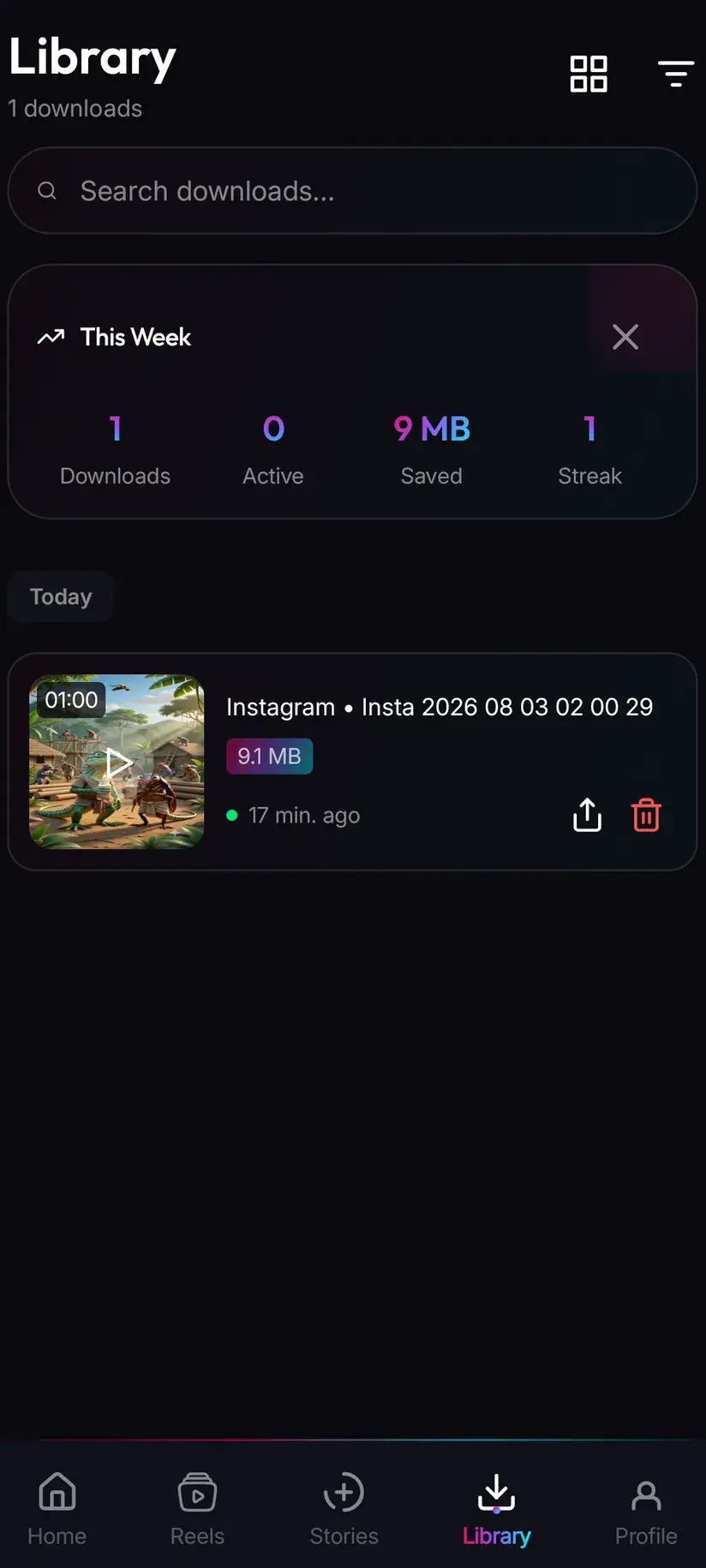
A finished download lands in your device's Downloads folder, in a Savvy directory with a subfolder per platform — so a Reddit clip arrives at Downloads / Savvy / Reddit. It is an ordinary MP4 with its audio in it: it appears in your gallery, plays anywhere, and shares onward like any other file.
Library inside the app is the faster way back to it, with search and filters across everything you have saved. Storage shows what each file is costing in space and clears several at once, which matters once a run of HD clips has piled up.
When a link does refuse, retrying straight away is the least useful response. A Reddit link is tried against four extraction providers in priority order, falling through automatically, so a failure means the entire chain came back empty — an immediate second tap runs the same empty chain. Wait and try the same link later instead. Reddit changes what its pages expose, and the providers change too, so a link that fails today has a real chance of working next week. If the post is deleted or was never public, though, it will not resolve at all.
Procedure
How to download a Reddit video with its audio
A minute at most. No Reddit account is needed for a public post, and no Savvy account is needed at all.
Install Savvy and allow storage access
Install Savvy from Google Play and open it. Grant the storage permission when asked — it is what lets the finished file be written where your gallery can see it, instead of staying inside the app.
Check the post actually has sound
Play it inside Reddit with your volume up. A surprising share of Reddit video is silent at source, and if there is no audio in the post there is none to recover. Thirty seconds here saves a confused half hour later.
Copy the post link
Use the post's Share control and take the permalink — the address containing /comments/. That points at the post itself, which is what lets both the video and audio streams be found. A v.redd.it or redd.it link is recognised too, but the permalink is the more reliable choice.
Send it to Savvy
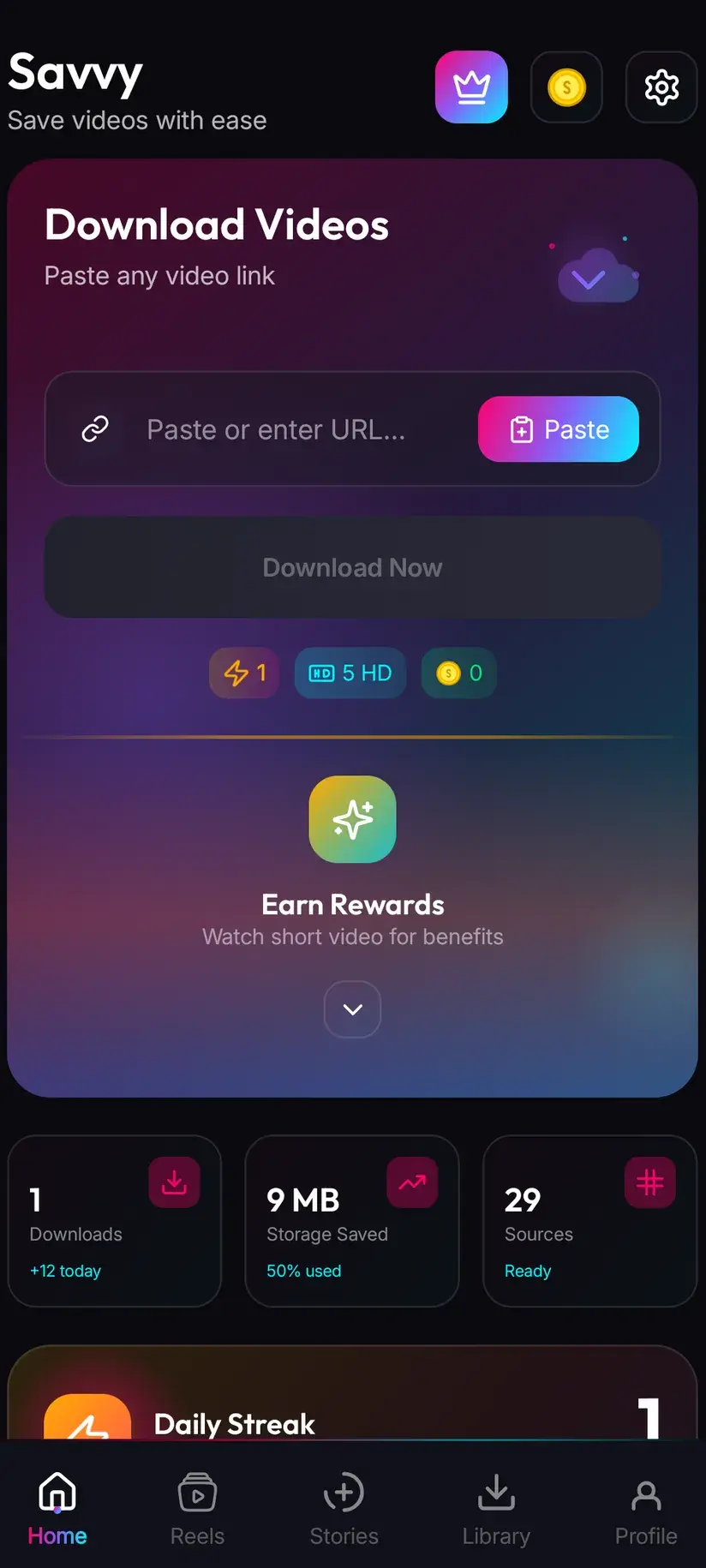
If Reddit's share sheet offers Savvy, pick it — the link is handed over and the download starts by itself. Otherwise open Savvy, tap the Paste button beside the link field to fill it, then tap Download. Paste only fills the field; it does not start anything on its own.
Choose a resolution and let the pause happen
Savvy lists what that post genuinely exists in. SD up to 480p is free from your daily allowance; higher tiers spend coins. Ignore any no-audio wording on a rung — it describes Reddit's raw video stream, not your finished file. Expect a short wait after choosing while the picture and sound are joined into one file.
Play it back before you close the app
The file is at Downloads/Savvy/Reddit and listed under Library. Play a few seconds with the volume up to confirm the audio is there. If it is silent, check the post inside Reddit — that is where the answer will be.
Frequently asked questions
- Why do downloaded Reddit videos have no sound?
- Because Reddit stores the picture and the sound as two separate streams at different addresses, with a small manifest telling a player how to run them together. A download that points at the video address gets exactly that — a complete, valid, silent MP4. The audio was never in that file. Any tool that does not fetch both streams and join them will produce silence every time, which is why the problem is so consistent.
- How do I download a Reddit video with audio?
- Use something that fetches both streams and muxes them into one file. In Savvy that is automatic: copy the post permalink — the address containing /comments/ — share it to Savvy or paste it in and tap Download, then pick a resolution. The video rung and the best available audio track are paired and combined before the transfer starts, and the file you get is an ordinary MP4 with its sound in it.
- Does joining the video and audio reduce the quality?
- No. Muxing writes the two existing tracks into a single container without re-encoding either of them, so the picture and the audio arrive exactly as Reddit serves them. It is a repackaging step, not a conversion. The only thing you notice is time: there is a short pause after you choose a quality while the assembly happens, and on a long clip it takes longer.
- Why does the quality say no audio?
- That label describes the raw video stream Reddit exposes, which genuinely has no sound in it — it is a fact about the ingredient rather than a prediction about your file. Where a sound track exists for that post it is paired automatically and the finished download plays with audio anyway. The label is only literally true for posts that have no audio anywhere, and then the silent file is the complete version of that video.
- Is downloading Reddit videos free?
- Standard definition up to 480p is free, from a daily allowance rather than any balance — and Reddit is well suited to it, since a lot of what circulates there does not exist above 480p in the first place. Above 480p you spend coins: 10 for HD or Full HD (or one HD credit), 15 for 2K, 20 for 4K, and 5 for an image or an audio-only file. Coins are earned free by a short rewarded ad or a daily check-in, or bought.
- Can I download just the audio from a Reddit video?
- Where the post has an audio track, an audio-only option is listed alongside the video resolutions and costs 5 coins. It saves a compact audio file rather than a video you were only going to listen to. If no audio option appears, the post has no sound track for one to be made from.
- Can I download a video from a private subreddit?
- No. An extractor reads the same page your signed-out browser reads and receives the same refusal, so anything requiring you to be signed in is out of reach — private subreddits included. The same applies to deleted posts: the media usually goes with the post, and nothing retrieves what the host no longer serves. These tools are for keeping content you can already reach.
- Why does a crosspost link sometimes fail?
- A crosspost is a wrapper around another post's media rather than a copy of it, so the media does not live where the crosspost's own address suggests. If a crosspost refuses, open the original post it was crossposted from and use that link instead — it is the same video, one step nearer where it is actually stored. Retrying the crosspost immediately will not help, since the whole provider chain has already been tried.