How do I download a Likee video?
Saving a Likee clip is quick, and one thing about it is worth knowing before you start: the watermark you can see in the corner is coming with you, whatever any app claims.
- Guide
- How-to
- Read
- 12 min
- Language
- English
Steps checked against the Savvy Android app on
Devikon Research Team
Getting a Likee link into the app
Likee is short-video shaped, which means you are usually already inside a post when you decide you want it. That makes the share sheet the obvious route and, conveniently, the fastest one.
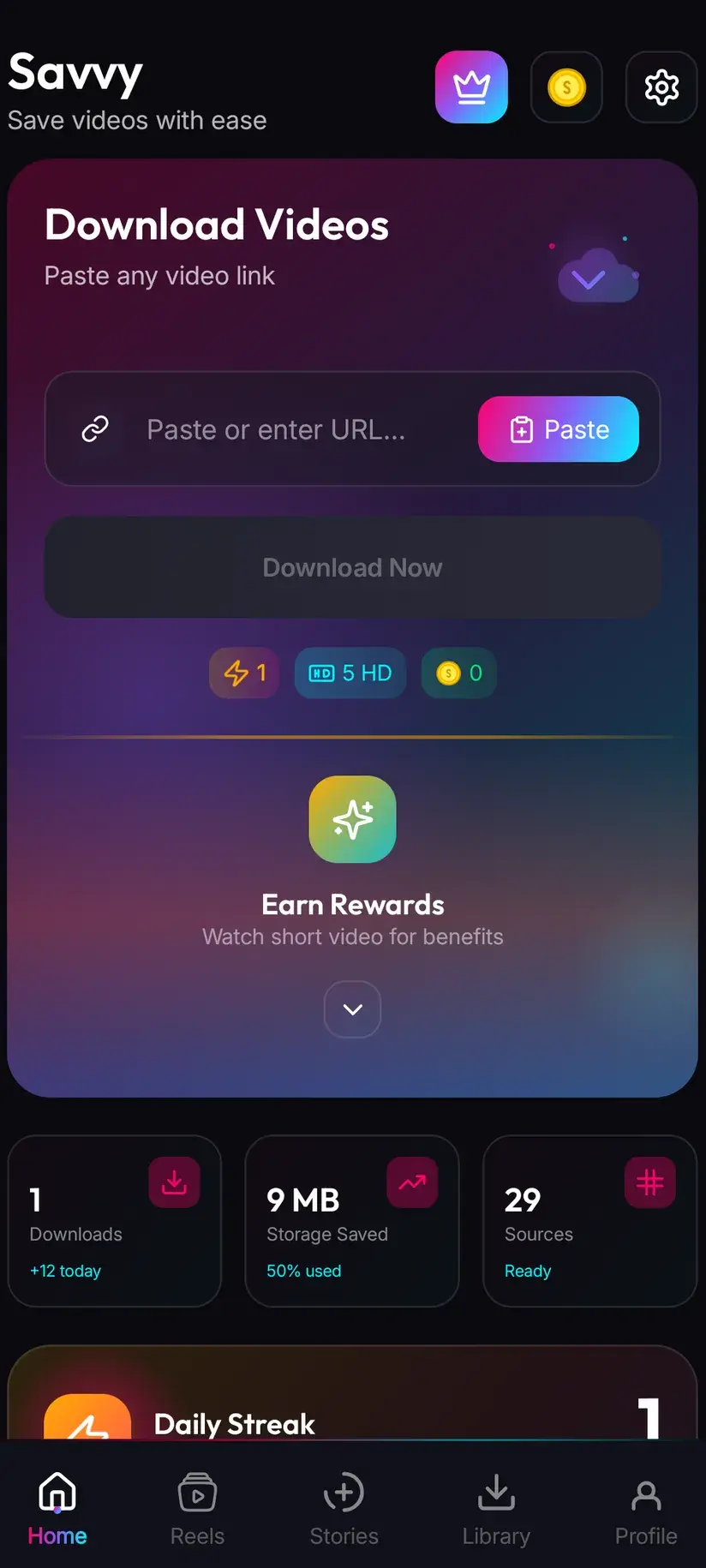
On the video, tap share and choose Savvy from the list of apps. The link goes straight across and the download begins on its own — Savvy fills its own link field and starts the request without waiting for you to tap anything further. You never see the home screen.
The other route is copy-and-paste, for when the link arrived some other way. Copy it, open Savvy, tap the Paste button next to the link field, then tap Download. Worth spelling that out because the category is full of apps implying otherwise: Savvy does not watch your clipboard in the background, and switching to it does not silently kick anything off. Paste is a plain button — it reads the clipboard once, drops what it finds into the field, and stops.
One detail catches people out. Savvy recognises Likee by the likee.video domain, along with the mobile m.likee.video and the l.likee.video shortener that Likee's own share sheet produces. It does not have likee.com on that list. A link on likee.com is not identified as Likee at all — it drops through to the generic catch-all instead, which is served by one extractor with nothing behind it. If what you copied says likee.com, open it and copy the address you land on.
- Share to Savvy — link filled and download started automatically
- Copy link, then Paste — tap Paste to fill the field, then tap Download yourself
- Recognised: likee.video, www.likee.video, m.likee.video, and l.likee.video short links
- Not recognised as Likee: likee.com — it falls to the generic route, which has no fallback
The watermark stays — and here is why
This is the question people actually arrive with, so it goes near the top rather than buried at the bottom.
Likee stamps its own watermark on videos, in the way short-video platforms generally do: the branding and usually the creator's handle, burned into the frame. That happens at Likee's end, when the video is exported and served. It is already in the picture before any downloader sees the file.
Savvy does not remove it. Savvy also does not add a watermark of its own — nothing is stamped on the way through — but it strips nothing either. What arrives is what Likee served. There is no toggle for this and no premium tier that unlocks it, because it is not a feature that has been withheld; a burned-in mark is pixels in the frame, not metadata, and the only way to take one out is to crop and re-encode the video. That is video editing, and it costs you picture quality at the edges.
There is one platform where a genuinely unstamped file can be requested, and it is TikTok. A small number of TikTok-specialist extractors can ask for the source before the stamp is applied. Those three are TikTok-only — they do not accept a Likee URL and they are not in Likee's chain. So when you see an app advertising watermark-free Likee downloads, it is either describing TikTok behaviour and hoping you will not check, or it is cropping your video and calling that removal.
None of which makes a Likee download less useful. It makes it honest about what you are getting: the clip exactly as Likee published it.
Take any claim of a watermark-free Likee save at face value and check it: download the same clip and look at the corner. If the mark is gone, look at the edges of the frame too — you will usually find the picture has been cropped in to cut the mark out, which is a different thing from removing it.
Which Likee links resolve, and which only look like they do
There has to be a single video behind the link for anything to be fetched. On a feed-driven app that is less obvious than it sounds.
The link you want is the one the share control gives you when a video is open — a post's own address, pointing at one clip. What will not resolve is anything representing a collection: a creator's profile, a hashtag or effect page, the discovery feed, a search result. Those are lists of posts, and there is no file underneath them to save.
Here Likee behaves slightly differently from most platforms in Savvy, and it is worth knowing so the failure is not baffling. Some platforms have path patterns Savvy scores against — Instagram looks for a reel path, Dailymotion for a video path. Likee has no such pattern configured, so every likee.video address is accepted at full confidence, whatever comes after the domain. The link field will take a profile URL without so much as a warning. The refusal arrives a moment later, when extraction runs and finds nothing.
So a Likee link that fails instantly is very often a link that was never a video. Check that first, before you assume the app or the platform is at fault.
- Works — a single post's link, taken from the share control with the video open
- Does not work — profile, hashtag, effect, discovery and search pages: collections, not files
- Does not work — a clip the creator has deleted, or one that was never publicly viewable
- Every likee.video address is accepted into the field, so the field accepting it proves nothing
The quick test costs ten seconds: open the link in a browser with no Likee session. One video playing means the link is good. A grid of thumbnails or a login prompt means go back, open the post itself, and share from there.
Three routes in, one spinner
Extraction means reading the page a post sits on, finding the media URL its player is using, and fetching that file. Nothing is decrypted and nothing is bypassed — it is the file the app itself would stream.
Pages change, though, and that is the whole reason a single extraction technique is a bad bet. Savvy handles it with a chain: a Likee link is tried against three extraction providers in priority order, falling through automatically when one returns nothing. You see one spinner, however many were attempted behind it.
Three sits in the middle of the range. It is thinner than Instagram's five, and considerably better than the platforms carried by a single extractor with no second chance. The practical meaning is that a Likee failure is usually recoverable rather than final — but also that when you do get an error, all three routes are already spent. Tapping Download again immediately just repeats them. Coming back to the same link later is the thing that works, because the providers are maintained separately from the app and recover on their own schedule.
One of the three sits behind a bot-check, so occasionally a verification step appears before that route can run. It is a normal part of the chain rather than a sign anything is wrong, and if you dismiss it the remaining routes still get their turn.
- Three providers, tried in priority order, with automatic fall-through
- One spinner in the interface no matter how many routes ran behind it
- An error means all three came back empty, not that one attempt glitched
- A verification prompt on one route is expected behaviour, not a failure
Quality and what it costs
When a link resolves, Savvy lists the resolutions that clip genuinely exists in and lets you choose. The list is read from what Likee is serving.
Standard definition, up to 480p, is free. It comes out of a daily allowance rather than a coin balance, so ordinary everyday saving costs nothing at all. Above 480p the cost is in coins, Savvy's in-app currency.
Calibrate your expectations to the format. Likee clips are shot on phones, exported for vertical playback and compressed hard for mobile data — a great many of them top out at or below 480p, which puts them inside the free tier anyway. Downloading cannot add detail that was never uploaded. If the picker's best option is SD, that is the ceiling for that clip, and buying a higher tier would get you a larger file of exactly the same picture.
- SD video, up to 480p — free, from your daily allowance
- HD and Full HD video — 10 coins, or one HD credit if you have one
- 2K video — 15 coins
- 4K video — 20 coins
- Images and audio — 5 coins
Coins are earned as well as bought — a short rewarded ad or a daily check-in both top up the balance, and the Coin Shop lists those routes next to the packs. Premium is the alternative: it removes ads and lifts the download limits, so the coin arithmetic stops mattering. The free tier is ad-supported through Unity Ads, which collects your device's advertising ID; that is set out in the Savvy privacy policy.
Where it lands, and what you are entitled to keep
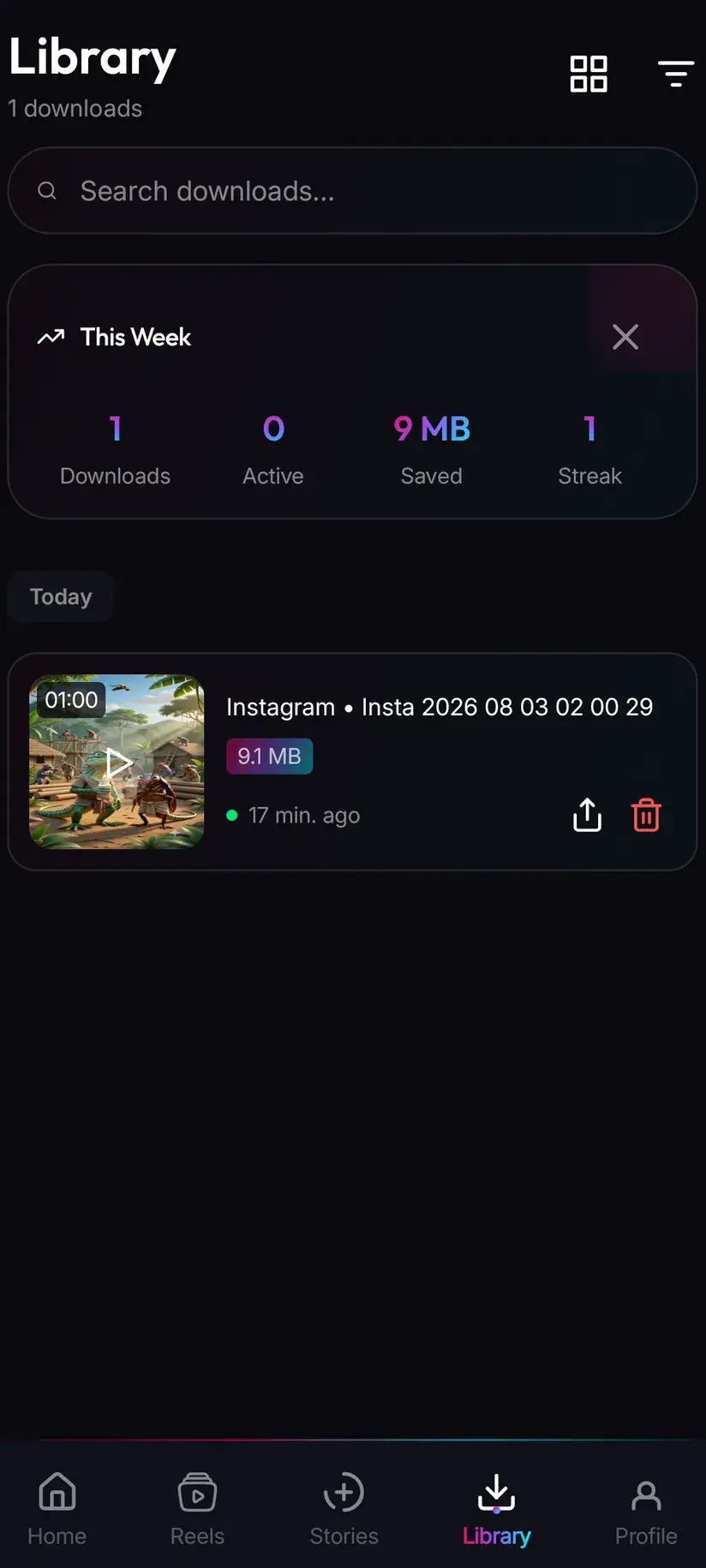
A finished download goes to your device's Downloads folder, in a Savvy directory sorted by platform — so a Likee clip lands in Downloads / Savvy / Likee. It is an ordinary MP4 from that point: it shows in your gallery, plays in any video app, and can be shared onward like anything else.
Library inside the app is the quicker way back to it, listing everything you have saved with search and filters. Storage is the companion screen, showing what each file costs you in space and letting you clear several at once — which matters sooner than you would think on a platform where clips are short and easy to collect.
Then the part that is not about the app at all. Short-video platforms make reposting frictionless, and the watermark that survives your download is, at least in part, doing a job: it says where the clip came from. Saving a Likee video to watch offline, to keep a copy of something you posted, or to use with the creator's permission is ordinary. Re-uploading someone else's clip as your own, or building an account out of other people's work, is not — and no download setting changes that.
Downloading something is not the same as holding rights to it. Personal offline viewing sits in very different territory from redistribution or monetisation. Is downloading videos legal? sets out where the line usually falls, and it is worth reading once.
Procedure
How to download a Likee video
Well under a minute once the app is installed. No Likee account is needed for a public clip, and no Savvy account is needed at all.
Install Savvy and allow storage access
Install Savvy from Google Play and open it. Grant the storage permission when it is asked for — that is what lets a finished file be written where your gallery can see it, rather than staying locked inside the app.
Open the clip on Likee
Open the video itself rather than a profile or a hashtag feed. Play it once to confirm it is the right one and that it is publicly viewable.
Share it to Savvy
Tap the share control on the open clip and pick Savvy from the list of apps. The link is handed across and the download starts on its own. If Savvy is not offered, copy the link instead and carry on with the next step.
If you copied, check the link is a likee.video address
Savvy recognises likee.video, m.likee.video and l.likee.video short links. A likee.com address is not recognised as Likee and drops to the generic route, so open it in a browser and copy the address you land on instead.
Tap Paste, then Download
In Savvy, tap the Paste button beside the link field. It fills the field with what you copied and does nothing else. Tap Download to begin. If a verification prompt appears part-way through, that is one route in the chain doing its bot-check.
Pick a quality, then find it in Library
Savvy lists the resolutions that clip actually exists in. SD up to 480p is free from your daily allowance; higher tiers spend coins. When it finishes, the file is in Downloads/Savvy/Likee and listed under Library inside the app. Likee's own watermark will still be in the frame — that is baked in at the source.
Frequently asked questions
- How do I download a Likee video to my phone?
- The quickest way is Likee's own share control: open the clip, tap share, and pick Savvy. The link is handed over and the download starts by itself — nothing to type. If Savvy is not in the share sheet, copy the clip's link instead, open Savvy, tap the Paste button to fill the link field, then tap Download. Paste only fills the field; it does not start the download on its own.
- Can I download Likee videos without the watermark?
- No, and it is worth being straight about that. Likee burns its own watermark into videos at its end, before any downloader sees the file. Savvy adds no watermark of its own but it removes nothing either, so what you get is the clip exactly as Likee served it. A burned-in mark is pixels in the frame rather than metadata, and taking one out means cropping and re-encoding the video, which costs picture quality at the edges. Apps advertising watermark-free Likee downloads are almost always doing that crop, or describing TikTok behaviour that does not apply here.
- Why can Savvy remove TikTok watermarks but not Likee ones?
- Because it is not a general capability — it is three specific TikTok extractors that can request the source file before TikTok applies its stamp. Those three accept TikTok URLs only. They are not part of Likee's provider chain and there is no equivalent for Likee, so no setting, tier or workaround produces an unstamped Likee file. Anything claiming otherwise is cropping the video rather than removing anything.
- Is downloading Likee videos free?
- Standard definition, up to 480p, is free — it comes out of a daily allowance rather than any balance, and since Likee clips are shot and compressed for phones a great many of them sit inside that tier anyway. Above 480p you spend coins: 10 for HD or Full HD (or one HD credit), 15 for 2K, 20 for 4K, and 5 for an image or an audio-only file. Coins are earned free by watching a short rewarded ad or checking in daily, or bought in packs. Premium removes the ads and lifts the limits instead.
- Why does my Likee link not work?
- Usually because it is not a video. Likee has no path pattern configured in Savvy, so every likee.video address is accepted into the link field at full confidence — including profile, hashtag and discovery pages that have no single file behind them. The field taking your link proves nothing; the failure shows up when extraction runs. The other common cause is a likee.com address, which is not recognised as Likee at all and drops to the generic route instead. Open it in a browser and copy the address you land on.
- How many times does Savvy try a Likee link?
- Three extraction providers, tried in priority order with automatic fall-through, all behind a single spinner. That is thinner than Instagram's five and better than the platforms served by one extractor alone. It means an error is a chain-wide result rather than one bad attempt, so pressing Download again immediately repeats the same three failures — waiting and returning to the same link later is what tends to work. If a verification prompt appears mid-chain, that is one route doing its bot-check, not a fault.
- Do I need a Likee account to download?
- Not for a public clip. If the link plays in a browser with no Likee session, Savvy can read it with no account and no sign-in anywhere. You do not need a Savvy account either — sharing or pasting a link and downloading works without signing up for anything. Content that only appears once you are logged in is not public, and a downloader gets the same refusal your browser would.
- Where do downloaded Likee videos save?
- In your device's Downloads folder, under a Savvy directory sorted by platform — so Likee clips land in Downloads/Savvy/Likee. From there it is an ordinary MP4 that appears in your gallery and plays in any video app. Inside Savvy, the Library screen lists everything you have saved with search and filters, and the Storage screen shows what each file takes up so you can clear several at once.