How do I download a ShareChat video?
ShareChat is built for sharing outward, so getting a link is the easy part — the bit worth knowing is which link you end up with, and what happens when it is not one Savvy recognises.
- Guide
- How-to
- Read
- 13 min
- Language
- English
Steps checked against the Savvy Android app on
Devikon Research Team
Share it across rather than copying it
ShareChat's whole design points outward. Almost every post carries a share control, and that control is the fastest way into Savvy by a wide margin.
Open the post, tap share, and pick Savvy from the list of apps. The link is handed straight over and the download starts on its own — Savvy fills its own link field and fires the request without waiting for you to tap anything else. No home screen, no typing, no clipboard.
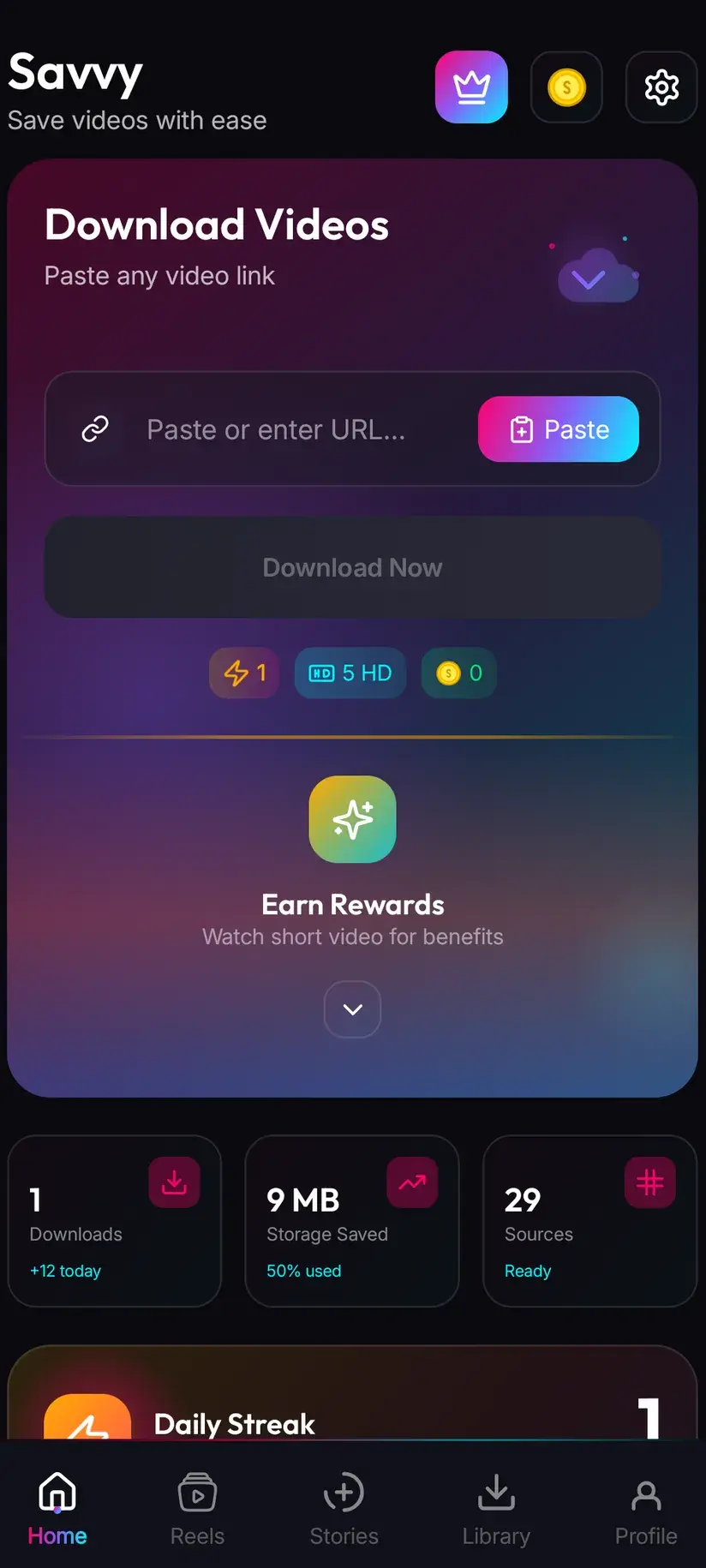
The alternative is copy-and-paste, and it is what you fall back on when the link reached you some other way — forwarded in a chat, sitting in a note, opened in a browser. Copy it, open Savvy, tap the Paste button beside the link field, then tap Download. Be clear about what Paste does, because a lot of apps in this category imply something different: Savvy does not monitor your clipboard in the background, and opening the app does not silently begin a download. Paste is a button. It reads the clipboard once, puts what it finds in the field, and waits.
One thing to watch on ShareChat specifically. Share sheets sometimes route a post through an intermediate link on a different host — a redirect or a campaign wrapper rather than a sharechat.com address. Savvy identifies platforms by domain, and it has no list of ShareChat shorteners to check against, so a link on some other host is not recognised as ShareChat at all. It falls instead into the generic catch-all, which is served by a single extractor with nothing behind it. If the link you copied does not say sharechat.com, open it in a browser first and copy the address you land on.
- Share to Savvy — link filled and download started automatically
- Copy link, then Paste — tap Paste to fill the field, then tap Download yourself
- sharechat.com, www.sharechat.com and the mobile m.sharechat.com are all recognised
- A wrapped or redirected link on another host is not recognised as ShareChat — open it and copy the real address
Two routes in — and why that number is worth knowing
A downloader reads the page a post sits on, locates the media URL the player is using, and fetches that file directly. Nothing is decrypted; it is the same file the app would stream, kept rather than played.
The complication is that pages change. Platforms reshape their markup and their internal endpoints, and an extraction technique that worked last month can return an empty response today. Savvy's defence is a chain of providers tried in order, falling through automatically when one comes back empty — you see a single spinner regardless of how many were attempted.
For ShareChat that chain is two providers deep. It is worth saying plainly rather than dressing up: Instagram has five, and two is thinner. It is not the thinnest in the app, but it does mean the margin is narrow. If the higher-priority extractor loses its grip on ShareChat's markup, there is one alternative behind it and then the chain is finished.
In practice that changes what you should do about a failure rather than whether you should expect one. A ShareChat error means both routes were exhausted, so pressing Download again immediately repeats exactly the same two attempts. Leaving it and coming back to the same link later is the move that actually works, because the providers are maintained independently of the app and recover on their own schedule.
- Two extraction providers, tried in priority order with automatic fall-through
- One spinner in the interface no matter how many routes were tried behind it
- An error means both came back empty — not that a single attempt glitched
- Retrying instantly repeats the same two failures; retrying later often succeeds
Language: what the app speaks, and what the video speaks
ShareChat is a regional-language platform first and foremost, and its audience does not necessarily want a downloader that only speaks English. So the useful thing to separate here is the app's language from the video's.
The video's language does not matter at all. Extraction reads a page and fetches a file; it neither knows nor cares whether the audio is Bhojpuri, Marathi, Telugu or Punjabi. A post in any language on ShareChat resolves exactly like any other. There is no language setting to get wrong and nothing to configure before saving a regional-language clip.
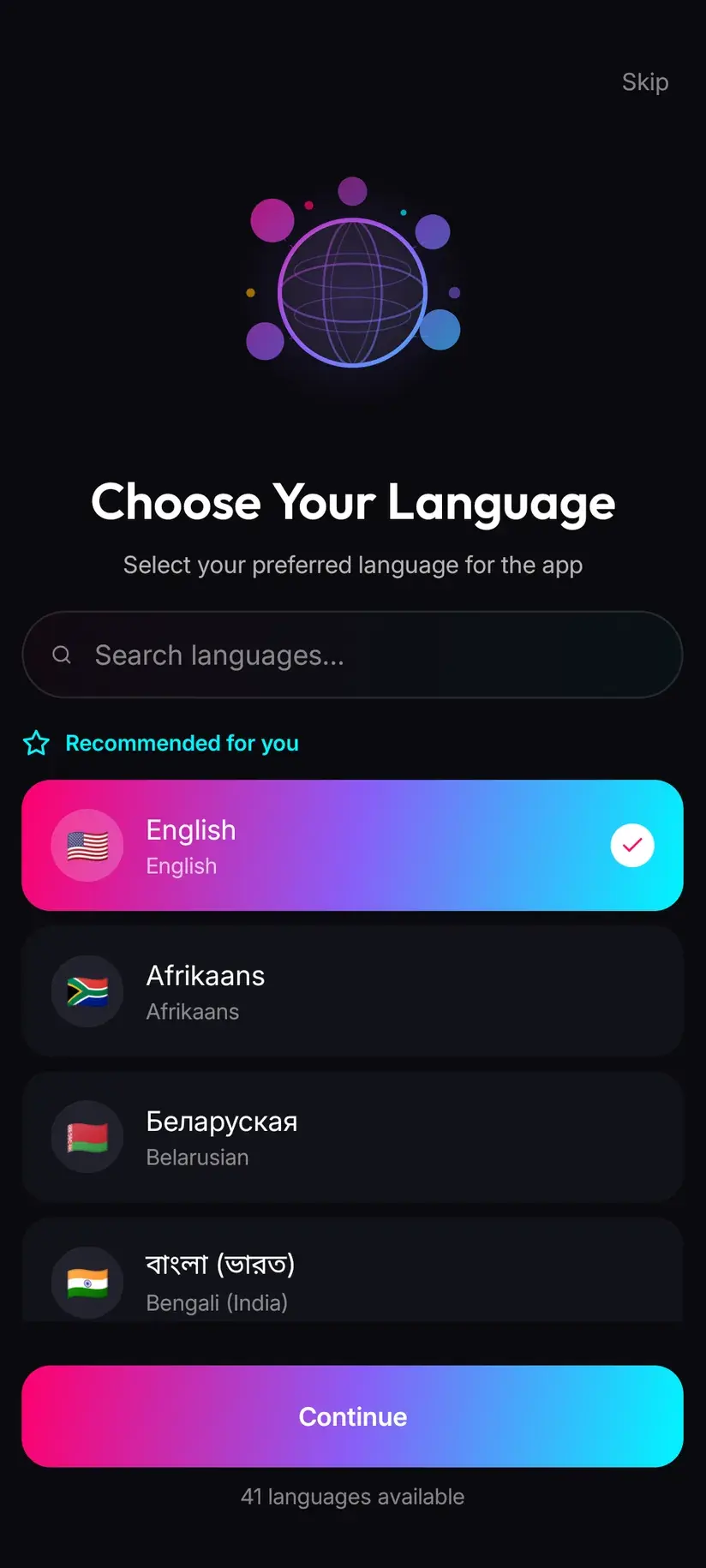
The app's own interface is a separate question, and here it is worth being precise rather than generous. Savvy's full interface — not a handful of headline screens, the whole thing — ships in 41 languages, which is unusually broad for an app of this kind. Of those, three are Indian: Hindi, Bengali and Malayalam. If you read one of those, you can run the entire app in it, and the Language screen in settings switches over without a reinstall.
If your language is not among the three, nothing about downloading is closed to you — the buttons are the same buttons and the clips save identically. It just means the labels stay in English while the videos stay in whatever they were. Those are genuinely independent, and conflating them is the single most common misunderstanding about downloading from regional platforms.
- Video language — irrelevant to whether a link resolves. Any language saves the same way
- Interface language — 41 available, including Hindi, Bengali and Malayalam
- Switch it any time from the Language screen; nothing needs reinstalling
- Filenames follow the post, so a clip in a non-Latin script keeps a readable name in your gallery
Quality, and what a download costs
Once the link resolves, Savvy lists the qualities that post actually exists in and lets you pick one. The list is read from what the platform is serving, not from a menu of hopes.
Standard definition, up to 480p, is free. It comes from a daily allowance rather than a balance, so ordinary everyday saving costs nothing. Above 480p you spend coins, Savvy's in-app currency.
Set your expectations by what ShareChat is. Most of what circulates there was shot on a phone, compressed for a mobile data budget, and often re-shared several times before it reached you — and every re-share is another round of compression. A great many posts genuinely top out at or below 480p, which puts them squarely inside the free tier. Downloading cannot add detail that was never uploaded, so if the picker offers nothing above SD, that is the ceiling for that post and paying more would buy you a larger file of the same picture.
- SD video, up to 480p — free, from your daily allowance
- HD and Full HD video — 10 coins, or one HD credit if you have one
- 2K video — 15 coins
- 4K video — 20 coins
- Images and audio — 5 coins
Coins are earned as well as bought: a short rewarded ad or a daily check-in both add to the balance, and the Coin Shop lists those routes alongside the packs. Premium is the other way out — it removes ads and lifts the download limits, so the coin arithmetic stops applying. The free tier is ad-supported through Unity Ads, which collects your device's advertising ID; that is set out in the Savvy privacy policy.
Watermarks, credit, and where the file ends up
Savvy adds no watermark of its own. Whether a saved clip carries one is settled entirely at the source, long before a downloader sees it.
ShareChat posts frequently arrive with marks baked in: a creator's handle typed into the video, a sticker or caption added in an in-app editor, branding from whichever platform the clip was made for before it was re-shared here. All of that is part of the picture. It is pixels in the frame rather than a layer that can be switched off, and removing it means cropping and re-encoding — a video-editing job that costs you quality at the edges. Any app promising a clean file is describing one of those two things, and only one of them is honest.
A finished download lands in your device's Downloads folder, in a Savvy directory sorted by platform — so a ShareChat video goes to Downloads / Savvy / ShareChat. It is an ordinary MP4 from there: it appears in your gallery, plays anywhere, and can be forwarded like any other file. Inside the app, Library lists everything you have saved with search and filters, and Storage shows what each file is costing you in space so you can clear several at once.
That last point about forwarding deserves a pause. Re-sharing is the native motion on ShareChat, which makes it very easy to forget that the clip belongs to whoever made it. Saving something to watch offline, or to keep a copy of your own post, is ordinary. Stripping a creator's credit and re-uploading their work as yours is not — and that is a copyright question, not a settings question.
There is exactly one platform in Savvy where an unstamped source can genuinely be requested, and it is TikTok — a few TikTok-specialist providers support it. That is TikTok-only. It does not apply to ShareChat. On whether you may keep and reuse what you have saved, is downloading videos legal? sets out where the line usually falls.
Procedure
How to download a ShareChat video
Under a minute once the app is installed. No ShareChat account is needed for a public post, and no Savvy account is needed at all.
Install Savvy and allow storage access
Install Savvy from Google Play and open it. Grant the storage permission when it is asked for — it is what lets a finished file be written somewhere your gallery can see, instead of staying locked inside the app.
Open the post you want on ShareChat
Open the video itself rather than the feed or the creator's profile. Play it once to confirm it is the right clip and that it is publicly viewable.
Share it to Savvy
Tap the share control on the open post and pick Savvy from the list of apps. The link is handed over and the download starts by itself. If Savvy is not offered, copy the link instead and continue with the next step.
If you copied, check the address is sharechat.com
Savvy recognises sharechat.com, www.sharechat.com and m.sharechat.com. A wrapped or redirected link on some other host is not recognised as ShareChat — open it in a browser and copy the address you actually land on.
Tap Paste, then Download
In Savvy, tap the Paste button beside the link field. That fills the field with what you copied and does nothing further. Tap Download to start.
Pick a quality, then find it in Library
Savvy lists the resolutions that post genuinely exists in — SD up to 480p is free from your daily allowance, higher tiers spend coins. When the download finishes the file is in Downloads/Savvy/ShareChat, and listed under Library inside the app.
Frequently asked questions
- How do I download a ShareChat video to my phone?
- The fastest route is ShareChat's own share control: open the post, tap share, and pick Savvy. The link is handed over and the download starts on its own — nothing to type. If Savvy is not in the share sheet, copy the post's link instead, open Savvy, tap the Paste button to fill the link field, then tap Download. Paste only fills the field; it does not start the download by itself.
- Can I download ShareChat videos in Hindi, Bengali or other Indian languages?
- Yes, and the video's language makes no difference whatsoever. Extraction reads a page and fetches a file — it does not know or care whether the audio is Hindi, Bhojpuri, Marathi, Telugu or anything else, so a post in any language saves exactly like any other. Separately, Savvy's own interface ships in 41 languages, of which three are Indian: Hindi, Bengali and Malayalam. You can switch the app to one of those from the Language screen, but you do not need to in order to download anything.
- Is downloading ShareChat videos free?
- Standard definition, up to 480p, is free — it comes out of a daily allowance rather than any balance. That covers a large share of ShareChat posts, since most were shot and compressed for mobile in the first place. Above 480p you spend coins: 10 for HD or Full HD (or one HD credit), 15 for 2K, 20 for 4K, and 5 for an image or an audio-only file. Coins are earned free by watching a short rewarded ad or checking in daily, or bought in packs.
- Will the saved video still have the creator's watermark?
- If the mark was baked into the video, yes. Savvy adds no watermark of its own, but it also removes nothing — a handle typed into the frame, a sticker added in an in-app editor, or branding from the platform the clip was originally made for are all pixels in the picture rather than a layer that can be switched off. Removing one means cropping and re-encoding, which costs quality at the edges. Only TikTok has providers that can request an unstamped source, and that behaviour does not extend to ShareChat.
- Why does my ShareChat link not work?
- Two common reasons. Either the link is a collection rather than a post — a profile, tag, trending or search page has no single file behind it, and Savvy accepts it into the field because it recognises the domain, then fails when extraction finds nothing. Or the link is not on sharechat.com at all: a wrapped or redirected address on another host is not recognised as ShareChat and falls to the generic catch-all instead. Open it in a browser and copy the real address.
- How many ways can Savvy try a ShareChat link?
- Two extraction providers, tried in priority order with automatic fall-through, so one spinner covers both attempts. That is thinner than Instagram, which has five, and it is worth knowing because it changes what to do when something fails: an error means both routes were exhausted, so tapping Download again immediately repeats the same two failures. Leaving it and returning to the same link later is what usually works, since the providers recover on their own schedule.
- Do I need a ShareChat account to download?
- Not for a public post. If the link plays in a browser with no ShareChat session, Savvy can read it without any account and without signing in anywhere. You do not need a Savvy account either — sharing or pasting a link and downloading works without signing up. Anything that only appears once you are logged in is not public, and a downloader receives the same refusal your browser would.
- Where do downloaded ShareChat videos save?
- In your device's Downloads folder, under a Savvy directory sorted by platform — so ShareChat videos land in Downloads/Savvy/ShareChat. From there it is an ordinary MP4 that appears in your gallery and plays in any video app. Inside Savvy, the Library screen lists everything with search and filters, and the Storage screen shows what each download takes up so you can clear several at once.