Why do my WhatsApp Business statuses not show up?
You granted folder access, the statuses loaded, and none of the Business ones were there — which is not a bug, and the reason is sitting in your app drawer.
- Guide
- Explainer
- Read
- 11 min
- Language
- English
Steps checked against the Savvy Android app on
Devikon Research Team
WhatsApp Business is a different app, not a mode
The name misleads people, understandably. WhatsApp Business sounds like a setting inside WhatsApp — a profile type, a toggle, a tier. It is not. It is a wholly separate Android application, published separately, installed separately, with its own package name: com.whatsapp.w4b, where ordinary WhatsApp is com.whatsapp.
Two apps means two of everything underneath. Two sets of chats, two accounts, two notification channels, and — the part that matters here — two separate storage areas. When you view a status in WhatsApp Business, it caches the media file into its own directory. The personal WhatsApp app never sees that file, and nothing that reads the personal folder will ever list it.
So a status saver has to treat them as two sources, because at the filesystem level that is exactly what they are. In Savvy they appear as separate tabs on the Stories screen for the same reason they are separate entries in the app's internal platform list: they are not variations of one thing.
Which answers the question that brought most people here. Your Business statuses are not missing and not hidden. They are in a folder Savvy has not been given permission to read yet.
- WhatsApp — package com.whatsapp, caching to a WhatsApp folder
- WhatsApp Business — package com.whatsapp.w4b, caching to a WhatsApp Business folder
- One Android folder permission covers one folder — it cannot reach across into another app's storage
- Both tabs live on the same Stories screen, so switching between them is one tap once both are set up
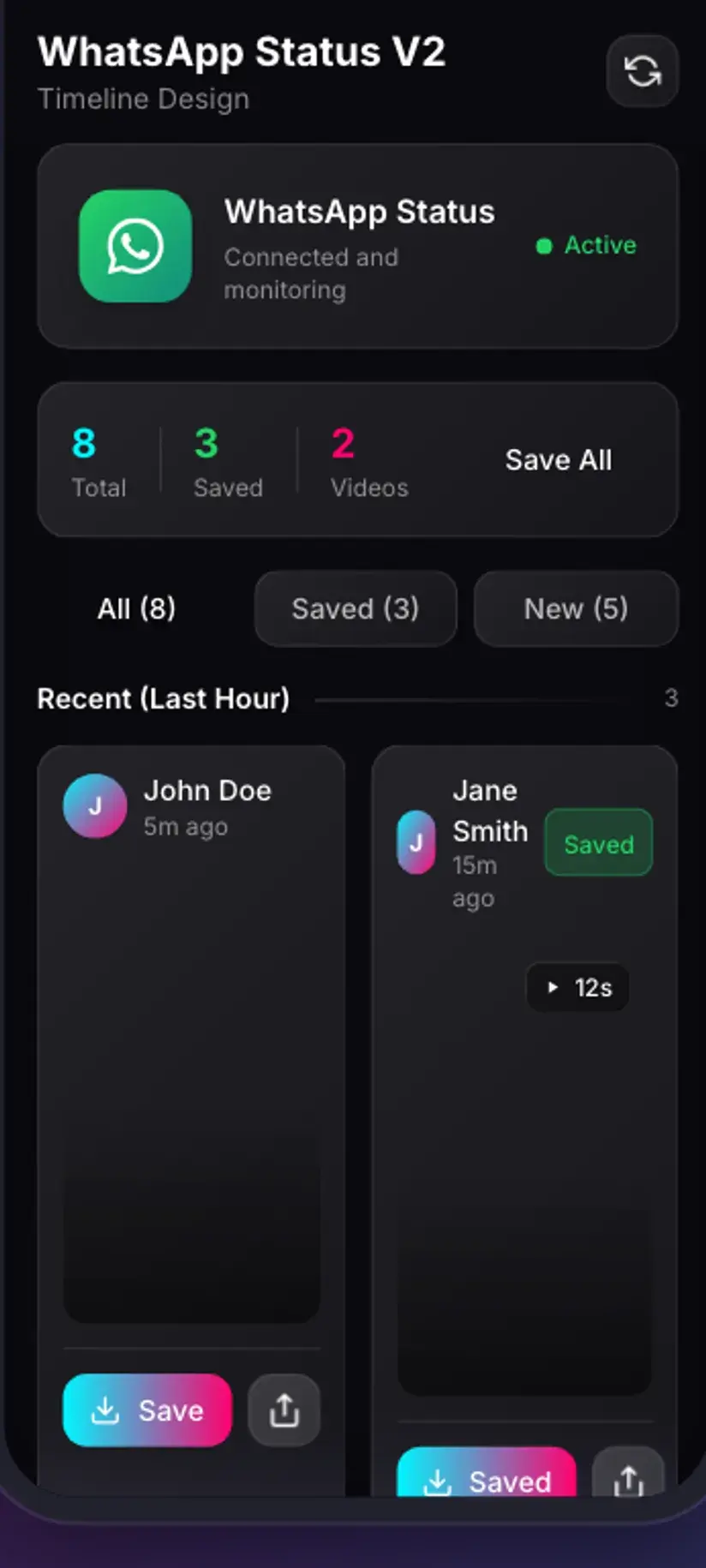
The second folder grant, step by step
The flow is the one you already did for personal WhatsApp, pointed somewhere else. Android scopes a folder grant to the exact folder you select, which is a real privacy control rather than a formality — an app cannot be handed one directory and quietly walk into another.
Open the WhatsApp Business tab and tap Give Access. The Android file picker opens. Navigate to Android → media → com.whatsapp.w4b → WhatsApp Business → Media, select the .Statuses folder, and tap Use this folder.
Two details trip people at this point. The package folder is com.whatsapp.w4b, which sorts nowhere near com.whatsapp in an alphabetical list and is easy to scroll past. And the folder inside it is WhatsApp Business, with a space, not WhatsApp — pick the wrong one and you have simply re-granted access to something you already had.
As on the personal side, .Statuses is hidden by its leading dot. If it is not listed, turn on Show hidden files in the picker's overflow menu. Savvy validates the folder against the variant you are setting up, so pointing the Business grant at the personal directory gets you a correction rather than a puzzling empty grid.
- Personal — Android / media / com.whatsapp / WhatsApp / Media / .Statuses
- Business — Android / media / com.whatsapp.w4b / WhatsApp Business / Media / .Statuses
- Enable Show hidden files if .Statuses is not visible in the picker
- Selecting Media rather than .Statuses is the most common miss, and the app will say so
Each grant persists on its own. Set both up once and the Stories screen opens straight into whichever tab you last used, with no picker in sight. Grant only one and the other tab keeps asking — which is the state most people arrive here in.
If the tab says WhatsApp Business is not installed
Savvy checks whether the app is actually on the device before it goes looking for anything, so this message means what it says rather than standing in for a permission problem.
It usually appears for one of two reasons. Either WhatsApp Business genuinely is not installed — worth checking, because plenty of people have a business profile set up inside ordinary WhatsApp and assume that is the same product. Or it is installed on a different user profile: a work profile, a second space, or a dual-app clone. Android keeps those storage areas apart deliberately, so an app running in your personal space cannot see a cloned app's files, and no permission you can grant will change that.
The cloned-app case is the one that produces genuine confusion, because you can see the app on your home screen and Savvy insists it is not there. Both are true. They are running in different containers.
- Not installed — a business profile inside ordinary WhatsApp is not the Business app
- Installed in a work profile or second space — separate storage, invisible from the personal side
- Dual-app or app-cloning features — same problem, same reason
- Freshly installed — open it and view a status once before expecting anything in the grid
Same 24-hour clock, twice over
Everything the personal status saver does about expiry applies here identically, and it is worth restating because business statuses are the ones people most often mean to come back to.
The .Statuses folder is a cache, not an archive. WhatsApp Business downloads a status when you view it and clears the file out once the status has expired at its end, 24 hours after posting. A saver can only ever show you what is still cached. Nothing older exists on the device to be recovered, by Savvy or anything else.
There is a compounding annoyance specific to running both apps. Statuses you viewed in the personal app are cached in the personal folder and statuses you viewed in Business are cached in the Business folder, strictly. If you remember watching something but cannot find it, the first thing to check is not whether it expired — it is which tab you are looking at.
The working habit is the same as before: save on the day. A status file is a few megabytes, deletable in a tap from Storage. An expired one is a message to the poster asking them to send it again.
Clearing WhatsApp Business's storage from Android settings empties its status cache immediately, exactly as it does on the personal side. If you are freeing up space and there are statuses you want, save them first.
Two sources in, two folders out
Saved files stay separated on the way out as well. A personal status lands in Downloads / Savvy / WhatsApp; a Business one lands in Downloads / Savvy / WhatsAppBusiness. Same device, adjacent folders, no mixing.
That split is more useful than it sounds if you actually use the Business app for work. Catalogue shots, price cards, promotional clips and supplier updates end up filed apart from whatever your friends posted, which makes a month's worth of saved statuses navigable rather than a single undifferentiated pile.
Inside the app both feed the same Library, where search and filters let you narrow to one source when you want to and see everything when you do not. Storage shows what each saved file is occupying, with bulk delete — which matters here because business statuses tend to be saved in runs rather than one at a time.
The mechanics of the save itself are identical to the personal side: a byte-for-byte copy of the file already on your phone. No quality picker, because there is no second version to fetch and nothing is re-encoded. What WhatsApp Business's upload compression left is exactly what you get.
- Downloads / Savvy / WhatsApp — personal statuses
- Downloads / Savvy / WhatsAppBusiness — Business statuses
- Both appear in Library with search and filters across the lot
- Both are ordinary files from that point on, visible in your gallery and playable anywhere
Status saves sit outside the SD-and-HD coin table the link downloads use, because there is no quality tier to price. A save draws a small handful of coins, and if your balance is short Savvy offers a short rewarded ad rather than refusing; coins are also earned by checking in daily. Premium removes the ads and the arithmetic. The free tier is ad-supported through Unity Ads, which collects the device advertising ID — see the Savvy privacy policy.
Business statuses are commercial material, which sharpens the rights question
The legal framing shifts a little here, and it is worth naming rather than glossing.
Statuses on a business account are usually promotional: product photography, price lists, offer graphics, short demonstration clips. That is somebody's commercial work, often commissioned and paid for. Saving your own business's statuses — your catalogue images, your own promo video after the original file went missing with an old phone — is straightforwardly fine, and is probably why you are reading this.
Saving a supplier's product shot to place an order, or a price card so you can check it later, is ordinary too. Where it stops being ordinary is reuse: taking a competitor's promotional image and posting it as your own material, or lifting product photography into your own listings. That is a copyright problem before it is anything else, and in a commercial context it can become a passing-off problem as well.
None of that is enforced by the app, and it is not the app's job. It is worth being deliberate about it, because business material is exactly the category where a casual save turns into a reuse without anyone stopping to think.
Having a copy of something is not the same as having permission to use it. Is downloading videos legal? sets out where personal keeping ends and redistribution begins, and commercial reuse sits well past that line.
Procedure
How to save a WhatsApp Business status
If you already have personal WhatsApp set up in Savvy, this is the same routine pointed at a second folder. No account, no link, no connection needed.
View the status in WhatsApp Business
Open the status inside the WhatsApp Business app and let it play. The app only writes a status to storage when it displays it, so anything you scrolled past is not on the device at all.
Open Savvy and switch to the WhatsApp Business tab
Go to the Stories screen in Savvy and select the WhatsApp Business tab specifically. The personal WhatsApp tab reads a different folder and will never list Business statuses, no matter how many times you refresh it.
Grant access to the Business status folder
Tap Give Access to open the Android file picker. Navigate to Android, then media, then com.whatsapp.w4b, then WhatsApp Business, then Media, and select .Statuses. Turn on Show hidden files if it is not visible. Tap Use this folder.
Check you picked the right one
The package folder is com.whatsapp.w4b and the folder inside it is WhatsApp Business, with a space. Selecting the plain WhatsApp folder just re-grants what you already had. Savvy validates the choice against the tab you are setting up and tells you if it is wrong.
Save from the grid
Cached Business statuses appear newest first, photos and videos together. Tap save on the one you want. The copy is instant because nothing is being downloaded, and there is no quality choice to make.
Find it in its own folder
Business statuses land in Downloads/Savvy/WhatsAppBusiness, kept apart from personal ones in Downloads/Savvy/WhatsApp. Both are listed in Library inside the app, where search and filters work across everything you have saved.
Frequently asked questions
- Why do my WhatsApp Business statuses not appear in the app?
- Because WhatsApp Business is a separate Android app with its own storage. It caches status media into its own hidden folder, which the permission you granted for personal WhatsApp does not cover — Android scopes a folder grant to the exact folder you picked. Switch to the WhatsApp Business tab in Savvy and grant access to Android/media/com.whatsapp.w4b/WhatsApp Business/Media/.Statuses. After that both tabs work independently.
- What is the folder path for WhatsApp Business statuses?
- Android / media / com.whatsapp.w4b / WhatsApp Business / Media / .Statuses. Two things catch people out: the package folder is com.whatsapp.w4b rather than com.whatsapp, and the folder inside it is WhatsApp Business with a space. .Statuses is hidden by its leading dot, so turn on Show hidden files in the picker if you cannot see it. Savvy checks the folder you selected matches the tab you are setting up.
- Do I need to grant permission twice?
- Yes, once per app, and that is Android's doing rather than a limitation of the saver. A folder grant reaches exactly the folder you selected and nothing else, which is precisely the protection that stops apps wandering through storage they were not given. Both grants persist once made, so it is a one-off on each side rather than something you repeat.
- Savvy says WhatsApp Business is not installed, but I can see it
- Usually the app is running in a separate container — a work profile, a second space, or a dual-app clone. Android keeps those storage areas apart on purpose, so an app in your personal space cannot see a cloned app's files and no permission will bridge that. The other common case is having a business profile configured inside ordinary WhatsApp, which is not the same product as the standalone WhatsApp Business app.
- Where do saved WhatsApp Business statuses go?
- To Downloads/Savvy/WhatsAppBusiness, kept separate from personal statuses in Downloads/Savvy/WhatsApp. That separation is genuinely handy if you use the Business app for work — catalogue shots and supplier updates stay filed apart from everything else. Both sources feed the same Library screen inside Savvy, where search and filters let you narrow to one or see everything together.
- Do Business statuses also expire after 24 hours?
- Yes, identically. The status folder is a cache, not an archive: WhatsApp Business writes a file when it displays a status and clears it once the status expires a day later. A saver can only show what is still cached, and anything older is off the device entirely. If a status you remember watching is missing, check which tab you are on before assuming it expired — the two apps cache strictly separately.
- Can I save a status in higher quality from the Business app?
- No, and there is nothing to choose. A save is a byte-for-byte copy of the file already on your phone, with no re-fetch and no re-encoding, so you get exactly what WhatsApp Business stored. The compression happened at upload, before the file ever reached you, and it is the same picture everyone else viewing that status saw. No app can add detail that was discarded at the other end.
- Is it alright to save a business's promotional statuses?
- Saving your own business's material is straightforward, and keeping a supplier's product shot or price card for reference is ordinary. Reuse is where it changes: republishing a competitor's promotional image as your own, or lifting product photography into your own listings, is a copyright issue before it is anything else, and in trade it can raise a passing-off question too. Having a copy and having permission to use it are different things.