Why does a Twitter GIF download as an MP4?
Nothing has gone wrong. The thing labelled GIF in that tweet was never a GIF file, and once you know what it actually is, everything odd about the saved copy explains itself.
- Guide
- Explainer
- Read
- 13 min
- Language
- English
Steps checked against the Savvy Android app on
Devikon Research Team
The thing labelled GIF is a video file
Twitter shows a small GIF badge on certain media, and everyone reasonably concludes there is a .gif file behind it. There is not. What sits behind that badge is a short MP4 video: no audio track, played on a loop, with the scrubber, the play button and the volume control hidden.
The badge is a label the client draws, not a description of the format. Twitter is telling you how to think about the media — silent, brief, repeating, a reaction rather than a clip — while serving the same kind of file it serves for any other video.
This happens at upload. Post an actual .gif to Twitter and it is converted to MP4 on the way in. The original GIF is not stored and not served; from that moment the only version anybody can see or fetch is video. So when a downloader hands you an .mp4, it has not converted anything or made a substitution. It has given you the file that exists.
Which resolves the complaint that brings most people here. You did not download the wrong thing, and the app did not change the format. You downloaded exactly what the tweet contained, and it was never a GIF.
- The GIF badge — a client label, drawn over an ordinary video player
- The media — a short MP4, silent, with playback controls hidden
- Your upload — converted to MP4 at upload time; the original .gif is not kept
- Your download — the MP4 that exists, not a substitute for a GIF that does not
Why Twitter swapped the format out
GIF is an image format from 1987, and it shows. It is limited to 256 colours per frame, which is why gradients in old GIFs look banded and skin tones look posterised. It has no modern compression — every frame is stored as its own image with only crude tricks between them — so a few seconds of animation can run to several megabytes. And no phone has hardware acceleration for decoding it, meaning the work falls on the processor and, in practice, on the battery.
The same animation as an H.264 MP4 is typically a fraction of the size, keeps full colour, and decodes in hardware. On a mobile timeline where dozens of these loops autoplay as you scroll, that difference is not a nicety — it is the difference between a usable feed and a hot phone.
Twitter is not unusual in this. Practically every large platform that shows looping animations does the same conversion for the same reasons. The GIF survives as a concept — short, silent, looping, reaction-shaped — long after it stopped being the file format underneath.
None of which is hidden, exactly. It is just never mentioned, because for a person scrolling a timeline the distinction does not matter. It only starts to matter at the moment you try to save one.
- 256 colours per frame — the banding and posterisation you see in older GIFs
- No modern compression — file sizes several times larger than the equivalent video
- No hardware decoding — the processor does the work, and the battery pays
- Same animation as MP4 — smaller, full colour, hardware-decoded
What that changes about the file you save
Three things about the saved copy surprise people, and all three follow from the format rather than from the app.
It plays once and stops. A GIF stores its loop instruction in the file itself, so any viewer that opens it repeats it forever. MP4 has no equivalent that ordinary players honour — the looping you saw on Twitter was the client choosing to restart playback, not a property of the file. Open the same file in your gallery and it plays through and ends. Most video players and messaging apps have a loop or repeat option if you want the original behaviour back.
It has no sound, and never did. Twitter strips audio when it converts, and the player has no volume control for a reason. If you saved something labelled GIF and there is no audio, that is correct. It also means that if a piece of media does have sound, it is not one of these — it is an ordinary video, and the Twitter video guide covers that path.
It has no transparency. GIF supports a transparent colour; MP4 does not. Anything transparent in an original was flattened onto a background at conversion, and that background is now part of the picture. This is the one that bites if you were planning to use the animation over something else.
The upside is worth stating too. What you get is smaller, sharper and better coloured than the GIF that started it, and it is an ordinary MP4 that plays and edits anywhere.
If you wanted the loop back for sharing, the simplest route is usually not converting anything — most messaging apps replay short silent videos on a loop of their own accord, and video players nearly all have a repeat toggle. The file is fine; it is the player that decides whether to repeat it.
Getting it into the app
The routine is the same as for any tweet, because to a downloader this is any tweet.
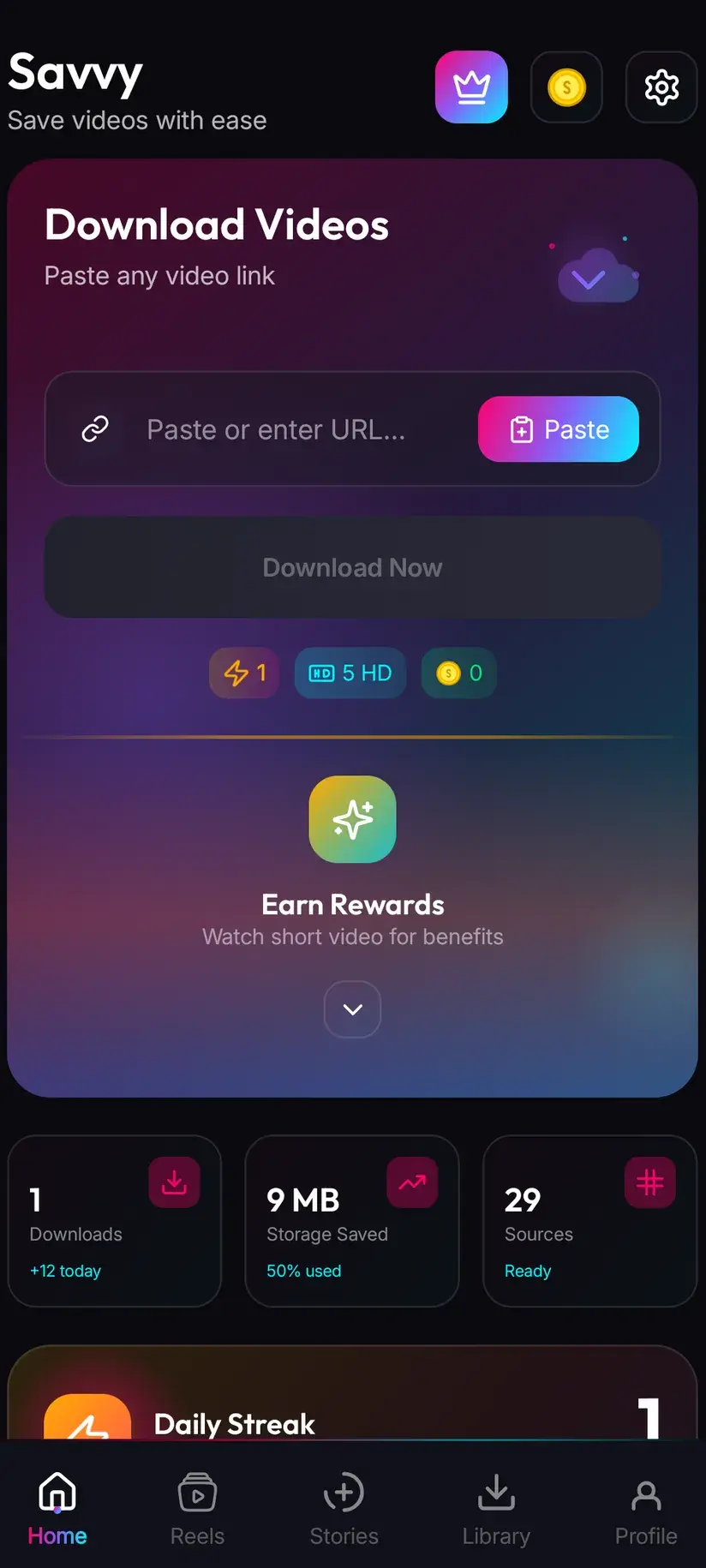
The quick route is the tweet's share icon: tap it, choose Share via, and pick Savvy from the app list. The link is handed straight over and the download starts on its own. The slower route is Copy link, then open Savvy, tap the Paste button beside the link field, then tap Download. Worth repeating the precise bit: Paste is a button. It reads the clipboard once and fills the field; it does not start anything, and the app does not watch your clipboard in the background.
Link shapes are unchanged as well. x.com and twitter.com both work, along with the www and mobile variants, t.co short links, and the embed-fixer hostnames — fxtwitter, vxtwitter and fixupx — that people swap in so tweets preview properly elsewhere. What is checked is the shape rather than the domain: a single tweet's link contains /status/ and a long number. A profile or search URL has no single piece of media behind it and is refused.
One thing genuinely differs. Because these are short and silent, tweets often carry several of them, and a reply chain of reaction loops is one link per tweet rather than one link for the lot. Copy from the tweet holding the animation you actually want.
- Share to Savvy — link filled and download started automatically
- Copy link, then Paste — tap Paste to fill the field, then tap Download yourself
- x.com, twitter.com, t.co, fxtwitter, vxtwitter, fixupx — all recognised
- A profile or search URL — refused, because there is no single item behind it
What it costs, which is usually nothing
This is the cheapest category of thing you are likely to save, and the reason is the source rather than a discount.
Standard definition, up to 480p, is free in Savvy, from a daily allowance rather than any balance. Reaction loops are generally small — they started life as low-resolution animations, they are a few seconds long, and Twitter has no reason to serve them at cinema resolution. A great many of them sit at or below the free line, so you pick the option offered and pay nothing.
Where a higher rung is offered, the ordinary tiers apply, and the honest advice is to look before spending. Twitter transcodes an upload into a small ladder of renditions and the picker can only offer what is on it. For a four-second loop that began as a 480-pixel-wide animation, a higher tier buys a bigger file of the same picture rather than a better one.
- SD video, up to 480p — free, from your daily allowance
- HD and Full HD video — 10 coins, or one HD credit if you have one
- 2K video — 15 coins
- 4K video — 20 coins
- Images and audio — 5 coins
Coins are earned as well as bought — a short rewarded ad or a daily check-in both add to the balance, and the Coin Shop lists both alongside the packs. Premium removes ads and lifts the limits so the arithmetic stops applying. The free tier is ad-supported through Unity Ads, which collects your device's advertising ID; the Savvy privacy policy covers it.
If you genuinely need a .gif file
Sometimes the extension is the requirement rather than the animation — a forum, a wiki, an email signature or an old chat client that accepts .gif and nothing else. In that case you convert, and you should know what the conversion costs.
Going from MP4 back to GIF is a downgrade in every measurable way. Colour is reduced to a 256-entry palette, so gradients band and faces go blotchy. The file usually gets larger, often several times over, despite looking worse. Any audio would be discarded, though there is none here to lose. What you gain is a file with a .gif extension that loops by itself in anything that opens it.
That trade is sometimes worth making and often is not. If the destination accepts video at all — most modern platforms and messengers do, and most replay short silent clips on a loop — keeping the MP4 is the better answer. Convert only when something genuinely refuses anything else.
Savvy does not convert. It saves the file the platform serves, which is the MP4. Conversion is a separate job for a converter tool, and doing it as a deliberate second step is better than an app quietly doing it for you and calling the result a GIF download.
Be wary of any site promising a Twitter GIF as a real .gif in one step. It is converting on its own server, and you are getting a banded, oversized re-encode of the MP4 rather than an original — there is no original .gif on Twitter to recover.
Where it lands, and the rights bit
The saved file goes to your device's Downloads folder, in a Savvy directory filed by platform. It is an ordinary MP4 from there: your gallery lists it, any video app plays it, and it shares onward like anything else.
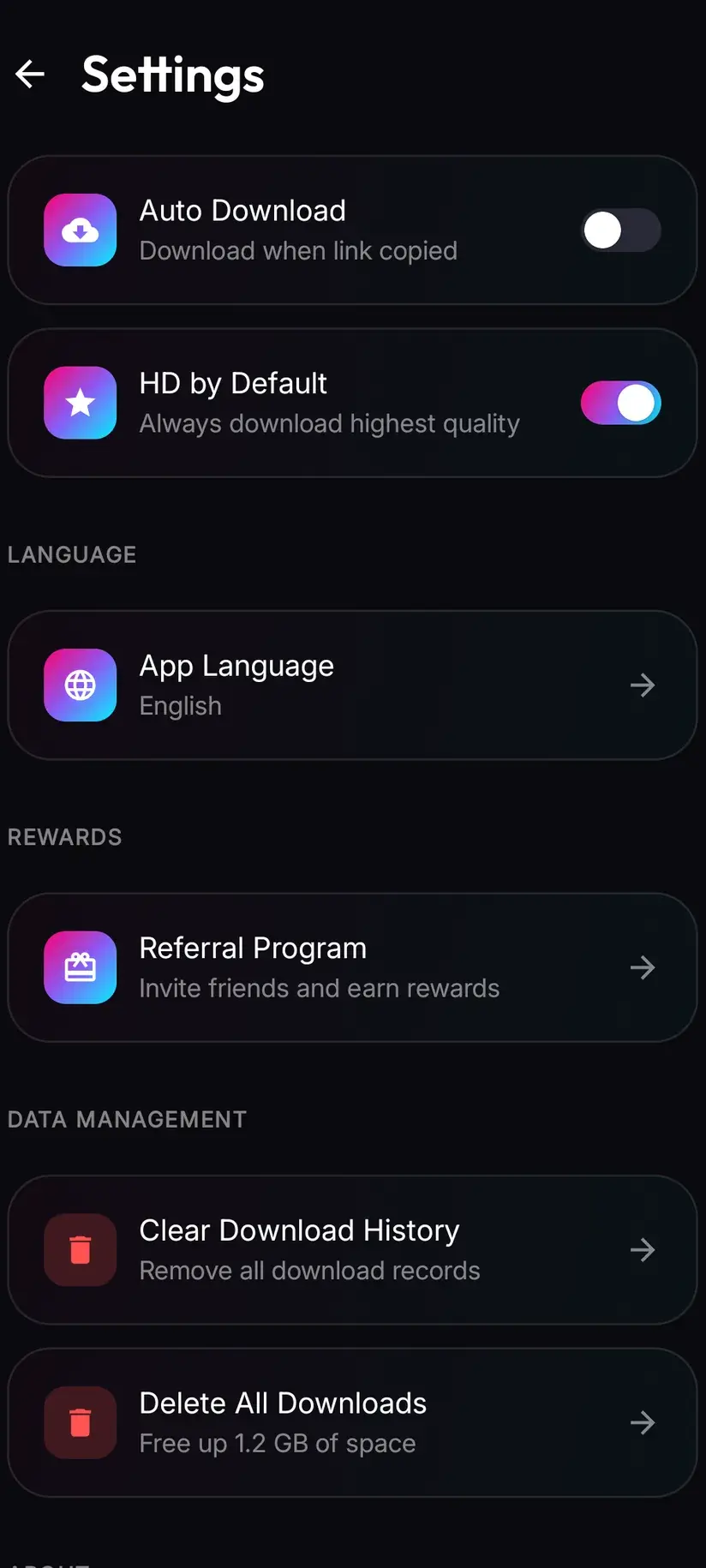
Inside the app, Library lists everything with search and filters, and Storage shows what each file occupies with bulk delete. This category accumulates faster than most — reaction loops are small, quick to save and easy to save fifty of — so the Storage screen earns its place sooner than you would think.
On the rights side, these are an unusual case. A reaction loop is frequently a few seconds lifted from a film, a television programme, a sports broadcast or someone's video, circulated so widely that its origin has been forgotten. That circulation does not make it unowned. Keeping one to send to friends is the ordinary use everyone has in mind, and nobody sensible is worried about it. Building it into something you publish or sell is a different act with a real copyright question attached, and the fact that it arrived through a tweet does not answer that question.
Having a copy is not the same as having rights to use it. Is downloading videos legal? sets out where personal keeping ends and publishing begins, which is the line that matters most for clips lifted from somewhere else.
Procedure
How to download a Twitter GIF
The same routine as any tweet, because that is what this is. Expect an .mp4 at the end, and expect it to be correct.
Install Savvy and allow storage access
Install Savvy from Google Play and open it. Grant the storage permission when asked, so the finished file can be written somewhere your gallery can see rather than staying inside the app.
Open the tweet holding the animation
Find the tweet with the GIF-labelled media, in the Twitter or X app or in a browser. If a reply chain has several, open the specific tweet you want — each one is its own link.
Send the link to Savvy
Tap the share icon and choose Share via, then pick Savvy. The link is handed over and the download starts by itself. If Savvy is not in the share sheet, choose Copy link and continue with the next step.
If you copied instead, tap Paste and then Download
Open Savvy, tap the Paste button beside the link field to fill it, then tap Download. Paste does not start the download on its own. Both x.com and twitter.com links work, as do t.co, fxtwitter, vxtwitter and fixupx.
Pick from what is offered
Savvy lists the renditions Twitter is serving for that tweet. These are usually small enough that the free SD tier covers them. If a higher rung is listed, remember it cannot add detail the original animation never had.
Expect an MP4, and know why
The saved file is an .mp4 with no audio, and it plays once rather than looping — the loop was the Twitter client repeating playback, not something stored in the file. Use your player's repeat option if you want that behaviour back.
Frequently asked questions
- Why did my Twitter GIF download as an MP4?
- Because it was never a GIF. Twitter converts uploaded GIFs to MP4 and shows them as short, silent, looping video with the playback controls hidden and a GIF badge drawn on top. The badge describes how the media behaves, not what format it is. The original .gif is not stored or served, so an MP4 is the only file that exists behind that tweet — a downloader handing you one has not converted or substituted anything.
- Why does the saved GIF not loop?
- A real GIF stores its loop instruction inside the file, so any viewer repeats it forever. MP4 has no equivalent that ordinary players honour, and the looping you saw on Twitter was the client restarting playback rather than a property of the file. Opened in your gallery it plays through and stops. Most video players and messaging apps have a repeat toggle, and many replay short silent clips on a loop anyway.
- Why is there no sound on a Twitter GIF?
- Because Twitter strips the audio when it converts the upload, which is exactly why the player shows no volume control. Silence is the format working as intended rather than a fault in the download. It is also a useful test: if a piece of media has sound, it is an ordinary video rather than one of these, and the Twitter video guide covers that path instead.
- How do I get a real .gif file from a tweet?
- You convert the MP4 afterwards with a converter tool, and you should know the cost. Going back to GIF reduces colour to a 256-entry palette, so gradients band and faces go blotchy, and the file usually ends up several times larger while looking worse. There is no original GIF on Twitter to recover, so any site promising one in a single step is converting on its own server and handing you the same downgrade. If the destination accepts video at all, keeping the MP4 is the better answer.
- Does downloading a Twitter GIF cost coins?
- Usually not. Standard definition up to 480p is free from a daily allowance, and these loops are typically small — low-resolution to begin with and only seconds long — so most sit at or below that line. If a higher rung is offered the normal tiers apply: 10 coins for HD or Full HD, 15 for 2K, 20 for 4K. Coins are earned free by watching a short rewarded ad or checking in daily, and Premium removes the limits entirely.
- Does the saved file lose quality?
- No. The download fetches the file Twitter is serving and writes it to your device without re-encoding, so what you get is exactly what everyone watching that tweet sees. The compression that did happen happened at upload, when the animation was converted. Interestingly, the MP4 is generally better looking than the GIF it came from — full colour rather than a 256-entry palette, and a fraction of the size.
- Why does a GIF-labelled tweet sometimes fail to download?
- The same reasons any tweet fails. The account may be protected, in which case it is gated at the source and no app can reach it. The tweet may be deleted or withheld in your country. Or the link may be a profile or search URL rather than a single tweet. When a public tweet fails anyway, Savvy has already tried five extraction providers in priority order, so retrying at once rarely helps while waiting a few hours often does.
- Where do saved Twitter GIFs go on my phone?
- To your device's Downloads folder, in a Savvy directory filed by platform, as an ordinary MP4. Your gallery picks it up and any video app plays it. Inside Savvy, Library lists everything saved with search and filters, and Storage shows what each file occupies with bulk delete — worth knowing, because short loops are easy to save in quantity without noticing.