How do I download a TikTok photo slideshow?
Photo posts look like videos and behave like albums, and almost everything people find confusing about downloading one follows from that single fact.
- Guide
- How-to
- Read
- 13 min
- Language
- English
Steps checked against the Savvy Android app on
Devikon Research Team
A slideshow is not a video, whatever it looks like
Play a TikTok photo post and you get something that reads as a video: pictures that cross-fade, drift and zoom slightly, in time with music. It feels like one continuous piece of media. It is not.
A slideshow post is a set of still images plus one audio track, and the movement between them is produced by TikTok's player at the moment you watch it. The drift, the zoom, the transition timing — none of that is stored anywhere. It is a rendering behaviour, applied live, the same way a photo app applies a slideshow effect to your camera roll without creating a new file.
That is the whole reason this format behaves differently from a normal TikTok. When you download an ordinary video there is a file to fetch, and you get that file. When you download a slideshow there is no single file to fetch — there is a folder's worth of pictures and a soundtrack, and the thing that glued them together only exists while the app is playing them.
Once that clicks, the rest of this page is mostly consequences.
- What is actually stored — individual images, at whatever resolution they were uploaded, plus one audio track
- What is not stored — the transitions, the timing, the slow zoom, the order effects
- What a downloader can fetch — the things that are stored
- What no downloader can fetch — the things that are not
What actually comes back when you send the link
A TikTok link in Savvy is tried against a chain of extraction providers in ranked order, and TikTok has the deepest chain in the app — eight of them. The chain stops at the first one that returns something usable, and what you are offered is built entirely from what that provider handed back.
For a photo post, providers do not all behave the same way. Handling a post as a set of separate items is a capability only some of them have; the rest treat a link as pointing at one piece of media and return the single best thing they can find. So the result you get takes one of two shapes, and which one is decided by whichever provider answered rather than by anything you can set.
The first shape is the useful one: the images come back as separate selectable items, and you choose which to save — all of them, or the two you actually wanted. The second shape is a single item, and you save that.
There is no toggle for this and no setting to force it, which is genuinely irritating but at least predictable. If you get back something other than what you needed, the same advice as everywhere else in this cluster applies: wait a while and try the same link again. Provider ranking moves with recent success rates, so a repeat attempt is often handled by a different service.
Worth checking the number of items against the post before you commit. Open the post, count the pictures, and compare it with what the app is offering you. If a ten-picture slideshow comes back as three items, something was missed — and it is much cheaper to notice that before you start selecting than after.
Why each picture has its own price
This is where a slideshow gets expensive, and it catches people out because it is not how video pricing works.
An image costs 5 coins, flat, whatever its dimensions. There is no free tier for images: the free daily allowance is defined by video resolution — standard definition up to 480p — and a photograph has no resolution tier to fall into. An HD credit will not cover one either, since credits apply to the HD and Full HD video tiers.
The part that surprises: a batch is costed item by item, not as one download. Select six images from a slideshow and that is six charges, not a single bundled price. A twelve-picture post, taken in full, is a substantial chunk of a coin balance. Add the audio track and that is another 5 coins on top, because audio is its own resource type at the same flat rate.
So the practical habit is selective rather than completist. Most slideshows have two or three pictures anyone actually wants and a long tail of filler. Choosing those, rather than tapping select-all out of reflex, is the difference between a cheap save and an empty balance.
- Each image — 5 coins, whatever its size, never free
- The audio track — 5 coins, priced separately as its own item
- A batch — costed per item, so ten images is ten charges
- SD video, up to 480p — free from the daily allowance, but that tier only applies to video
- HD and Full HD video — 10 coins, or one HD credit; 2K 15; 4K 20
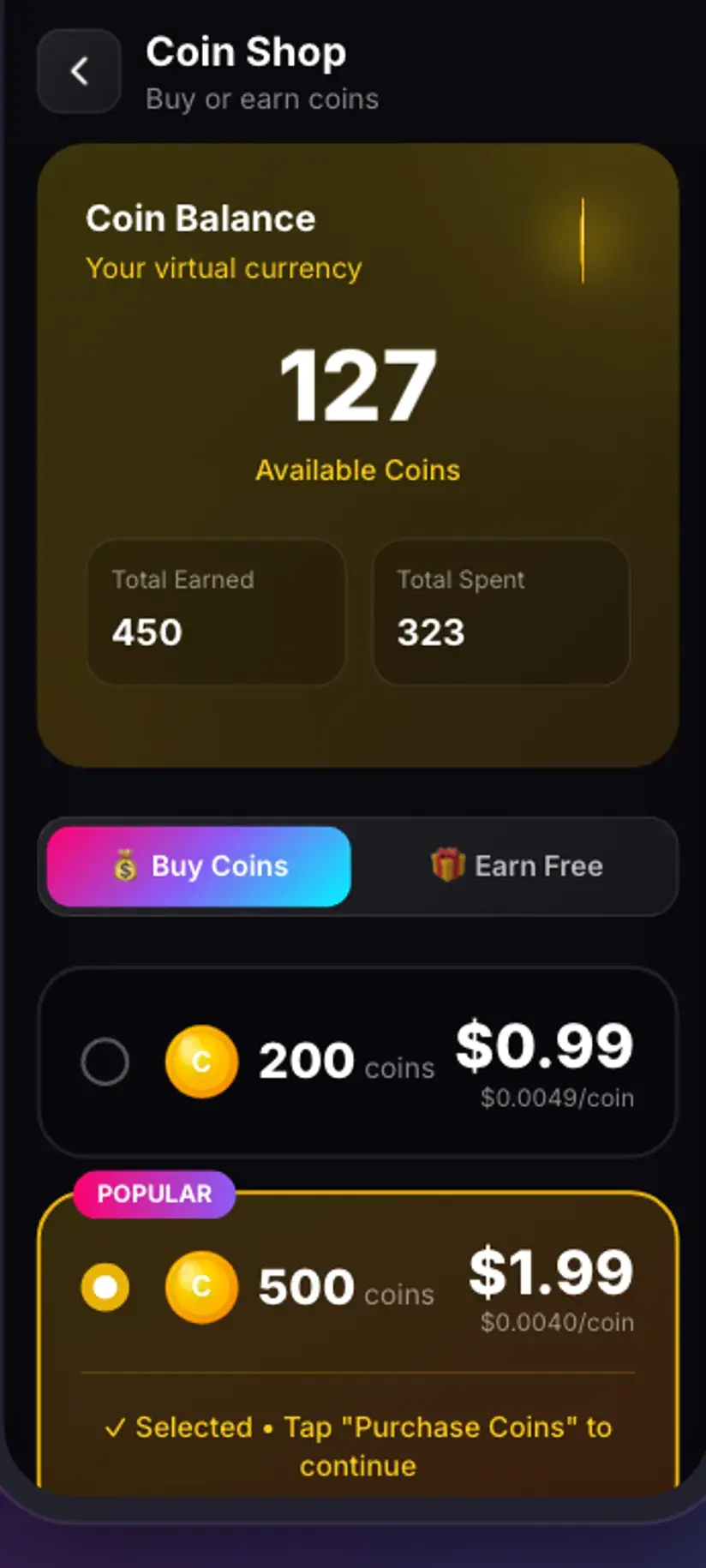
Select-all is the expensive reflex on this format. Look through the pictures first and take the ones you want. Coins are earned as well as bought — a short rewarded ad or the daily check-in both add to the balance, and Premium removes the ads and lifts the limits altogether. The free tier is ad-supported through Unity Ads, which collects your device's advertising ID; that is set out in the Savvy privacy policy.
What cannot be reassembled, and why
Be clear-eyed about this, because plenty of tools imply otherwise. Downloading a slideshow does not give you back the slideshow. It gives you the parts.
The transitions are gone because they were never in a file. The timing is gone for the same reason — how long each picture held before the next one is a playback decision, and there is nothing recording it. The subtle zoom TikTok applies is generated per playback. None of that is being withheld; it does not exist as data to fetch.
Ordering is the one that catches people. Files land named after the post rather than in an obvious first-to-last sequence, so if a slideshow's meaning depends on its order — a before-and-after, a step-by-step, a punchline on the last frame — check the order in the app while the post is still open and rename as you save. Reconstructing it later from a folder of similarly named files is miserable.
If what you genuinely need is the moving version, with the music and the transitions, that is a different job with a different tool: you are asking for a video to be rendered from stills, which is video editing rather than downloading. A downloader's honest answer is the pictures and the audio, and then it is over to you.
- Not recoverable — transitions, per-picture timing, the zoom effect, the audio synced to the cuts
- Recoverable — the pictures themselves, at upload resolution, and the audio track as a separate file
- Worth doing while the post is open — note the order, then rename as you save
- A different job entirely — turning stills back into a moving slideshow is editing, not downloading
Getting the link across, and what to expect from quality
Two routes into the app, one much faster than the other.
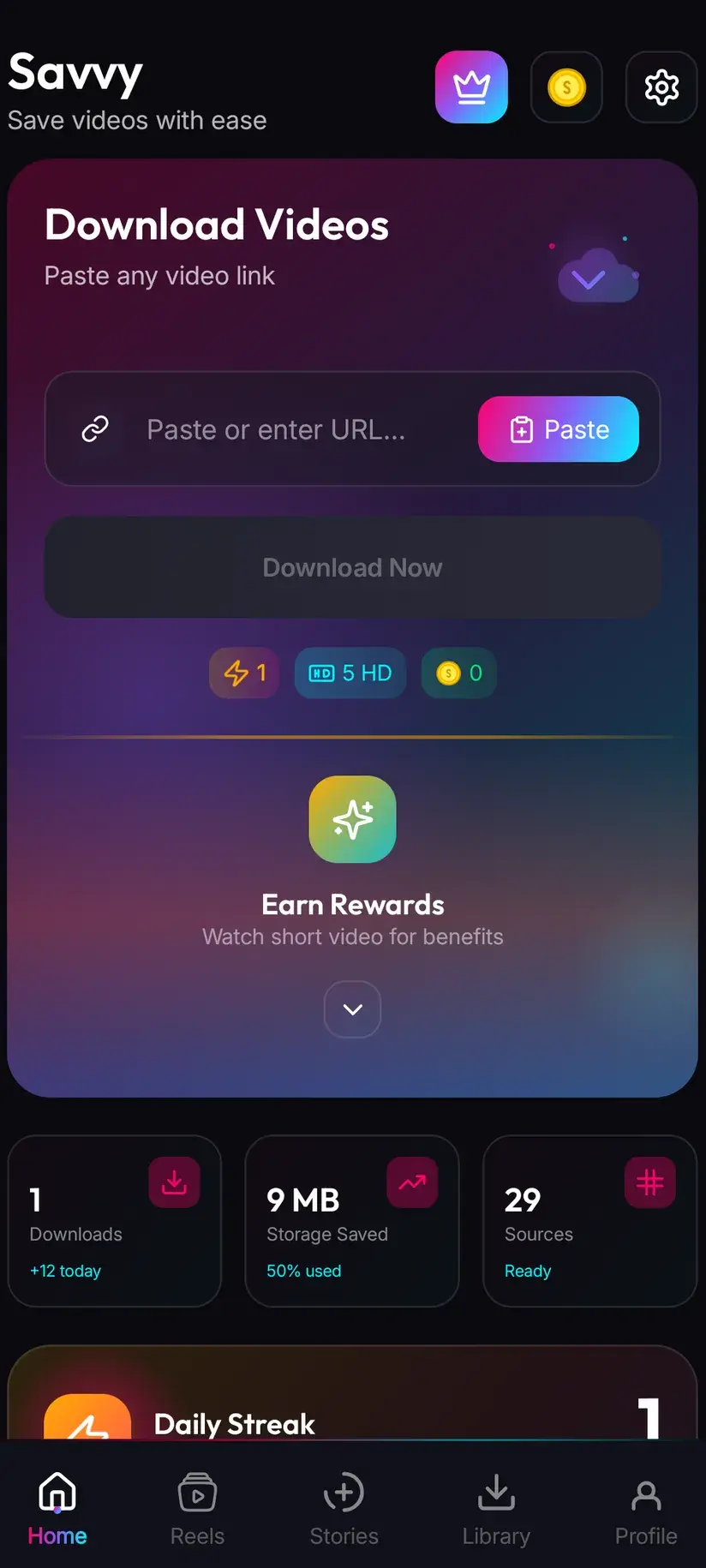
Tap Share on the post and pick Savvy from the apps offered: the link is handed straight over and the download starts on its own. Or tap Share, choose Copy link, open Savvy, tap the Paste button beside the link field, then tap Download. Paste is worth being precise about, because a lot of apps in this category imply something they do not do — Savvy does not watch your clipboard in the background, and it does not start anything the moment you switch to it. Paste reads the clipboard once, checks the link is recognised, and fills the field. Download is a separate tap.
On quality: images come back at whatever TikTok stored, which is smaller than what the creator uploaded. TikTok resizes and recompresses stills for a phone-sized feed the same way it does video. Saving cannot add detail that was discarded on upload — a picture that looks soft in the app will look soft in your gallery, and there is no higher-resolution copy sitting behind it waiting to be asked for.
The watermark question comes up here too. Savvy never adds a mark of its own. On TikTok's video posts an unstamped copy can genuinely be requested through the specialist providers — that is covered in the no-watermark guide. For stills, what you get is the image as stored; anything the creator burned into the picture itself is part of the picture.
Whose pictures are these, though
Photo posts raise this more sharply than video does, and it is worth a paragraph rather than a disclaimer.
Slideshows are disproportionately photographs of people — outfit posts, holidays, gym progress, someone's kids. A still is also far easier to lift out of context than a clip: it crops, it reposts, it ends up in a meme, and it does all of that without the audio or the caption that framed it. The format invites reuse in a way that video does not.
So the reasonable version of this is narrow and unglamorous. Your own posts are yours — saving your pictures back off a platform is ordinary, and a good idea if the account is the only place they exist. Content you have permission to use is fine. Saving something publicly posted to look at again offline is unremarkable. Reposting someone's photographs as your own, or putting them anywhere commercial, is a rights question that the download did not answer for you.
And nothing here reaches content you cannot already see. A private TikTok account's posts are private at TikTok's end; a downloader reads the same page your browser reads and gets the same refusal. That applies to photo posts exactly as it does to video.
Downloading is not the same as having the right to use what you downloaded, and photographs of identifiable people carry considerations beyond copyright alone. Is downloading videos legal? sets out where the line usually falls — worth reading once before this becomes routine.
Where the files land, and keeping a set together
Finished downloads go to your device's Downloads folder, into a Savvy directory, sorted into a subfolder per platform — so a TikTok slideshow's images land in Downloads / Savvy / TikTok, mixed in with any videos and audio saved from there. They are ordinary image files from that point: your gallery picks them up and they share like anything else.
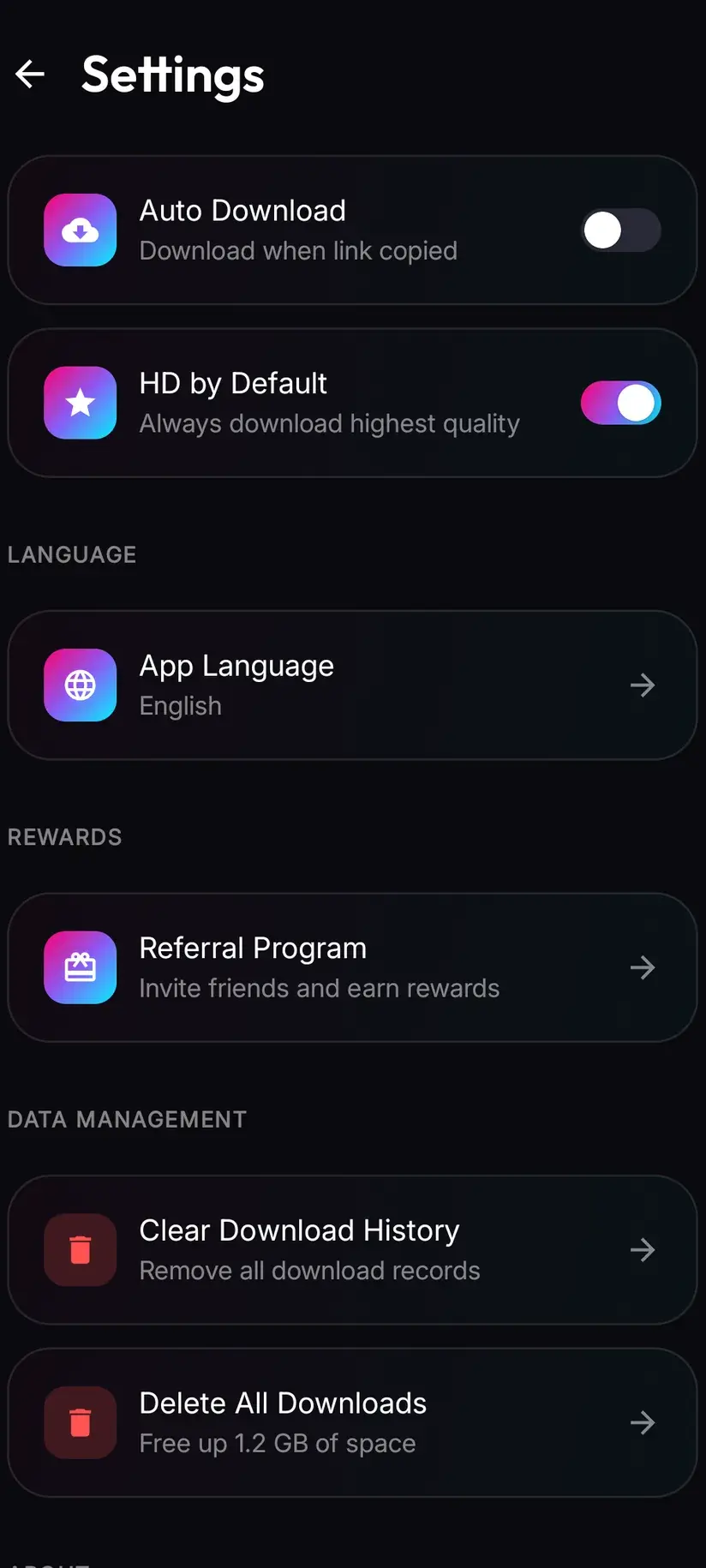
Because everything from one platform shares a folder, a slideshow does not arrive as a tidy album. Inside the app, Library is the better view — it lists everything saved with search and filters, including by file type, so you can see just the images. The Storage screen sits alongside it and shows what each file is using with bulk clearing, which becomes useful faster than you would think once a few slideshows have been taken in full.
If a set matters as a set, move it into its own folder on the device once it has finished, and do it the same day. Slideshow images are the download most likely to be lost in plain sight a month later.
Procedure
How to download a TikTok photo slideshow
Quick, but not free: images are 5 coins each and are charged per picture, so decide what you want before you start selecting.
Install Savvy and allow storage access
Install Savvy from Google Play and open it, granting the storage permission when it is asked for. That is what lets finished files be written somewhere your gallery can see them rather than staying inside the app.
Open the slideshow and count the pictures
Look through the post first and note how many images there are and which ones you actually want. If the order matters, note that too — the order is a playback behaviour and does not survive the download.
Top up a coin balance if you need to
Each image is 5 coins, flat, and the free daily allowance covers standard definition video only. Six pictures is six charges. Open the Coin Shop and take the daily check-in or watch a short rewarded ad, or buy a pack. Premium lifts the limits instead.
Share the post to Savvy
Tap Share on the post and pick Savvy — the link is handed over and the download starts on its own. If Savvy is not in the share sheet, choose Copy link, open Savvy, tap the Paste button to fill the field, then tap Download yourself.
Check what came back before selecting
Compare the items offered against the pictures in the post. If the images came back as separate selectable items, choose the ones you want rather than everything — each is charged separately. The audio track, if it is offered, is another 5 coins on top.
Let it finish, then file it while you remember
Files land in Downloads/Savvy/TikTok and appear under Library inside the app, where you can filter by file type to see images on their own. If the set matters as a set, move it into its own folder and rename in order the same day.
Frequently asked questions
- How do I download a TikTok photo slideshow?
- Tap Share on the post and pick Savvy — the link is handed over and the download starts on its own. If Savvy is not in the share sheet, use Copy link, open Savvy, tap the Paste button to fill the link field, then tap Download. What you are then offered depends on which extraction provider resolved the link: some hand a photo post back as separate selectable images, others return a single item. There is no setting that forces one or the other.
- Why does a slideshow behave differently from a normal TikTok?
- Because it is not a single video file. A photo post is a set of still images plus one audio track, and the movement between them — the transitions, the timing, the slow zoom — is produced by TikTok's player while you watch. None of that is stored anywhere, so there is nothing for a downloader to fetch. An ordinary TikTok has a file behind it and you get that file; a slideshow has parts behind it and you get the parts.
- Can I download a TikTok slideshow as a video with the music?
- Not as a download, no. The version you watch is assembled at playback time, so the moving slideshow does not exist as a file to request. You can save the images, and you can save the audio track as a separate file, but putting them back together into something that plays is video editing rather than downloading. Any tool claiming to hand you the exact slideshow, transitions and timing intact, is rendering a new video rather than retrieving an existing one.
- How much does a TikTok slideshow download cost?
- Each image is 5 coins, flat, whatever its dimensions, and a batch is costed per item rather than bundled — so eight pictures is eight charges. The audio track is another 5 coins as its own item. Images never fall into the free tier, because that tier is defined by video resolution: standard definition video up to 480p is free from a daily allowance, and a photograph has no resolution tier. HD credits do not cover images either. Coins are earned free through a short rewarded ad or the daily check-in, or bought.
- Can I download only some of the pictures?
- Yes, when the post comes back as separate selectable items, and it is worth doing. Most slideshows have two or three pictures anyone actually wants and a long tail of filler, and since each image is charged individually, tapping select-all out of reflex is the expensive habit on this format. Look through the post before you start selecting and take what you need.
- Do the images keep their original quality?
- They come back at whatever TikTok stored, which is smaller than the creator uploaded. TikTok resizes and recompresses stills for a phone-sized feed the same way it handles video, and there is no higher-resolution copy sitting behind the post waiting to be requested. Downloading cannot add detail that was discarded at upload, so a picture that looks soft in the app will look soft in your gallery.
- Will the pictures be in the right order?
- Not reliably. Order is a playback behaviour rather than something stored with the files, and downloads are named after the post rather than numbered first to last. If the sequence carries the meaning — a before-and-after, a step-by-step, a punchline on the final frame — note the order in the app while the post is still open and rename the files as you save them. Reconstructing it afterwards from a folder of near-identical names is far harder than it sounds.
- Where do the downloaded images save on my phone?
- In your device's Downloads folder, inside a Savvy directory sorted by platform, so a TikTok slideshow's images land in Downloads/Savvy/TikTok alongside anything else saved from there. They are ordinary image files and your gallery will pick them up. Inside Savvy, the Library screen lists everything with search and filters including by file type, and the Storage screen shows what each file is using with bulk clearing.