Can I download a private Facebook video?
Almost every page answering this question is either selling you something that does not work or asking for your login — so here is the mechanism, plainly, and the two or three routes that genuinely exist.
- Guide
- Explainer
- Read
- 13 min
- Language
- English
Steps checked against the Savvy Android app on
Devikon Research Team
Four different things people mean by private
The word is doing too much work, and untangling it answers most of the question on its own.
Your own upload — a video you posted, to any audience. You hold every right that matters and the obstacle is purely mechanical. This one has real solutions, and they are further down.
A post inside a group you belong to — the commonest case by far. Whether it is reachable depends on the group's own setting, not on your membership: a public group's posts are visible to anyone, a private group's are not, and most people do not know which kind they are in until they check.
A friends-only post — a video someone shared to their friends rather than publicly. You can see it because Facebook knows who you are. Take that away and there is nothing there.
Something you simply cannot find — a video that is public but buried, or reached through a link that keeps bouncing you to an app. This is not a privacy problem at all, and it is worth ruling out first because it is the one that is easiest to fix.
Only the first two have anything like a satisfying answer. Being clear about which one you have saves a lot of time, and stops you paying for a tool that could never have helped.
- Your own upload — real routes exist; Facebook provides them itself
- Public group — behaves like any public post and downloads normally
- Private group or friends-only — not reachable from a link, by anyone, ever
- Public but awkward — not a privacy problem; check before assuming
Why a link to private content cannot be resolved
This is the mechanism, and once you have it the rest of the page is obvious.
A downloader is not doing anything exotic. It takes the URL you gave it, requests that page the way any anonymous visitor would, reads the markup for the media address the player is using, and fetches the file from Facebook's content delivery network. That is the whole trick — nothing decrypted, nothing broken into.
The consequence is unavoidable. The request carries no identity. It has no session, no cookies, no account, no relationship to the poster. Facebook decides what to serve on exactly that basis, so a private video returns a login wall instead of a page with a video in it. There is nothing in that reply for an extractor to read. The Facebook specialist among Savvy's providers is blunt about it in its own code: give it restricted content and it redirects to an error rather than producing a file.
Savvy tries five extraction providers in priority order for a Facebook link, falling through automatically when one comes back empty. That depth is genuinely useful against a platform that reshapes its markup constantly. It does nothing whatever about a permissions wall, because all five make the same anonymous request and all five get the same answer.
There is also no Facebook sign-in inside Savvy that could change the picture. Instagram is the one platform where the app holds a session of your own, through a separate in-app login used by the Instagram stories screen. Facebook has no equivalent — and the section after next explains why you should be relieved about that rather than disappointed.
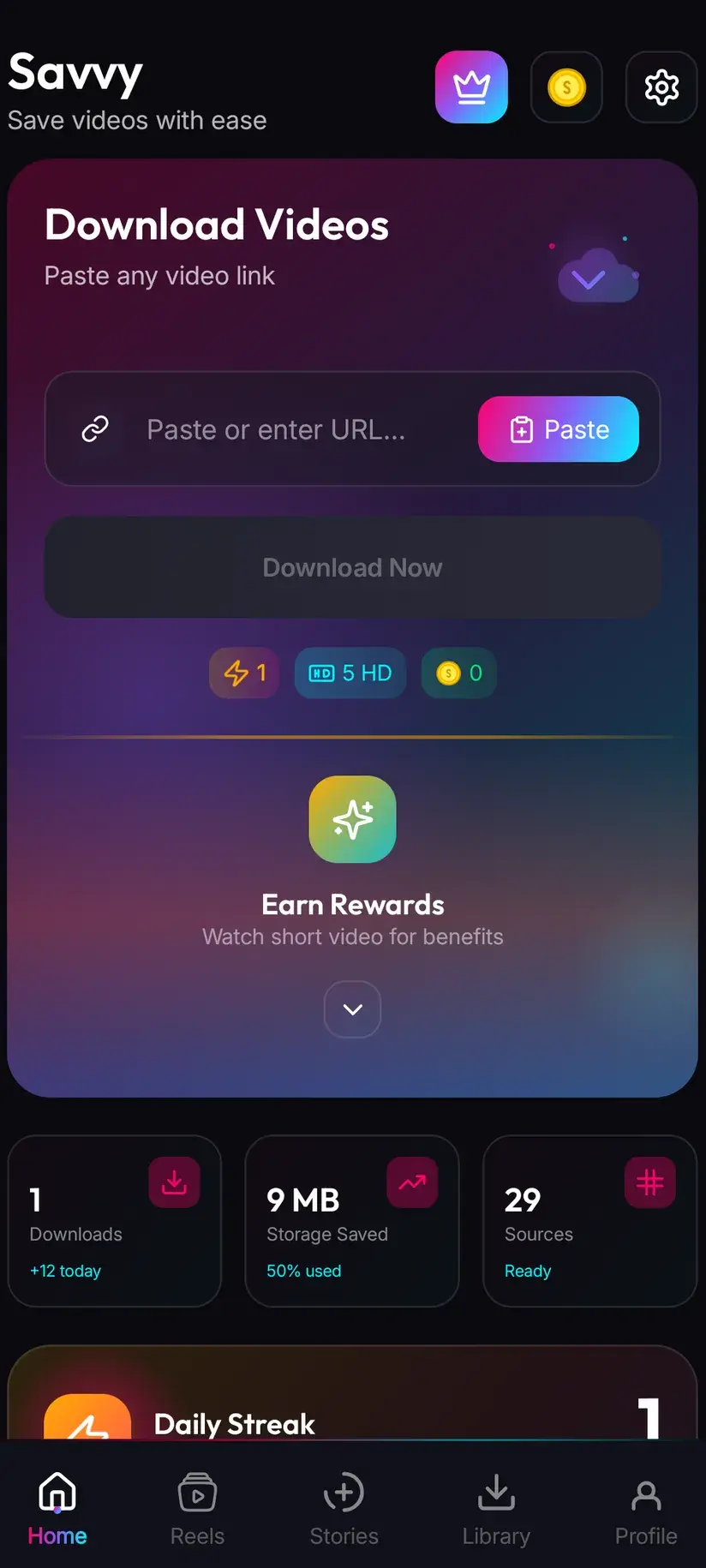
A private video's URL is accepted into Savvy's link field, which misleads a lot of people. Acceptance only means the app recognised the host as Facebook — it is not a check on whether anything is there. The failure happens a moment later, at resolution. Going in cleanly and then erroring is the normal, expected behaviour for restricted content, not a bug.
The test that settles it in five seconds
Before assuming a video is private, check. A surprising share of the videos people describe as private turn out to be public and merely inconvenient — reached through a share link that keeps redirecting into the app, or buried under a Page's other posts.
Copy the link and open it in a private or incognito browser window, where you are not signed in to Facebook. That window sees exactly what a downloader sees, which is what makes it a perfect proxy.
If it plays, you have a public video and everything works normally: share it to Savvy from the Facebook share sheet, or copy the link, tap Paste in Savvy, then tap Download. Sharing across starts the download by itself; Paste only fills the field, and Download is a separate tap. The Facebook video download guide covers that flow in full.
If it shows a login wall, you have your answer, and it is the same answer every downloader will give you. If it shows a not-available message, the post has been deleted or its audience has been narrowed since you last saw it.
- Plays signed-out — public; download it normally
- Login wall — private; no tool resolves this from a link
- Not available — deleted, or its audience was changed after you saw it
- Bounces into the Facebook app — open the link in a desktop-mode browser tab to see it properly
Your own videos: the routes that actually exist
If you posted it, Facebook will give it back to you, and it does not involve a downloader at all.
For a single video, open your own post and use its menu — Facebook offers a download or save option on your own uploads, though the wording and its position move around between app versions and between the app and the website. This is the quickest route when you want one file.
For anything more than that, use Download Your Information. It lives in your Facebook settings under your account information, it lets you request specific categories rather than everything, and it produces an archive containing the media you have posted. It is slow — Facebook prepares it in the background and tells you when it is ready, which can take hours — but it is comprehensive, it is official, and it returns your files at the quality Facebook holds them rather than a re-encode of a re-encode.
If the video belongs to a Page you administer, Meta's business tools have their own media library with per-video downloads, which is faster than an account-wide export when you only want a handful.
None of these is a workaround. They are the intended routes, they cost nothing, and they involve giving your credentials to nobody but Facebook.
- One of your own posts — use the menu on the post itself
- Everything you have uploaded — Download Your Information, from your Facebook settings
- A Page you administer — Meta's business tools have a media library with per-video downloads
- Something a friend posted of you — ask them for the file; it is faster than anything technical
Walk away from anything that wants your login
There is a whole industry built on this search term, and it is worth recognising its two shapes.
The first asks you to sign in to Facebook on its own page, or to paste a session cookie or token. Do not, under any circumstances. What is being asked for is durable access to your account — not to one video, to the account — and handing it over does not get you the video. It gets you an account that posts things you did not write and messages people in your name, and a session token cannot be revoked by changing your password alone. This is straightforwardly credential harvesting with a download button drawn on it.
The second is more subtle and less malicious: tools that ask you to paste in the page source from a video you have open in your own signed-in browser. Technically this is a different thing — nothing is being bypassed, since you already have access, and it is your own browser doing the fetching. It still carries real risk, because a signed-in Facebook page's source can contain tokens tied to your session, and you would be pasting all of it into someone else's website. Savvy does nothing of the kind, and this page is describing the practice rather than recommending it.
The tell for both is the same. A tool that only reads public pages has no reason to want anything from you but a URL. The moment a downloader asks for more than a link, the thing it is downloading is you.
If you have already signed in to a site like this, change your Facebook password and then end all other active sessions from Facebook's security settings — the second part matters more than the first, because a captured session survives a password change on its own.
Where the line sits, and what it costs when it works
Everything above is about access. The separate question is entitlement, and it does not have a technical answer.
Content you posted is yours to keep, in any quality, as often as you like. Content someone shared with a limited audience was shared with you, on the understanding you were part of that audience — which makes keeping a copy for yourself a very different act from putting it somewhere the poster did not choose. If it matters, ask. Most people say yes, and the asking is usually quicker than any of the technical routes on this page. Is downloading videos legal? goes through where the line falls between personal offline viewing and redistribution, and it is the page to read before you assume access implies permission.
Where a video does turn out to be public, the ordinary rules apply. Standard definition up to 480p is free, out of a daily allowance rather than any balance. Above that the cost is in coins: 10 for HD or Full HD, or one HD credit; 15 for 2K; 20 for 4K; 5 for an image or an audio-only file. Coins are earned by watching a short rewarded ad or checking in daily, or bought in packs. A Premium subscription removes ads and lifts the limits. Files land in Downloads / Savvy / Facebook on the device and are listed under Library inside the app.
One thing worth saying because the phrasing on competitor pages implies otherwise: no setting, no premium tier and no paid unlock in any app changes what Facebook serves an anonymous request. Paying more does not make a private video resolve. It is not a feature being withheld from you.
Being able to save something and being free to use it are different questions, and the second is where people actually get into trouble. Nothing in an app grants rights over someone else's work, and no download setting turns a limited audience into a public one.
Procedure
How to save a Facebook video you have access to
The order matters: the first two steps decide which of the later ones apply to you.
Work out which kind of private you have
Your own upload, a post in a group, a friends-only post, or a public video that is merely awkward to reach. Only the first two have routes that work, and the fourth is not really a privacy problem at all.
Run the signed-out test
Copy the video's link and open it in a private or incognito browser window where you are not signed in to Facebook. That window sees exactly what a downloader sees. If it plays, the video is public; if it shows a login wall, it is not, and no tool resolves it from a link.
If it plays signed-out, share it to Savvy
Install Savvy from Google Play, open it once and grant the storage permission. On the video, tap Share, scroll to Share to other apps and pick Savvy — the link is handed over and the download starts by itself. If Savvy is not offered, take Copy link, tap Paste in Savvy to fill the field, then tap Download.
Pick a quality
Savvy lists the resolutions the video genuinely exists in. SD up to 480p is free from your daily allowance; HD and above spend coins. Facebook re-encodes hard, so check what is actually listed rather than assuming a higher tier exists.
For your own upload, use Facebook's own tools instead
Open your post and use its menu, which offers a download option on your own uploads. For more than one file, request Download Your Information from your Facebook settings — it is slow but comprehensive, and it returns your media at the quality Facebook holds rather than a re-encode.
For someone else's private post, ask them
A video in a private group or a friends-only post cannot be fetched from its link by any tool. Asking the poster for the file is the only route that both works and leaves everyone comfortable, and it is usually faster than anything technical.
Frequently asked questions
- Can a private Facebook video be downloaded from its link?
- No. A downloader requests the page the way an anonymous visitor would, with no session, no cookies and no account, and Facebook decides what to serve on exactly that basis. A private video returns a login wall rather than a page with a video in it, and there is nothing in that reply for an extractor to read. Savvy tries five providers for a Facebook link, but all five make the same anonymous request and all five get the same answer. This is a permissions wall, not a technical shortfall.
- How do I download my own Facebook video?
- Two official routes, neither of which needs a downloader. For a single video, open your own post and use its menu — Facebook offers a download option on your own uploads, though the wording moves between app versions. For more than one, request Download Your Information from your Facebook settings: it is slow, because Facebook prepares the archive in the background, but it is comprehensive and returns your media at the quality Facebook holds rather than a re-encode. Pages you administer have a media library in Meta's business tools as well.
- Can I download a video from a private Facebook group?
- Not from its link, no. What matters is the group's own setting rather than your membership: a public group's posts are visible to anyone and download like any other public post, while a private group's are served only to signed-in members and return a login wall to anyone else. Check which kind of group it is before assuming. If it is genuinely private and the video is not yours, asking whoever posted it for the file is the route that works.
- Do downloader apps that ask me to log in to Facebook work?
- They do not give you the video, and they do take your account. Anything asking you to sign in to Facebook on its own page, or to paste a session cookie or token, is asking for durable access to your account rather than to one video — and a captured session survives a password change on its own. If you have already done this, change your password and then end all other active sessions from Facebook's security settings. A tool that only reads public pages has no reason to want anything from you but a URL.
- Why does the private video's link go into the app and then fail?
- Because Savvy identifies a link by its host, not by whether anything is behind it. Any facebook.com URL is accepted into the field, which only means the app knows which platform it is looking at. The actual attempt happens afterwards, when the extraction chain requests that page and Facebook decides what to serve an anonymous client. For restricted content that is a login wall, which comes back as a failure. Going in cleanly and then erroring is expected behaviour, not a bug.
- Would Premium or more coins let me download private videos?
- No, and it is worth being explicit because competitor pages imply otherwise. Premium removes ads and lifts download limits, and coins pay for higher resolutions. Neither changes what Facebook serves an anonymous request, because the obstacle is on Facebook's side rather than behind a paywall in an app. Paying more does not make a private video resolve, and any product suggesting it does is describing something it cannot deliver.
- Is it legal to download a video I can see but did not post?
- Access and entitlement are separate questions. Keeping something for your own offline viewing sits in very different territory from re-sharing it, reposting it under your own name, or putting it against your own monetisation — and content shared to a limited audience was shared with you on the understanding that you were part of that audience. Keeping a copy for yourself is a different act from putting it somewhere the poster did not choose, and if it matters at all, asking them is faster than guessing. Our companion guide on whether downloading videos is legal walks through where the line usually falls.
- What about tools that ask me to paste the page source?
- Those are a different thing from the sign-in kind, and less malicious: nothing is being bypassed, because you already have access, and it is your own signed-in browser doing the fetching. The risk is still real, though, because a signed-in Facebook page's source can contain tokens tied to your session and you would be pasting all of it into someone else's website. Savvy does nothing of the kind. If the video is your own, Facebook's own download tools get you the file without any of that.