Can I download a Facebook story?
Stories are built to disappear, and that design decision — not any limitation of a downloader — is what determines which ones you can keep and which you never will.
- Guide
- Explainer
- Read
- 12 min
- Language
- English
Steps checked against the Savvy Android app on
Devikon Research Team
The 24-hour clock changes what the question is
A Facebook story is up for a day. After that it is off the story tray for everyone who was not the person who posted it, and the address it lived at stops serving anything. That single fact reshapes the whole problem.
With a feed video or a reel you can be leisurely. The post sits there, you find it again next week, you save it then. A story gives you one window, and by the time most people go looking for a way to save one the window is already closing. So the honest first instruction on this page is not about apps at all: if you want a story, deal with it now. Nothing recovers an expired story — not a downloader, not a cache, not a service claiming to have one.
The second thing the clock does is set expectations about what a story even is. It is a deliberately temporary post shown to a chosen audience. Facebook builds the whole feature around that promise, and the technical arrangements underneath it follow from the promise. Which is why the rest of this page reads less like a how-to and more like a map of where the line sits.
An expired story is gone. Any site or app offering to retrieve a Facebook story after its 24 hours are up is offering something that does not exist — the usual business model behind that promise is your login details.
Why most story links do not resolve
A story URL looks like facebook.com/stories/<id>/ and it goes into Savvy's link field without complaint. That is not the same as it working, and the distinction is where most of the confusion on this subject lives.
Savvy identifies a link by its host. Anything on facebook.com — including the mobile and legacy hosts, and the fb.watch and fb.me short links — is recognised as Facebook and accepted. Whether there is anything to fetch at the other end is a completely separate question, answered not by the app but by Facebook, when the extraction chain requests that page.
And for a story, Facebook's answer is usually no. A downloader makes an ordinary, signed-out request. Stories are served to a signed-in account that the poster has included in the audience. Present none of that and Facebook returns a login wall rather than a video, which the chain reports back as a failure. The Facebook specialist in Savvy's provider chain is unambiguous about it: hand it restricted content and it redirects to an error rather than producing a file.
There is no Facebook sign-in inside Savvy that would change this. Instagram is the one platform where the app holds a session of your own — a separate in-app login on its own screen, used only by the Instagram stories feature. Facebook has no equivalent, by design.
So the practical test is a five-second one, and it is worth doing before you assume something is broken:
- Open the story link in a private or incognito browser window, where you are not signed in to Facebook
- It plays — a downloader can fetch it too
- It shows a login wall — no downloader will do better, whatever its listing promises
- It says the story is unavailable — the 24 hours are up, and nothing brings it back
Stories from public Pages behave differently from personal ones, and are the case where a link sometimes does open signed-out. Personal stories, and anything posted to Friends or to a custom list, essentially never do.
If a story link does open signed-out
When the signed-out test passes, the rest is ordinary and quick.
The fast route is the share sheet. Open the story, tap the share control, scroll Facebook's own options to Share to other apps, and pick Savvy. The link is handed across and the download starts on its own — you never see Savvy's home screen and you type nothing.
The slower route is copy-and-paste: take Copy link, open Savvy, tap the Paste button beside the link field, then tap Download. Paste is exactly what it sounds like and no more. Savvy does not watch your clipboard in the background, and switching to the app starts nothing; Paste reads the clipboard once when you tap it and fills the field, and Download is a separate deliberate tap.
Stories are vertical, which turns out to matter for what they cost. Savvy prices a video on its shorter side, so a full-height 1080-by-1920 story is counted as 1080 and sits in the ordinary HD band rather than anything dearer, and a smaller one at 480 across is counted as 480 — which is free, out of a daily allowance rather than any balance. Stories are, in cost terms, among the cheapest things to save. Coins above that ceiling are earned by watching a short rewarded ad or checking in daily, or bought in packs; the free tier is ad-supported through Unity Ads, which collects your device's advertising ID, as the Savvy privacy policy sets out.
- SD video, up to 480 on the short side — free, from your daily allowance
- HD and Full HD — 10 coins, or one HD credit; a 1080x1920 story lands here
- 2K — 15 coins, 4K — 20 coins
- A photo story — 5 coins, the flat image rate
Keeping your own story
Your own story is the case where you unambiguously hold every right that matters, and it is also the case a downloader is least suited to — because the obstacle is a login wall, and it is your login. The tool for the job is Facebook's own.
While the story is live, open it and use the menu on the story itself; Facebook offers a save option there, though the exact wording and its position move around between app versions. If you have story archive switched on, Facebook keeps your expired stories privately for you and you can save them from there afterwards — which is by some distance the most reliable way to keep your own, because it survives the 24 hours that everything else on this page does not.
Worth turning archive on before you need it rather than after. It is the difference between a story being recoverable and being gone, and the setting is doing nothing until the day it is doing everything.
One thing not to bother with: pushing your own story's link into a downloader. The link is not publicly resolvable — that is exactly the point of a story — and the fact that it is yours makes no difference to a signed-out request. It is not a permissions problem the app can be talked around; the page simply is not being served.
Someone else's story, and where the line sits
The question people arrive with is usually about someone else's story, so it deserves a straight answer rather than a hedge.
If you can see a story, you can screen-record it — every modern phone has that built in, it needs no app, and it works regardless of what Facebook serves to a signed-out request. Nobody sensible will pretend otherwise. What it produces is a lower-quality copy with your notification bar in the frame, and it is the reason the question is rarely really a technical one.
The real question is what you then do with it. Keeping a friend's story because it is a photo of you, or because they asked you to, is one thing. Saving someone's story so you can re-share it somewhere they did not choose to post it is another, and it defeats the entire reason they used a format that expires. Facebook does not notify anyone about screen recording on stories, which means the restraint has to come from you.
There is also a plain legal layer beneath the etiquette. A story is its author's work, and downloading it confers no rights over it. Personal viewing sits in very different territory from reposting or monetising, and that distinction does not care which method produced the file. Is downloading videos legal? sets out where the line usually falls between keeping something and using it.
Nothing on this page is a route into a story you cannot already see, and no such route exists. If a story is not being served to you, it is not being served to a downloader either — that is the feature working as intended rather than an obstacle to get around.
Where saved files land, and what Savvy is better at
When a story does resolve, the file goes to your device's Downloads folder, in a Savvy directory, in a subfolder named for the platform — Downloads / Savvy / Facebook. It is an ordinary file from there: it appears in your gallery and plays or opens in anything. Inside the app, Library lists everything you have saved with search and filters, and Storage shows what each file is taking up.
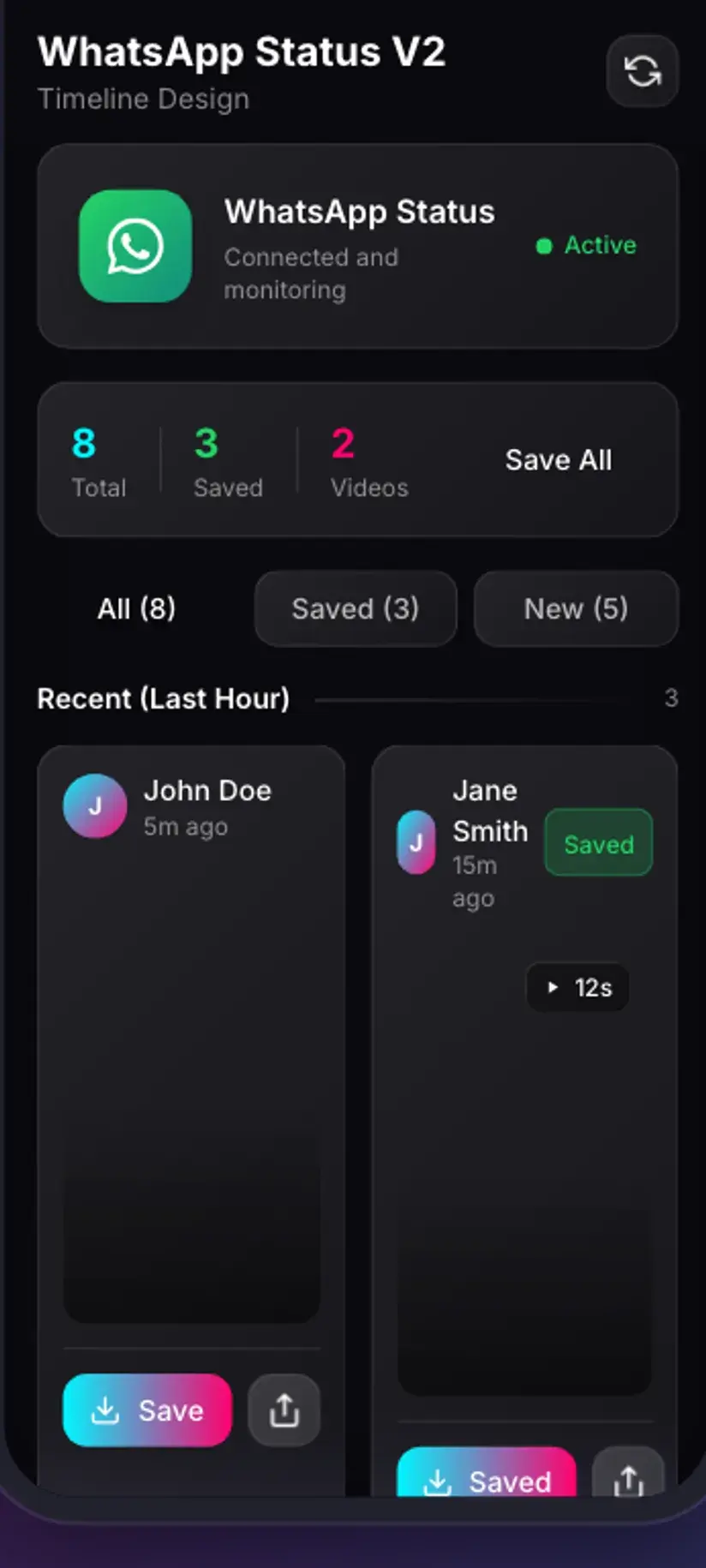
It is worth being honest about where this app is strongest, since you may have come here for stories generally rather than Facebook's specifically. Savvy has a dedicated Stories screen, and it covers two things well: WhatsApp status, which is read straight off your own device with no link and no login, and Instagram stories, which work through a separate in-app Instagram login of your own. Both are proper first-class flows.
Facebook stories are not one of them. They go through the ordinary link field, they succeed only when the story is publicly reachable, and for personal stories that is rarely the case. That is a smaller promise than the search term implies, and it is the true one.
Procedure
How to save a Facebook story
Order matters here, because the first two steps decide whether the rest apply at all.
Check the clock
Confirm the story is still live. Stories are up for 24 hours and nothing retrieves one afterwards, so if it has already gone the remaining steps will not help.
Test whether it is publicly reachable
Copy the story link and open it in a private or incognito browser window where you are not signed in to Facebook. If it plays, a downloader can fetch it. If it shows a login wall, it cannot, and no app changes that.
If it plays signed-out, share it to Savvy
Install Savvy from Google Play, open it once and grant the storage permission. Then, on the story, tap share, scroll to Share to other apps and pick Savvy — the link is handed over and the download starts by itself.
Or copy the link and paste it
If Savvy is not offered in the share sheet, take Copy link instead, open Savvy, and tap the Paste button beside the link field. That fills the field and starts nothing. Tap Download afterwards.
Pick a quality
Savvy lists the resolutions the story genuinely exists in. Vertical video is priced on its short side, so a 1080x1920 story is the ordinary HD tier, and anything at 480 across is free from your daily allowance.
For your own story, use Facebook's own save instead
Open your live story and use the menu on it, where Facebook offers a save option. Better still, switch story archive on in your Facebook settings — it keeps your expired stories privately so you can save them after the 24 hours, which is the only method that survives the clock.
Frequently asked questions
- Can I download a Facebook story?
- Sometimes, and it depends entirely on whether the story is publicly reachable. Copy its link and open it in a private browser window where you are not signed in: if it plays, Savvy can fetch it from the same link, and stories from public Pages sometimes do. If it shows a login wall, no downloader will do better, because a downloader makes the same signed-out request your browser just made and receives the same refusal. Personal stories almost always fall on that second side.
- Do I need a Facebook account to download a story?
- There is no Facebook sign-in inside Savvy at all, so the app never uses an account of yours. Instagram is the one platform where Savvy holds a session of your own, through a separate in-app login used by the Instagram stories screen. For Facebook, everything goes through the public-link route, which is precisely why stories that are only visible while signed in cannot be fetched from a link.
- How do I save my own Facebook story?
- Use Facebook's own controls rather than a downloader. Open your live story and use the menu on it, where a save option is offered — the wording and its position shift between app versions. The more reliable route is story archive: switch it on in your Facebook settings and Facebook keeps your expired stories privately, so you can save them after the 24 hours have passed. Pushing your own story link into a downloader will not work, because that link is not publicly resolvable regardless of whose story it is.
- Can I recover a Facebook story after 24 hours?
- Only your own, and only if you had story archive switched on before it expired. Everyone else's is gone: the story leaves the tray, the address stops serving anything, and there is no cache to read. Any site or app claiming to retrieve an expired Facebook story is promising something that does not exist, and the usual business model behind that promise is harvesting login details.
- Will the person know I saved their story?
- Facebook shows the poster who viewed a story, so they know you watched it. It does not report saving or screen recording on stories. That means the restraint is yours to exercise rather than the platform's to enforce, and it is worth remembering why someone chose a format that deletes itself. Saving a story is not permission to re-share it somewhere they did not choose to post it.
- What does it cost to save a story?
- Less than people expect, when one resolves. Savvy prices video on its shorter side, and stories are vertical, so a full-height 1080x1920 story is read as 1080 and sits in the ordinary HD band at 10 coins or one HD credit. Anything 480 across or under is free, from a daily allowance rather than any balance. A photo story is the flat 5-coin image rate. Coins are earned by watching a short rewarded ad or checking in daily, or bought in packs.
- Why does the story link go into the app and then fail?
- Because Savvy recognises a link by its host rather than its path. Anything on facebook.com is accepted into the field, including a story URL — acceptance just means the app knows which platform it is looking at. Resolution happens afterwards, when the extraction chain requests that page and Facebook decides what to serve a signed-out client. For a story, that is usually a login wall, which comes back as a failure.
- Is Savvy better at other kinds of stories?
- Considerably, yes. Its Stories screen has two proper first-class flows: WhatsApp status, read straight off your own device with no link and no login involved, and Instagram stories, which work through a separate in-app Instagram sign-in of your own. Facebook stories have no tab there and no dedicated flow — they go through the ordinary link field and only succeed when the story is publicly reachable.