How do I download a Facebook reel?
A reel behaves differently from an ordinary Facebook video in three ways that matter — where its share button hides, what a watermark on it means, and how its resolution is counted when the app works out what it costs.
- Guide
- How-to
- Read
- 12 min
- Language
- English
Steps checked against the Savvy Android app on
Devikon Research Team
Getting the link out of the full-screen reels player
Reels are the awkward part of Facebook to share from, because the player takes over the whole screen and the controls sit as a vertical stack of icons down the right-hand edge rather than in a row under the post.
The one you want is the arrow near the bottom of that stack, under the comment bubble. Tapping it opens Facebook's own sheet — Send in Messenger, Share to Feed, Share to Story, Copy link, and, if you scroll, Share to other apps. Pick Savvy there and the link is handed straight over: the download starts on its own, without you seeing Savvy's home screen or typing anything.
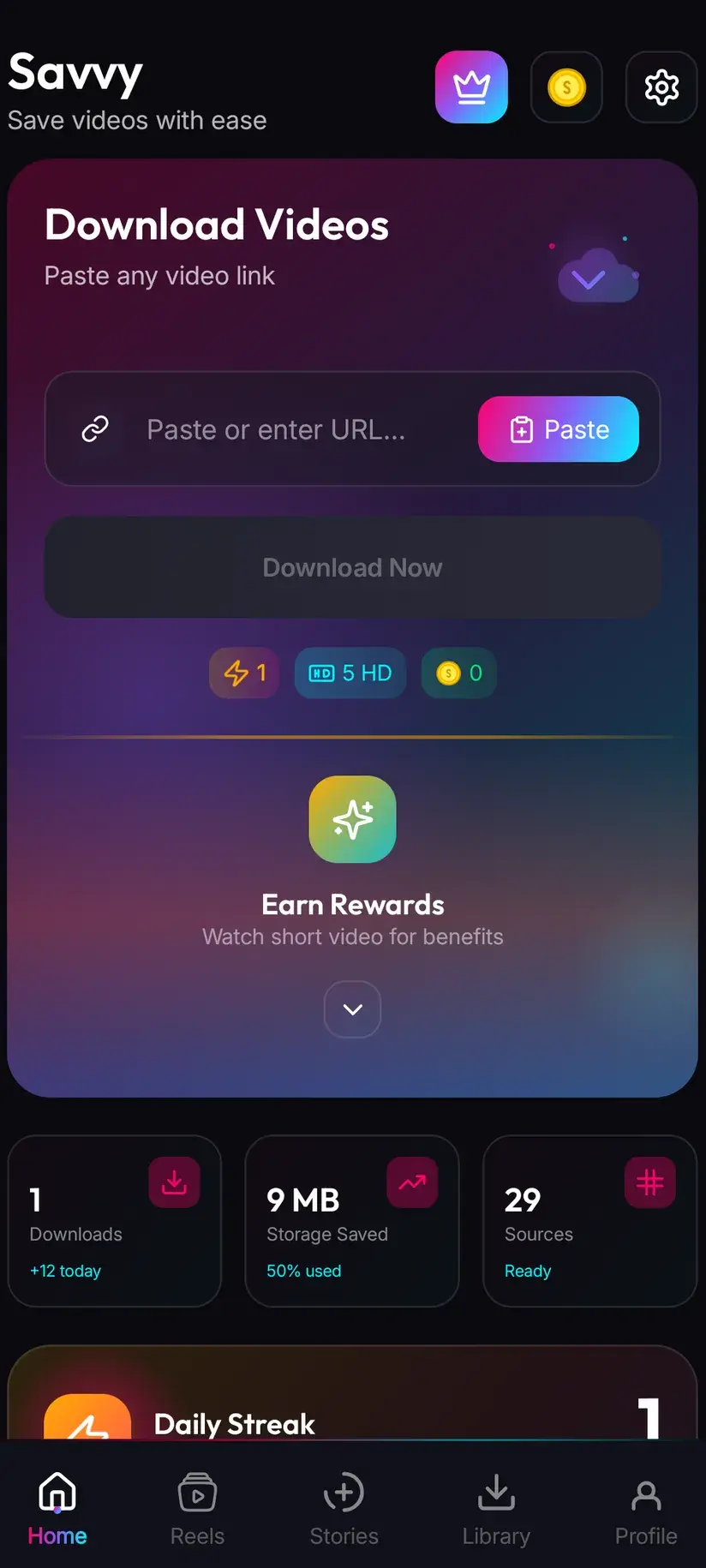
If Savvy is not in that list, take Copy link instead, open Savvy, tap the Paste button beside the link field, then tap Download. Paste is worth describing precisely, since a good deal of downloader marketing implies otherwise. Savvy does not monitor your clipboard in the background, and opening the app does not start anything. Paste reads the clipboard once when you tap it, fills the field, and stops there. Download is a separate, deliberate tap.
One practical snag specific to reels: the player keeps scrolling. If you swipe while reaching for the arrow you will end up sharing the next reel instead of the one you wanted. Pause first — a single tap on the video does it — and then share.
- Share to Savvy — the link is filled and the download starts for you
- Copy link, then Paste — Paste fills the field, then you tap Download yourself
- Pause the reel before reaching for the share arrow, or you will share the one after it
- Nothing is read from your clipboard until you tap Paste
Reel links, and how they differ from a video link
A reel's permalink is facebook.com/reel/<id>, sometimes with the plural /reels/. Newer shares increasingly come out as facebook.com/share/r/<code>/ — the r stands for reel, as against the v you get for an ordinary video — and Facebook's own fb.watch short links cover reels too. All of them resolve.
Savvy identifies the platform from the host, not the path, so the mobile and legacy forms count as well: m.facebook.com, mbasic.facebook.com, touch.facebook.com and web.facebook.com reel links are all recognised as Facebook and go down the same road.
The difference from a feed video is not really about the URL, though. It is about what sits behind it. A feed video is one item inside a post that might also have text, a photo album, or a link preview, which is why sharing from the feed sometimes gives you a post link with nothing playable at the end of it. A reel is always exactly one video. There is no ambiguity about what you are pointing at, which in practice makes reel links noticeably more reliable than links copied off a feed.
Where reels are less reliable is longevity. They are the format people post casually and delete a week later, and a deleted reel does not resolve — the app is fetching the same page a browser would, and the page is gone. If you want to keep a reel, keeping it soon is better than keeping it eventually.
Because detection is domain-based, a link that is not a single reel — a creator's profile, the Reels tab itself, a search result — is still accepted into the link field rather than rejected on the spot. It fails a moment later, when the app tries to resolve it and finds nothing playable. If a link goes in cleanly and then errors, that is almost always what happened.
Vertical video is priced on its narrow side
This is the part that confuses people, and it is worth getting straight before you spend anything.
Reels are portrait — roughly 9:16 — so a good-quality one is something like 1080 across by 1920 down. Read that as a normal resolution figure and you would guess it belongs somewhere near the 2K tier. It does not. Savvy prices a video on its shorter side, which for portrait footage is the width. A 1080-by-1920 reel is counted as 1080 and lands in the ordinary HD band; a 480-by-854 one is counted as 480 and is therefore free.
That has a pleasant consequence. Because reels are narrow, a great many of them fall under or near the free ceiling, and the ones that do not are usually the plain 10-coin HD tier rather than anything more expensive. Reels are, in cost terms, the cheapest thing on Facebook to keep.
Standard definition up to 480p comes out of a daily allowance rather than any balance, so a run of ordinary reels can cost nothing at all. Coins are earned as well as bought — a short rewarded ad or a daily check-in both add to your balance — and the free tier is ad-supported through Unity Ads, which collects your device's advertising ID, as set out in the Savvy privacy policy. Above the free ceiling:
- SD video, up to 480 on the short side — free, from your daily allowance
- HD and Full HD — 10 coins, or one HD credit if you have one; a 1080x1920 reel sits here
- 2K — 15 coins
- 4K — 20 coins
- Images and audio — 5 coins
The Coin Shop lists the earning routes next to the packs, so you rarely have to buy anything to keep saving reels. A Premium subscription removes ads and lifts the limits, at which point the arithmetic stops mattering at all. Your coin balance and subscription state are held server-side against your account; the files themselves stay on your device.
Cross-posting, and the watermarks it drags along
More Facebook reels than not began life somewhere else. Meta lets a creator publish an Instagram reel to Facebook in the same action, and a large slice of the rest is lifted wholesale from other short-video apps and re-uploaded. That history is what decides how your saved file looks.
Savvy does not add a watermark. Facebook does not stamp one on a native reel either. But anything already burned into the picture before it reached Facebook travels with it, because it is part of the frame rather than metadata attached to the file — a spinning username from another app, a creator's handle in the corner, a brand bug. Downloading that reel gets you the mark along with everything else, and no download setting changes that.
The second consequence of cross-posting is quality. A reel that went Instagram first, Facebook second has been re-encoded at least twice, and each pass is lossy. It is common for such a reel to top out well below what its dimensions suggest. Downloading cannot add detail that was never uploaded, so check what the quality picker actually lists before reaching for a paid tier — if the ceiling offered is 720, that is the ceiling.
There is exactly one platform where a genuinely watermark-free save is possible, and it is TikTok, through a handful of TikTok-specialist extractors that can request the unstamped source. That is TikTok-only behaviour. It does not apply to Facebook reels, including reels that carry a TikTok mark, and any app telling you otherwise is describing cropping and re-encoding.
Which reels resolve, and which never will
The workable test takes five seconds: open the reel link in a browser where you are not signed in. If it plays, it can be downloaded. If Facebook asks you to log in, no downloader will do better, because a downloader fetches exactly the page your signed-out browser fetched and receives exactly the same refusal.
Public reels from Pages and creators are the easy case and are what most people are after. Reels posted to Friends only, or inside a private group, sit on the other side of that line. So do reels from an account that has blocked you. There is no Facebook sign-in inside Savvy to change the picture — Instagram stories are the single place the app holds a platform session of your own, on a separate screen with its own login, and Facebook has no equivalent.
Underneath the technical question is a different one that matters more. Being able to save a reel is not the same as being free to use it. Keeping a public reel to rewatch offline, saving your own, or saving one you have permission to use is ordinary and uncontroversial. Re-uploading someone else's reel under your own name, or running it against your own monetisation, is a copyright question — and it is answered the same way whichever app you used to get the file. Is downloading videos legal? walks through where that line usually falls.
- Plays in a signed-out browser — will download
- Asks you to log in — will not, and no app changes that
- Deleted since you saw it — gone at the source; nothing to fetch
- Saving is not permission to repost, and never has been
Downloading something and holding rights to it are separate matters, and the second is where people actually run into trouble. A reel that is trivially easy to save is not thereby free to reuse.
Where the reel lands, and a route that skips links
A finished download is written to your device's Downloads folder, in a Savvy directory, in a subfolder named for the platform — so a Facebook reel ends up at Downloads / Savvy / Facebook. It is an ordinary MP4 from that point: it appears in your gallery, plays in any video app, and can be sent on like any other file. It lives on the device, not in a cloud locker.
Inside the app, Library is the quicker way back to it, with search and filters that beat scrolling a gallery. Storage sits beside it and shows what each saved file is costing you in space, with bulk clearing. Reels are individually small and collectively not, which people discover about two hundred of them in.
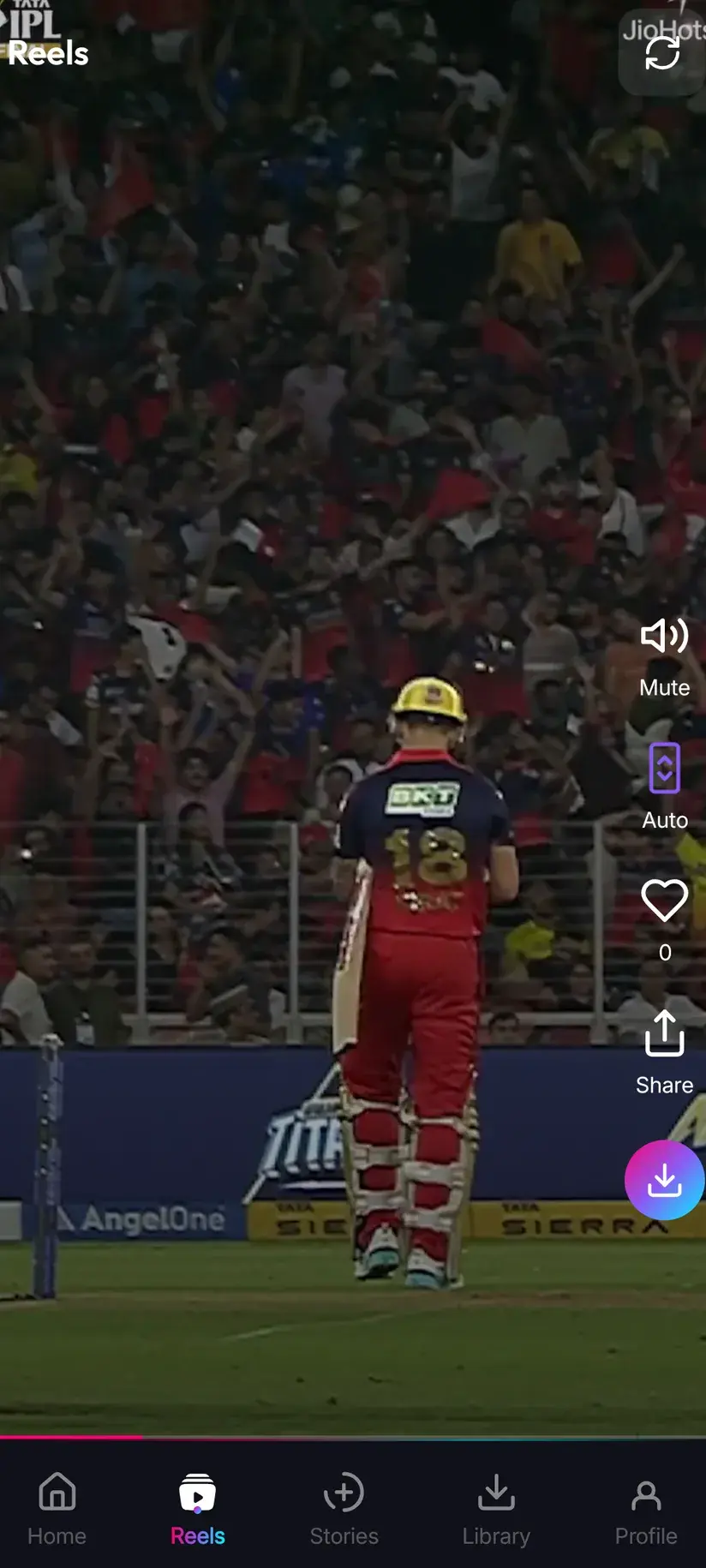
If you save short video in volume, there is a third route that involves no links at all: Savvy carries its own in-app reels feed. Worth being precise about what that is — it is a curated feed inside Savvy, not a window onto your Facebook account and not your Facebook reels. You swipe it like any short-video feed, and a save from it is queued immediately, with no link to resolve and no quality picker in the way.
Procedure
How to download a Facebook reel
Well under a minute. A public reel needs no Facebook account, and Savvy needs no account of its own at all.
Install Savvy and allow storage access
Install Savvy from Google Play and open it. Grant the storage permission when it is asked for — that is what lets the finished file be written somewhere your gallery can see it instead of staying locked inside the app.
Open the reel and pause it
Play the reel in the Facebook app or in a browser. Tap once to pause before you go for the share control, so a stray swipe does not move you on to the next reel.
Share it to Savvy
Tap the arrow icon in the vertical stack down the right-hand edge, under the comment bubble. Scroll Facebook's sheet to Share to other apps and pick Savvy. The link is handed over and the download starts by itself. If Savvy is not listed, take Copy link and carry on to the next step.
If you copied instead, tap Paste and then Download
Open Savvy and tap the Paste button beside the link field. That reads the clipboard once and fills the field — it starts nothing. Tap Download afterwards to begin.
Pick a quality
Savvy lists the resolutions the reel genuinely exists in. Remember that portrait video is counted on its short side, so a 1080x1920 reel is the ordinary HD tier rather than anything dearer, and plenty of reels fall inside the free 480 band.
Let it finish, then check Library
Progress shows in the app. When it completes, the file is at Downloads/Savvy/Facebook on your device and listed under Library inside the app, where search and filters make it findable weeks later.
Frequently asked questions
- How do I download a Facebook reel?
- Pause the reel, tap the arrow icon in the vertical stack of controls down the right-hand edge, scroll Facebook's sheet to Share to other apps, and pick Savvy. The link is handed over and the download starts on its own. If Savvy is not offered, take Copy link instead, open Savvy, tap the Paste button to fill the link field, then tap Download. Paste only fills the field — it starts nothing, and nothing is read from your clipboard until you tap it.
- How is a reel different from an ordinary Facebook video?
- Three ways that matter in practice. Its share control is an arrow in the vertical stack of the full-screen player rather than a row under a post. Its link is facebook.com/reel/ or the newer facebook.com/share/r/ form rather than /watch/ or /videos/. And it is always exactly one video, whereas a feed post might be a photo album or a link preview with a video attached, which is why reel links resolve more reliably than links copied off a feed.
- Is downloading Facebook reels free?
- Often, yes. Standard definition up to 480 on the video's short side is free and comes out of a daily allowance rather than any balance. Because reels are portrait, they are counted on their width, which puts a lot of them at or near that free ceiling. Above it you spend coins: 10 for HD or Full HD (or one HD credit), 15 for 2K, 20 for 4K, and 5 for an image or audio-only file. Coins are earned free by watching a short rewarded ad or checking in daily, or bought in packs.
- Why is a 1080x1920 reel charged as HD rather than 2K?
- Because Savvy prices a video on its shorter side, and for portrait footage that is the width. A reel at 1080 across by 1920 down is read as 1080 and falls into the ordinary HD band at 10 coins or one HD credit. The same rule works in your favour lower down: a 480 by 854 reel is read as 480 and is free. It is the single most useful thing to know about the cost of saving short vertical video.
- Can I download a Facebook reel without the watermark?
- Savvy never adds one, and Facebook does not stamp a native reel. But a great many Facebook reels are cross-posts — published from Instagram in the same action, or lifted from another short-video app and re-uploaded — and any mark burned in before it reached Facebook is part of the picture, not metadata. It travels with the file and no download setting removes it. Genuinely watermark-free saving exists only on TikTok, through TikTok-specialist extractors, and does not extend to Facebook.
- Can I download reels from a private group or a friends-only post?
- No. The test is whether the reel plays for a browser that is not signed in; if Facebook asks for a login, a downloader fetches the same page and gets the same refusal. There is no Facebook sign-in inside Savvy to change that — Instagram stories are the one place the app holds a platform session of your own, and Facebook has no equivalent. Treat these tools as saving what you can already reach: public reels, your own, and content you have permission to use.
- Where do downloaded Facebook reels save on my phone?
- In your device's Downloads folder, under a Savvy directory sorted by platform, so Facebook reels land in Downloads/Savvy/Facebook. From there it is an ordinary MP4 — it shows up in your gallery and plays in any video app. Inside Savvy, Library lists everything you have saved with search and filters, and Storage shows what each file takes up so you can clear a batch at once.
- Why did the reel link fail to download?
- Most often because the reel has been deleted — short video is posted casually and removed quickly, and there is nothing left at the address to fetch. Otherwise it is either not publicly viewable, or the link points at a profile or the Reels tab rather than a single reel; those are accepted into the field but fail at resolution. Savvy tries a Facebook link against five extraction providers in order before giving up, so retrying immediately rarely helps, while trying the same link later sometimes does.