Mobile Number update Against Khatian on Banglarbhumi
Read the next paragraph before anything else: this service sits behind a login, so if a stale mobile number is what is keeping you out, it is not the fix you need.
- Guide
- Service guide
- Read
- 10 min
- Language
- English · বাংলা
Portal steps checked against banglarbhumi.gov.in on
Devikon Research Team
Start here — this service may not be able to help you
Mobile Number update Against Khatian is a login-only service. You must already be signed in to your banglarbhumi.gov.in account to reach it.
That produces a genuine catch-22, and it is worth stating plainly rather than burying it. The most common reason people go looking for this service is that the number registered against their account or their holding is out of date — an old SIM, a lost number, a number that belonged to a relative who has since changed it. But an out-of-date number is also the thing that stops OTP verification and password recovery from working, which is exactly what stops you signing in.
So if you cannot sign in *because* the number is stale, this service cannot rescue you. Your route is your local BL&LRO office, in person. The rest of this page covers both paths — the online one for people who can still get in, and the offline one for people who cannot.
If you can still log in, use the online service. If the stale number is what is blocking your login, stop trying and go to the BL&LRO or Revenue Inspector office instead — no amount of retrying on the portal will resolve it.
Where the service sits on the portal
On banglarbhumi.gov.in the service appears under Citizen Services → Online Application, alongside the portal's other filing screens. Everything in that menu requires an account.
The full Online Application menu reads: Mutation Application, Conversion Application, Warish Application, Land Revenue(Khajna) Application, Mobile Number update Against Khatian, and Fees Payment. Opening any of them while signed out gets you the portal's account-gate message rather than a form.
It is tempting to assume the record searches sit on the other side of that line — that Know Your Property, RS-LR Plot Information and Mutation Case Status are open to anyone. The portal encourages the assumption: those menus open while you are signed out and the District and Block dropdowns genuinely populate. Ask for an actual Khatian, though, and the portal takes you to its sign-in page. Plan on needing the account either way. See what genuinely needs a login.
- Citizen Services → Online Application → Mobile Number update Against Khatian — login required
- Same menu as Mutation, Conversion, Warish and Khajna applications
- No signed-out screen offers the same thing
Why the registered number matters more than people expect
A mobile number on a land record looks like a minor administrative detail. In practice it is the key to several things at once, and when it goes stale they all fail together.
The number is where the portal sends the one-time password at registration and at sign-in, and where password recovery lands. It is also the thread that ties you to work you have already filed: the portal offers Application No. Recovery ( Khajna ) precisely because people lose their application numbers, and recovery routes depend on the contact details held against the record.
There is a practical consequence beyond convenience. Where a department notifies an applicant about a case, an objection, or a payment, it uses the contact details it holds. A number nobody answers is a notification nobody sees.
- Registration OTP — the number receives the verification code when the account is created
- Sign-in and password recovery — both depend on reaching the registered contact
- Application No. Recovery ( Khajna ) — recovering a lost khajna application number leans on the details on record
- Notifications about a filed case or a payment go to the contact the department holds
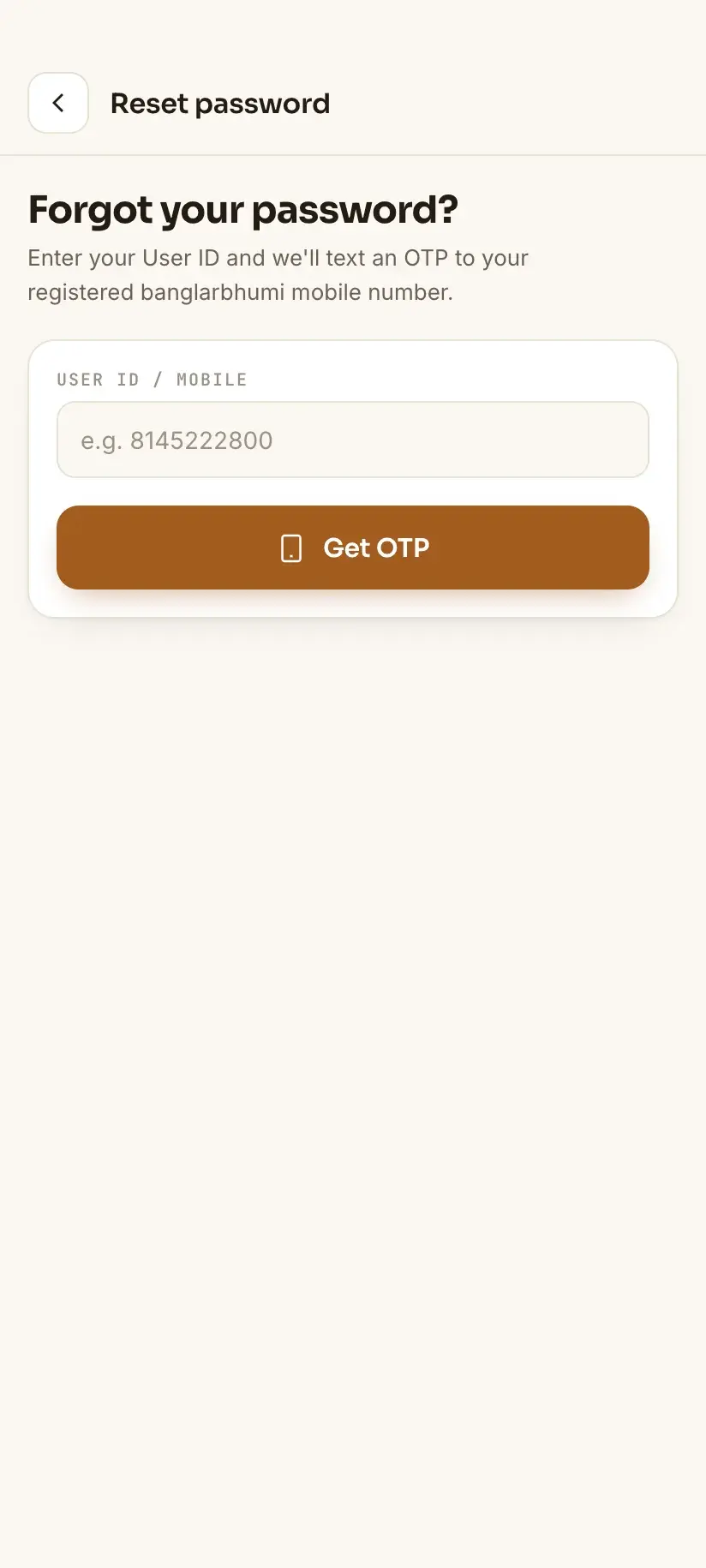
If OTPs stopped arriving after you changed SIM, nothing is broken — the portal is still texting the old number. That is a records problem, not a phone problem, and retrying will not fix it.
The online route, if you can still sign in
If you have working access to your account, do this now rather than later. Updating the number while you can still log in is far easier than recovering access after you cannot.
The service is keyed to the khatian — the holding — rather than to your account alone, which is why it asks you to identify the land as well as yourself. Expect to identify the location and the holding; the form will tell you exactly what it wants. If you are unsure what your Mouza and JL number are, that pairing is explained here.
Assume the new number will need verifying, so use a phone you have in your hand at the time.
What is commonly asked for
Treat this as the usual shape of the request rather than an authoritative checklist. What an office asks for varies by district and by circumstance, and only your own BL&LRO can tell you what your case needs.
The request is doing two jobs: identifying the holding, and establishing that you are entitled to change the contact details held against it.
- The Khatian number, with District, Block and Mouza — and its JL number
- The Dag (plot) number where the office asks to see the specific plot
- An existing parcha / ROR or a khatian printout naming the recorded holder
- Identity documents for the recorded holder making the request
- The new mobile number, on a phone available for verification
If the recorded holder has died and the record was never mutated, updating a phone number is not the problem to solve first. The record needs to name living people — see [warish and inherited land](/wb-land-records/warish-application/).
The offline route — BL&LRO or the Revenue Inspector
This is the path for everyone locked out, and it is not a consolation prize. For records questions it is often faster than fighting the portal.
West Bengal's land administration runs in a hierarchy: District (DL&LRO) → Subdivision (SDL&LRO) → Block (BL&LRO) → Revenue Inspector (RI) circle → Mouza. Your holding sits in a Mouza, which sits in an RI circle, which sits under a Block office. The BL&LRO office for the block your land is in is the one to approach — not the block you happen to live in, if the two differ.
Go in person, with documents, and ask specifically to update the mobile number recorded against the khatian. Bring identity proof for the recorded holder, whatever parcha or ROR you have, and the new number on a phone you are carrying. If you were sent by a failed portal step, say so — describing the exact screen and message helps the clerk more than a general complaint.
If the office cannot help and you want the request on record, the portal also carries Grievance Application and Grievance Status/Description under Citizen Services, plus a separate Public Grievance option. Whether Public Grievance will let you through while signed out is not something we can promise — try it, but do not build your plan around it.
- Go to the BL&LRO office for the block the land is in, not where you live
- The Revenue Inspector (RI) for your Mouza's circle is the level below that
- Carry identity proof, the parcha or ROR, and the new number on a phone with you
- Public Grievance is worth trying for a written record — but the office visit is the reliable route
Being locked out costs you the record searches too
This is the part that makes a stale mobile number more urgent than it sounds. It is widely repeated — including, until recently, on this site — that the record searches are open to anyone and that losing your account only costs you applications and payments. That is not what the portal does. Know Your Property, RS-LR Plot Information and the rest will let you open the screen and pick your District and Block signed out, and then send you to the sign-in page when you ask for the actual Khatian.
So a locked account is not a partial loss. Until the number is fixed you cannot file, cannot pay, and cannot look a record up either. That is an argument for going to the BL&LRO sooner rather than continuing to fight the portal.
It is also why no app changes the arithmetic. Bhumir Tathya is our own app — built by us at Devikon: free, unofficial, Android-only, Bengali and English, and it keeps records you have already viewed readable offline. That offline copy is genuinely useful while you are locked out, because it is the one thing you can still read. But it reaches new records by signing in with *your* banglarbhumi.gov.in account, so it is locked out exactly when you are, and updating a mobile number still happens on the portal under that same login. Anything saved in it shows the record as it stood when it was viewed — re-check it on the portal before relying on it.
Procedure
How to get the mobile number on your khatian changed
Two paths that fork at the first step. Which one you are on depends entirely on whether you can still sign in.
Test whether you can still sign in
Try logging in at banglarbhumi.gov.in before anything else. If you get in, the online service is open to you. If OTP or password recovery fails because the registered number is stale, skip straight to the BL&LRO route — the online service cannot help you.
Work out which problem you actually have
Separate a forgotten password from a stale number. If recovery reaches your phone, this is an ordinary password reset. If the OTP goes to a number you no longer hold, the account is not recoverable online and the BL&LRO route is the only one. Do not expect to sidestep it by using the record searches instead — those want you signed in as well.
Gather the holding's details
Note the District, Block, Mouza and its JL number, the Khatian number, and the Dag number if you have it. Have a parcha or ROR to hand, plus identity documents for the recorded holder.
Open the service, signed in
Log in and choose Mobile Number update Against Khatian from Citizen Services → Online Application. Identify the location and the holding as the form asks.
Enter and verify the new number
Give the new mobile number and complete whatever verification the form requires, using a phone you have with you. Save any acknowledgement or reference the portal shows.
If you are locked out, go to the BL&LRO office
Visit the BL&LRO office for the block the land is in — or the Revenue Inspector for your Mouza's circle — with identity proof, the parcha or ROR, and the new number on a phone. Ask specifically to update the mobile number recorded against the khatian.
Re-test the login afterwards
Once the number is updated, try signing in again and confirm an OTP now reaches the new phone. If it still does not, raise it through Grievance Application, or try Public Grievance if you remain locked out — and go back to the office if neither moves.
Frequently asked questions
- How do I change the mobile number registered on Banglarbhumi?
- The portal provides Mobile Number update Against Khatian under Citizen Services → Online Application. It requires you to be signed in. If you can still log in, use it. If the outdated number is what is blocking your sign-in, the service cannot help and you will need to visit the BL&LRO office for the block your land is in.
- The number is old and I cannot log in — what now?
- Go to the BL&LRO office in person. This is the catch-22 at the heart of the service: it is login-gated, and a stale number is exactly what breaks the OTP and password-recovery routes into your account. No amount of retrying on the portal resolves it. Carry identity proof for the recorded holder, whatever parcha or ROR you have, and the new number on a phone you have with you.
- Why does the mobile number on a land record matter?
- It is where registration and sign-in OTPs are sent, where password recovery lands, and it underpins routes such as Application No. Recovery ( Khajna ) for a lost khajna application number. Where the department notifies an applicant about a case or a payment, it uses the contact details it holds — so a number nobody answers is a notification nobody sees.
- Can I update the mobile number without logging in?
- No. Mobile Number update Against Khatian sits in the Online Application menu, which is login-gated in full, and no signed-out screen offers the same thing. Nor is there a lookup you can fall back on: the record searches want you signed in too. If the stale number is what is blocking your sign-in, the portal has no route for you and the BL&LRO office for the block your land is in does.
- Which office do I go to — the one near my house?
- The BL&LRO office for the block the land is in, which is not always the block you live in. West Bengal's land administration runs District (DL&LRO) → Subdivision (SDL&LRO) → Block (BL&LRO) → Revenue Inspector (RI) circle → Mouza, and your holding is attached to a Mouza inside a particular block.
- Can I still check my khatian while I am locked out?
- Assume not, despite what is widely written. Know Your Property and the other record searches will open and let you pick a District and Block while you are signed out — the dropdowns really do populate — but asking for the Khatian itself takes you to the sign-in page. So a locked account costs you the lookups as well as applications, payments and document requests. That is a reason to get the number fixed at the BL&LRO promptly rather than living with it.
In Bengali
খতিয়ানে মোবাইল নম্বর পরিবর্তন — বাংলায়
পশ্চিমবঙ্গের বাংলারভূমি পোর্টালে ‘Mobile Number update Against Khatian’ পরিষেবাটি Citizen Services → Online Application-এর অধীনে, এবং এর জন্য লগইন করা বাধ্যতামূলক। অর্থাৎ পুরনো নম্বরের কারণেই যদি আপনি লগইন করতে না পারেন, তবে এই পরিষেবা আপনার কাজে আসবে না — তখন BL&LRO অফিসে যেতে হবে।
- বাংলারভূমিতে মোবাইল নম্বর কীভাবে বদলাব?
- লগইন করে Citizen Services → Online Application → ‘Mobile Number update Against Khatian’ বেছে নিন। জেলা, ব্লক, মৌজা ও খতিয়ান নম্বর দিয়ে জমি চিহ্নিত করতে হবে, এবং নতুন নম্বরটি যাচাই করতে হবে — তাই যে ফোনটি সঙ্গে আছে সেটিই ব্যবহার করুন।
- পুরনো নম্বরের জন্য লগইনই হচ্ছে না, তখন কী করব?
- পোর্টালে বারবার চেষ্টা করে লাভ নেই। যে ব্লকে জমি, সেই ব্লকের BL&LRO অফিসে (বা মৌজার রেভিনিউ ইন্সপেক্টর সার্কেলে) সশরীরে যান। সঙ্গে নিন রেকর্ডে থাকা ব্যক্তির পরিচয়পত্র, পর্চা বা ROR, এবং নতুন মোবাইল নম্বর সহ ফোন।
- লগইন না থাকলে কি খতিয়ান দেখা যাবে?
- ধরে নিন যাবে না। ‘Know Your Property’ বা ‘RS-LR Plot Information’-এর পাতা খোলে এবং জেলা-ব্লকের ড্রপডাউনও কাজ করে, তাই মনে হয় লগইন ছাড়াই হবে — কিন্তু আসল খতিয়ান চাইলে পোর্টাল সাইন-ইন পাতায় নিয়ে যায়। অর্থাৎ অ্যাকাউন্ট বন্ধ থাকলে আবেদন ও টাকা জমার পাশাপাশি রেকর্ড দেখাও আটকে যায়। তাই মোবাইল নম্বরের সমস্যা দ্রুত BL&LRO অফিসে গিয়ে ঠিক করিয়ে নিন।